
Have a Question?
Deel integration with Monitask
Integration configuration
How to Setup:
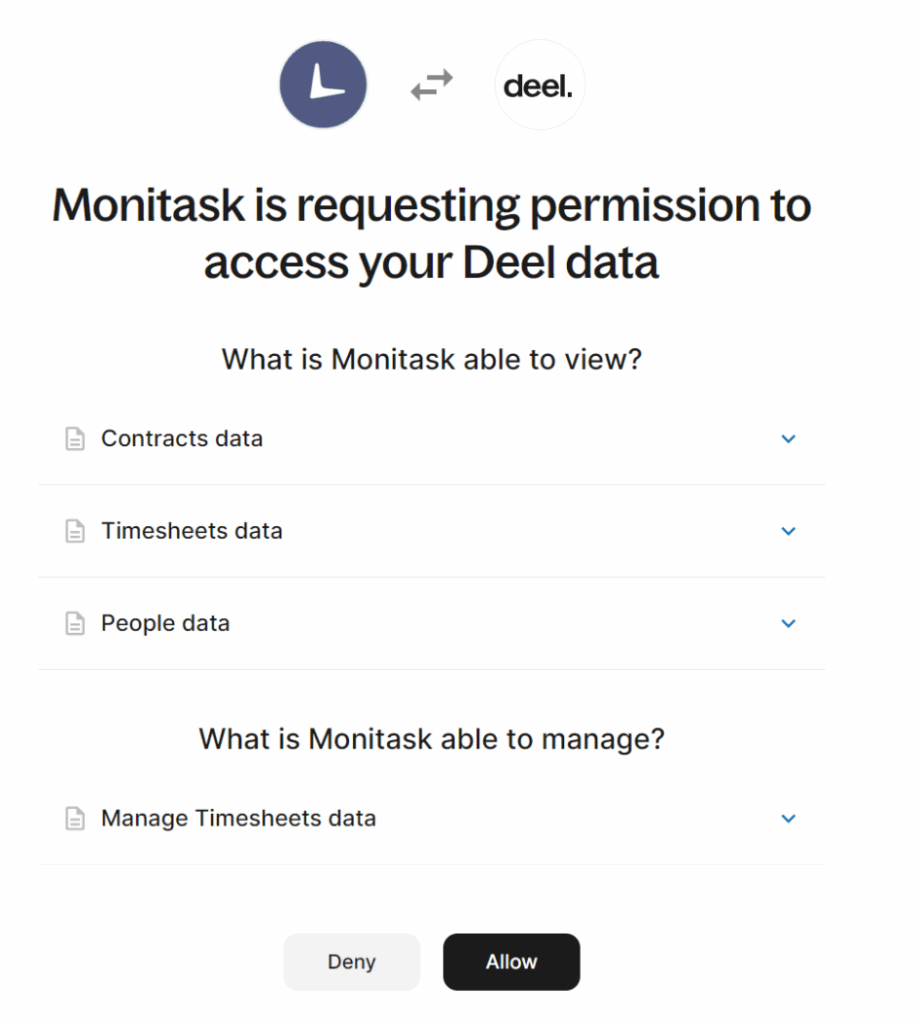
- Navigate Monitask integrations page https://app.monitask.com/integrations and click on the “Add” button near Deel integration. You will be redirected to Deel:

- Authenticate in your Deel account and grant Monitask requested permission. You will be redirected to integration configuration page
- Specify connection between Monitask and Deel users and submit the form. You will be redirected to Deel Synchorinization page.
Configuration requirements
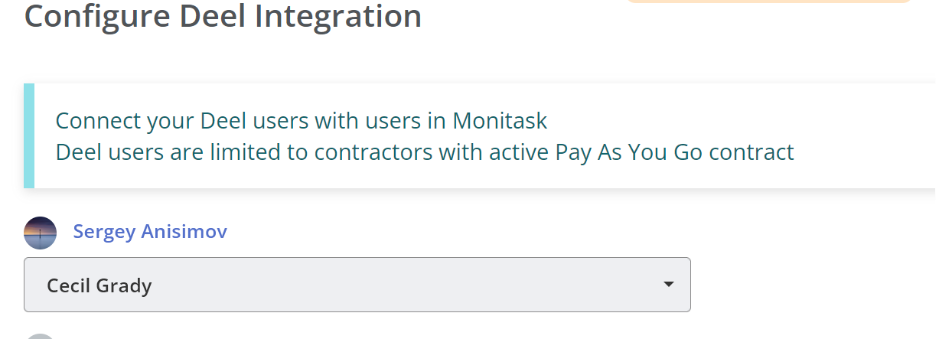
Sync Deel to Monitask
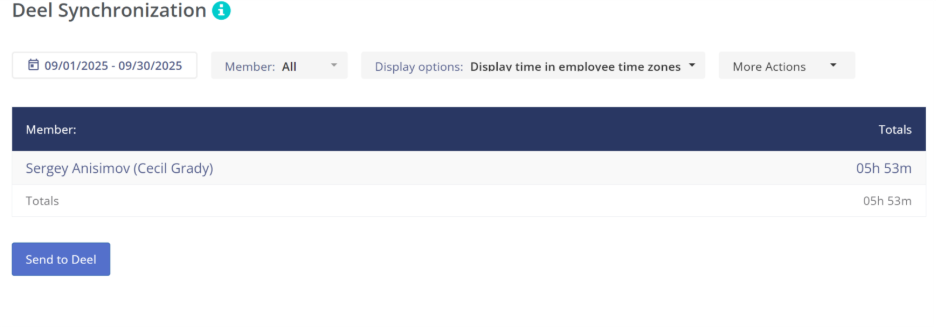
On the Deel Synchorinization page you can send Monitask time to Deel and process payouts there. Select needed time range, users, display options if required and click on the Send to Deel button. You will be asked to confirm the action, click Yes, Send to Deel:
Contractor pending submissions
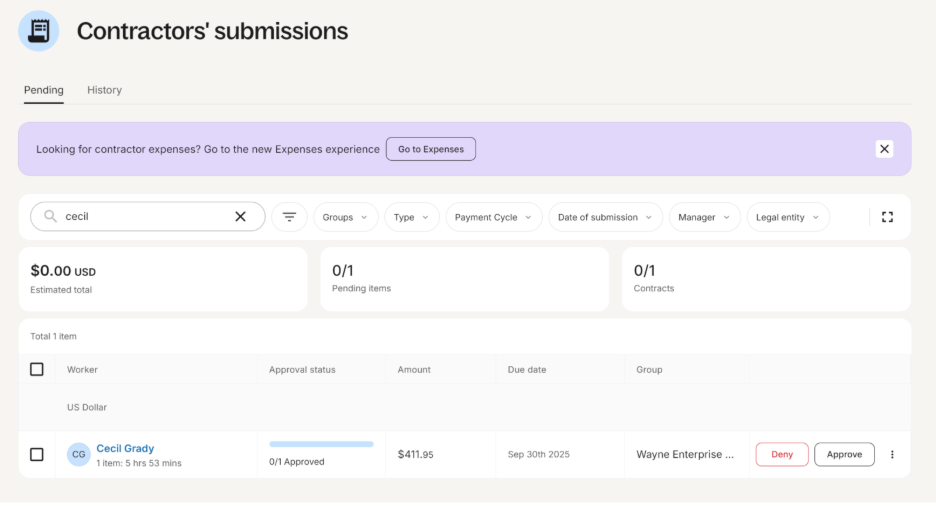
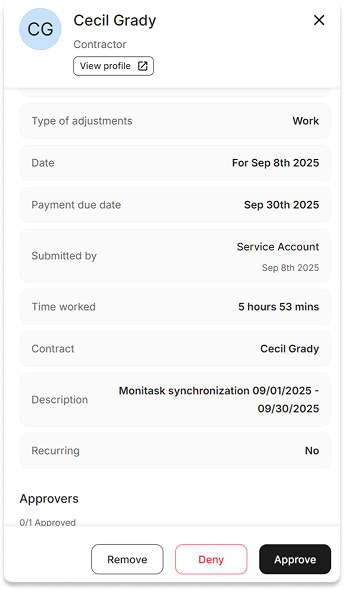
You will find the synced time on Contractors’ pending submissions Deel page :
Contractor Approval
And you will be able to Approve or Deny it there:
Now you can sync your time to Deel at any moment.