Trusted by Thousands of Users

4.8/5 (149 reviews)
4.8/5 (149 reviews)

4.8/5 (150 reviews)
4.8/5 (100 reviews)
1000 + clients worldwide increase workforce productivity with Monitask





How Can I Start Time Tracking?
Step 2
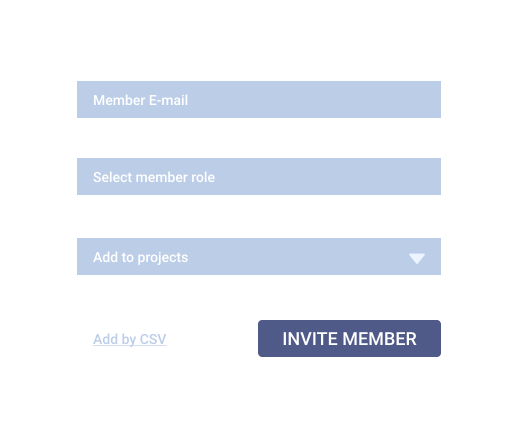
Invite employees and remote workers
Click “Invite your team” from the dashboard and add your team members’ email addresses. You can add an unlimited number of employees to your account.
Step 3
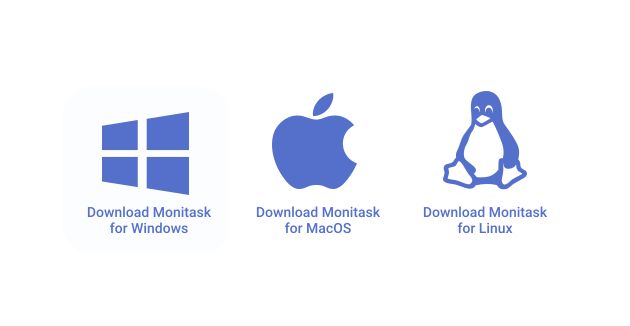
Ask employees to start tracking time using Monitask
Your team members will need to download the time-tracking app and start using it to track the time spent on work items. Company owners, administrators, and managers do not need to install Monitask, as data is accessible via the web-based real-time dashboard.
Step 4
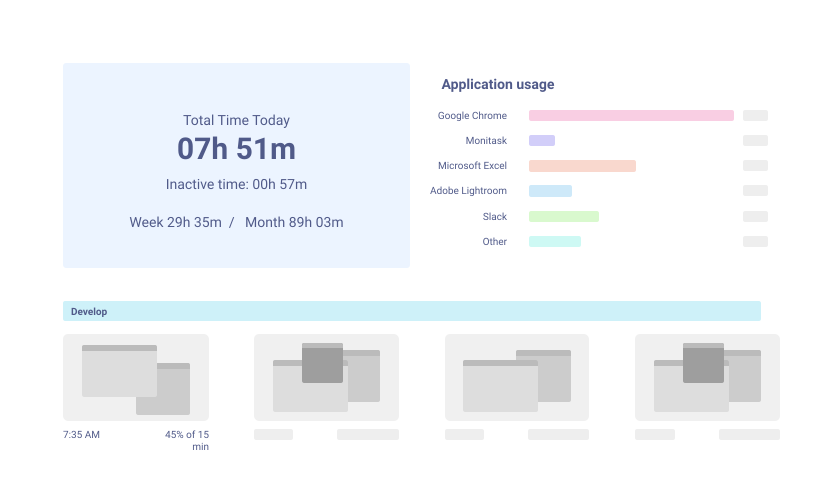
Review work hours and proof of work
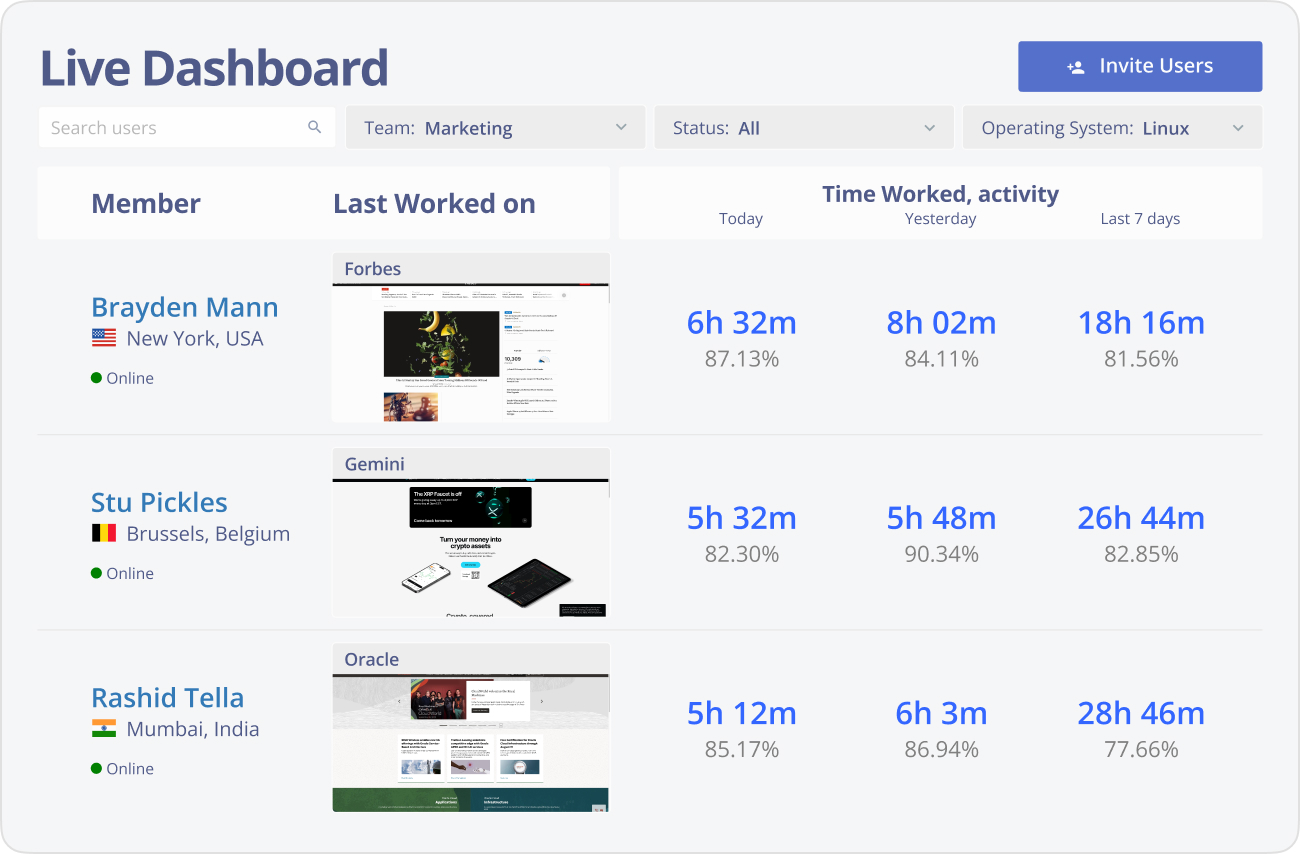
Use Live Dashboard to review online employees, their time entries, screenshots, activity levels, and internet usage.
Key Features of Monitask – Remote Employee Management Tool
Remote Employee Management
Effectively manage remote teams with full transparency, gaining real-time visibility into employee activities, task completion, and performance metrics.
Learn how to monitor remote workers efficiently, ensuring teams remain on track, accountable, and aligned with business goals, regardless of location. This is essential for any remote work system.
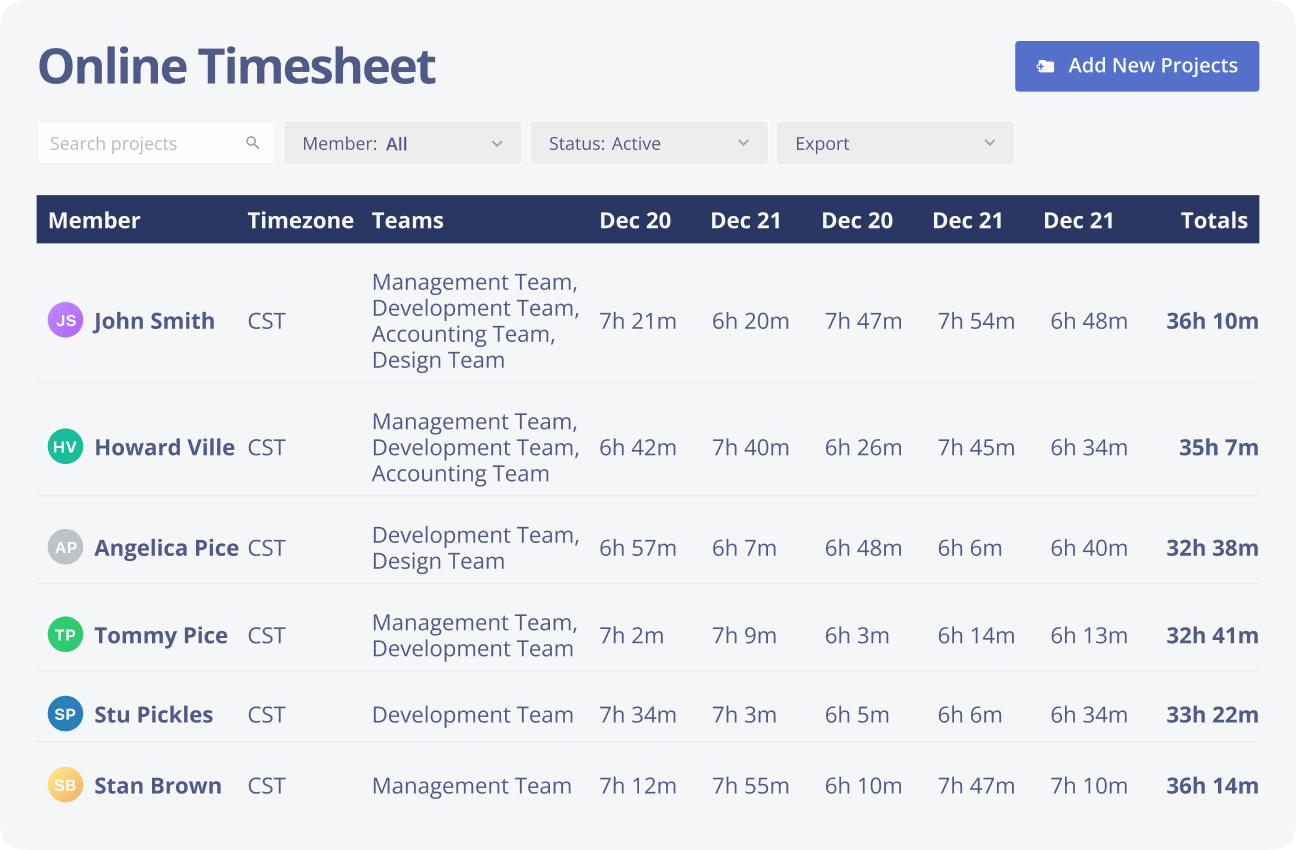
Time Tracking
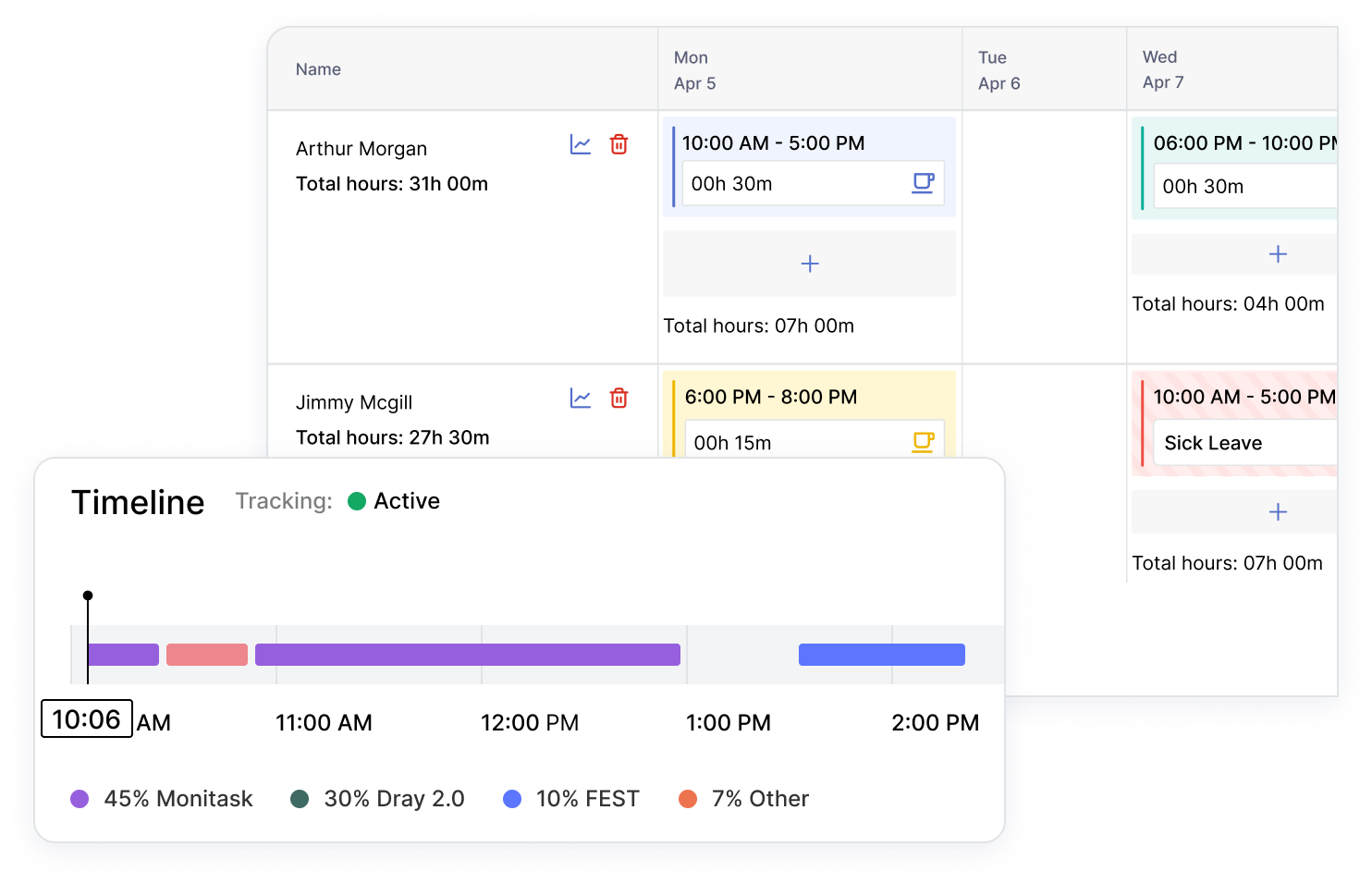
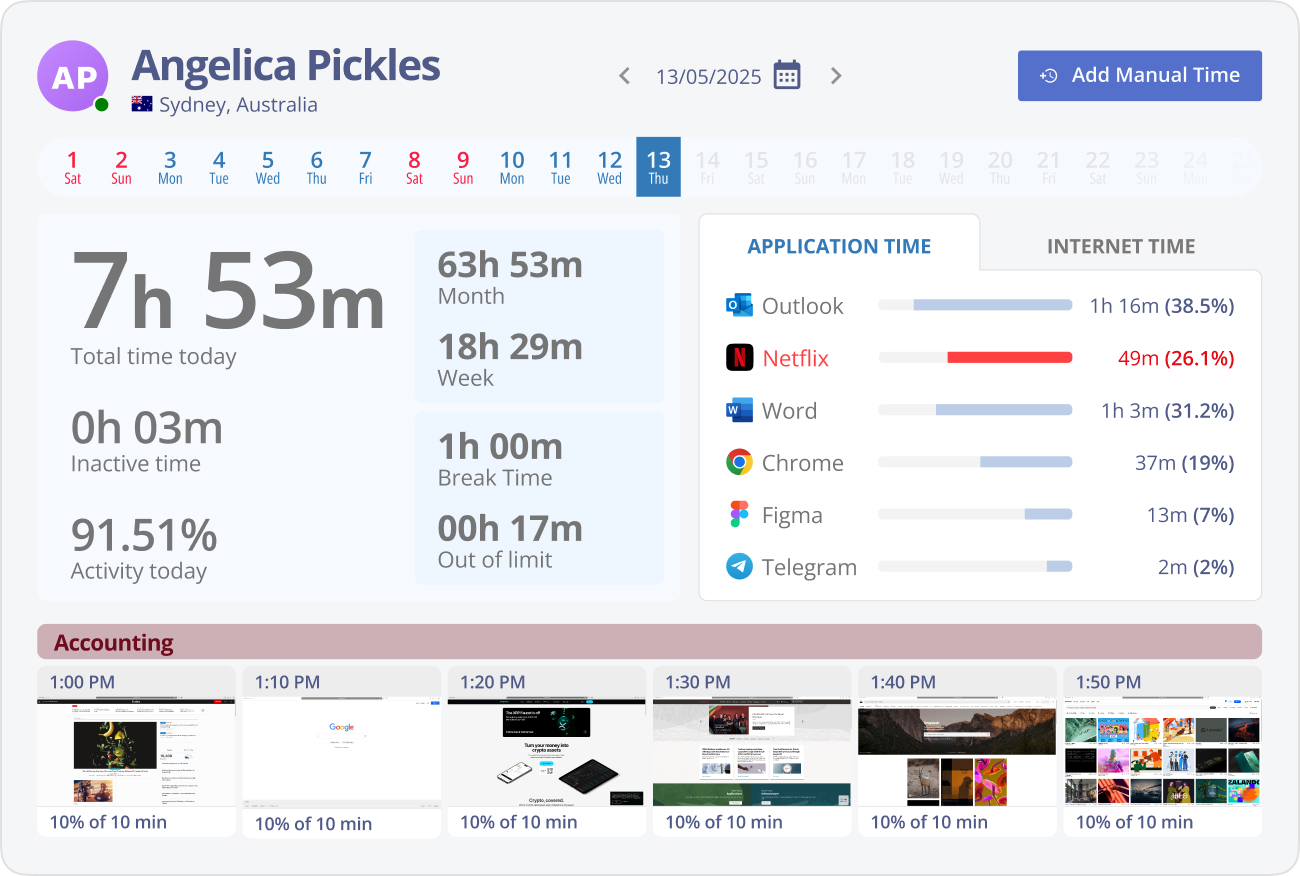
Monitask’s time tracking automatically records work hours and provides detailed insights into how time is spent on various tasks.
This feature helps streamline payroll, improve efficiency, and optimize resource allocation, making it a vital software for remote workers to ensure accurate work-hour tracking.
Viewing Apps Used by Your Team
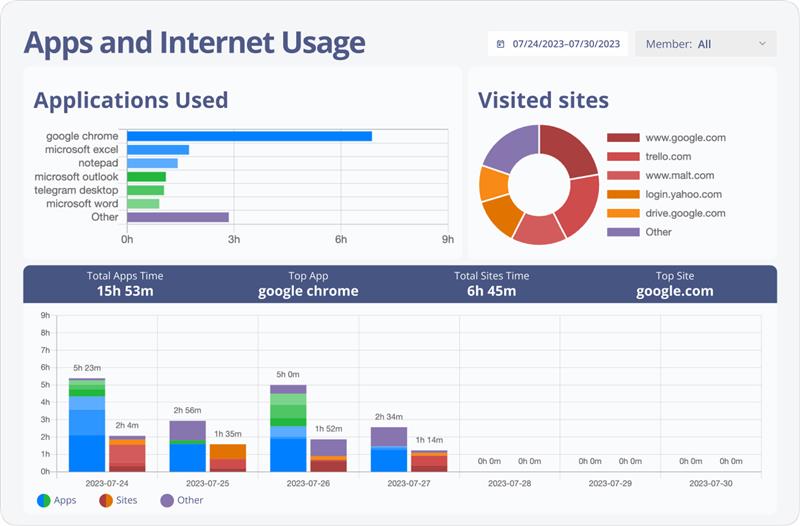
Monitor the applications your team engages with throughout their workday to better understand their workflow.
By knowing how to monitor remote workers and the apps they use, you can foster better focus and higher productivity, leading to improved project outcomes. It’s a critical part of any remote work system.

Capturing Screenshots
Monitask periodically captures screenshots of your team’s work to provide visual evidence of task progress.
This feature helps managers track work accuracy, verify completed tasks, and ensure employees remain engaged and focused during working hours—an important aspect of software for remote workers.
Viewing Statistics and Generating Reports
Access comprehensive performance statistics and generate custom reports to evaluate team productivity and identify potential areas for improvement.
These insights allow managers to make data-driven decisions and optimize workflows within their remote work systems, helping you boost overall team performance.
Benefits of Remote Workforce Management Software

Boosted Productivity
A remote employee management tool tracks activity to identify inefficiencies and improve workflow, boosting team productivity.

Smarter Decision-Making
Remote work software provides real-time data to optimize team performance and resource allocation for better decisions.

Higher Employee Engagement
Performance insights from Monitask help motivate employees and improve job satisfaction.

Better Resource Management
Ensure efficient task assignments to meet deadlines with Monitask, improving resource management.

Transparency & Accountability
Secure tracking in remote workforce management software fosters trust, transparency, and accountability across teams.

Compliance & Risk Reduction
Monitor work hours and attendance with remote employee management tools to stay compliant and avoid legal risks.