Monitask Clients





How Much Control Do I Have Over How My Employees Track Their Work Hours?
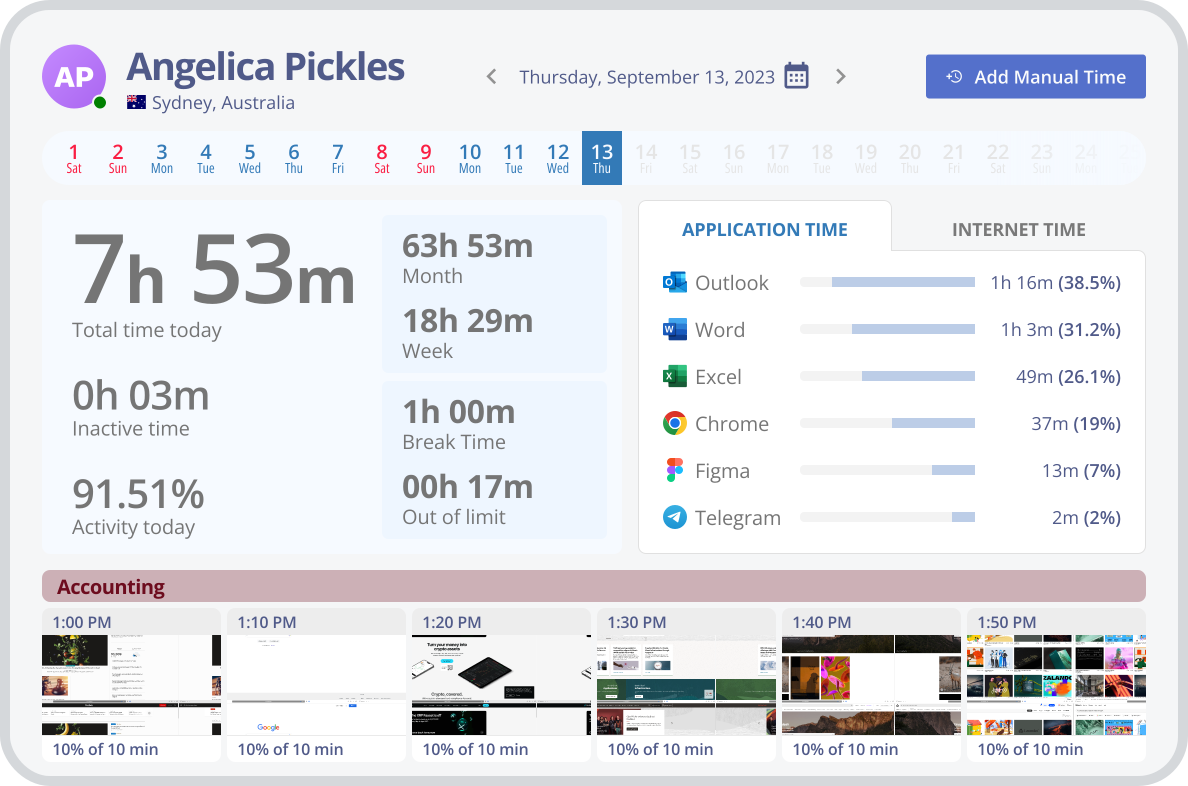
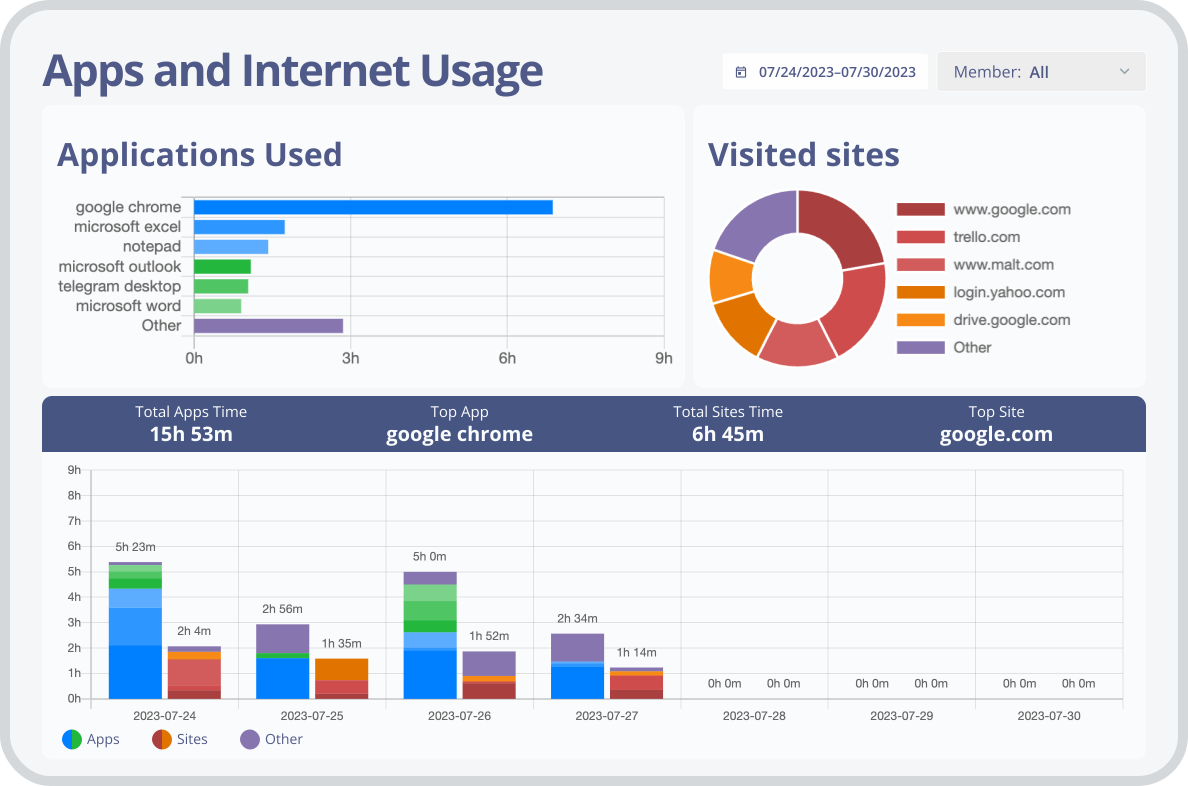
Monitask hidden employee monitoring software allows you to track employee activity on their computers without them knowing. You can easily ensure that employees are following company computer activity and application usage policies by tracking what websites they visit and how long they spend using a particular application.
Monitask stealth monitoring capability helps you to identify any excessive bandwidth consumption across your network. If an employee is using a large amount of data for activities that are not related to work, you can take action accordingly.
The stealth feature of Monitask employee monitoring software helps you to track and analyze employee activity data in real-time. This information can be used to encourage employees to work more efficiently and eliminate any unnecessary activities that could potentially decrease their productivity.
As one of the best employee monitoring software, Monitask ensures that you can track and analyze employee activity without alerting the employees. This means that should any legal action arise, you will have all the necessary data at your disposal to prove that no wrongdoing was done on behalf of the company.
Monitask hidden employee monitoring software is perfect for businesses with remote workers. You can easily track employee computer activity remotely, without the need to physically inspect each device. This allows you to ensure your remote employees are working as they should be and quickly identify any issues that may arise.
The stealth feature of Monitask’s tracking software helps you reduce costs by identifying any unnecessary apps and services that are being used. This can help you save money on software licenses and other costs associated with these services, maximizing company resources.
4 Top Features of Monitask Stealth Monitoring Software
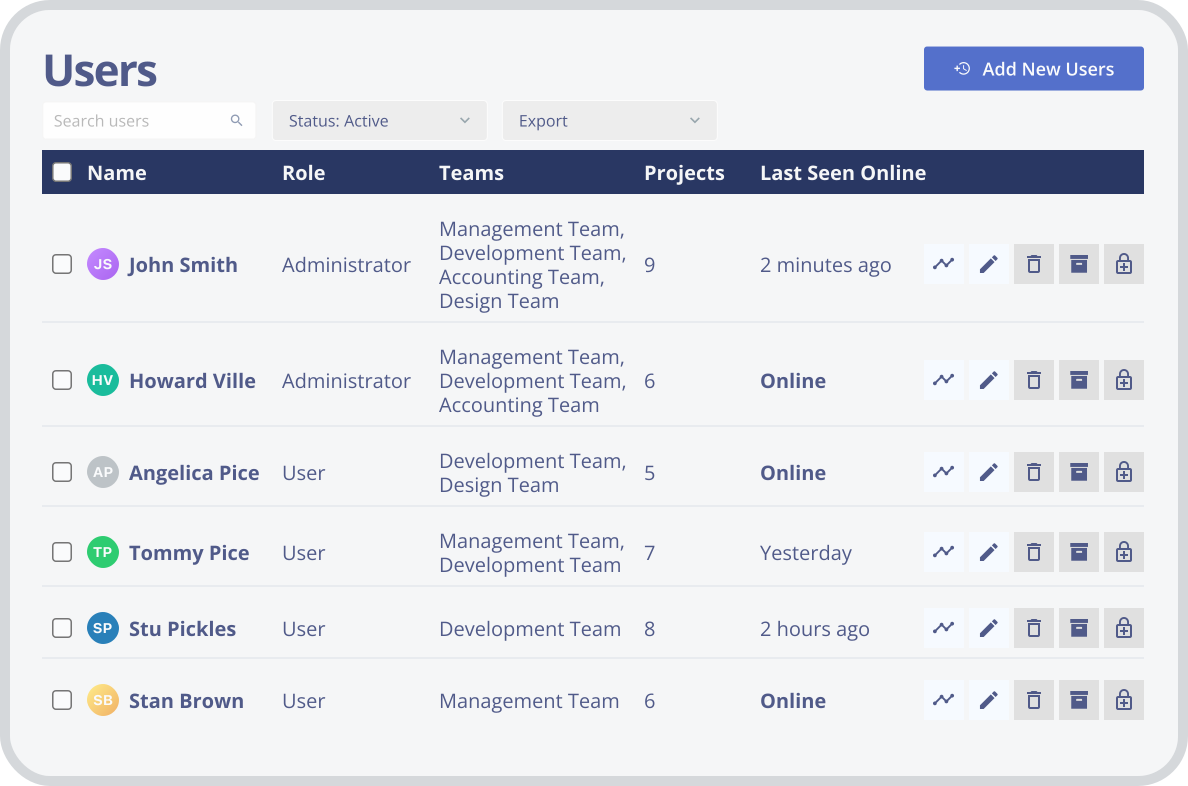
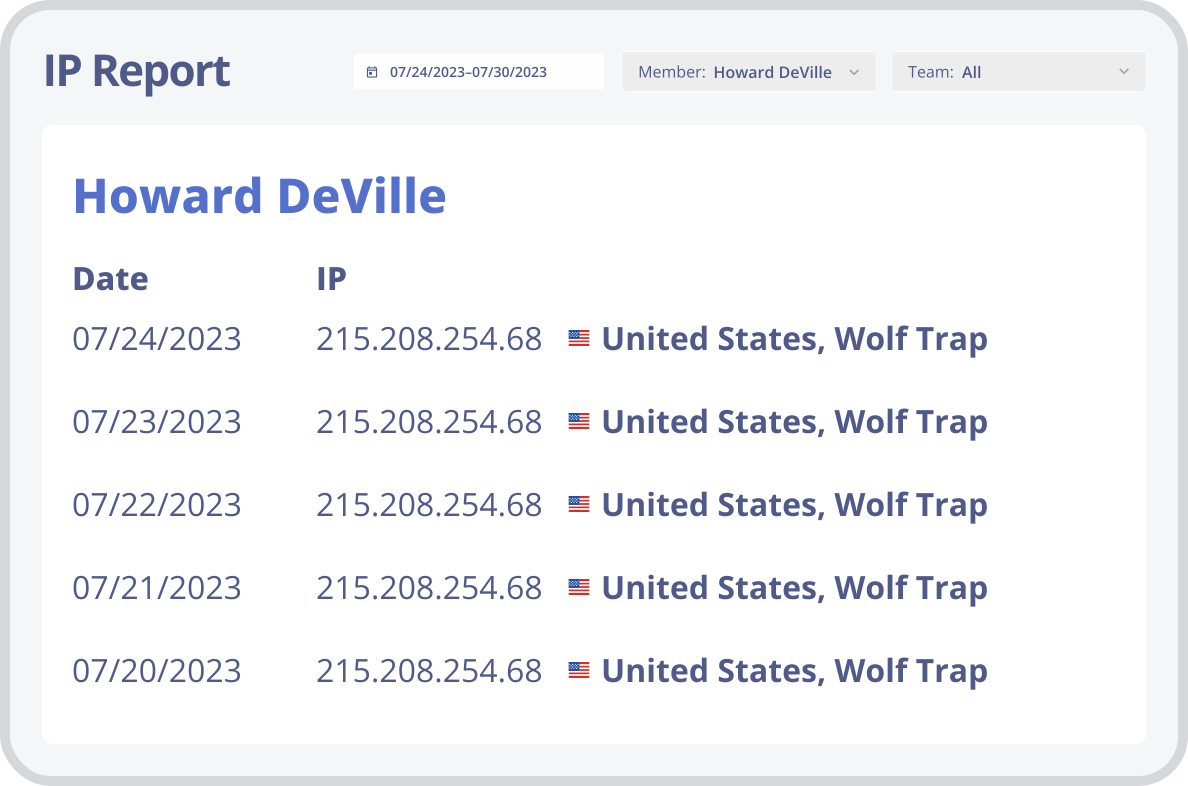
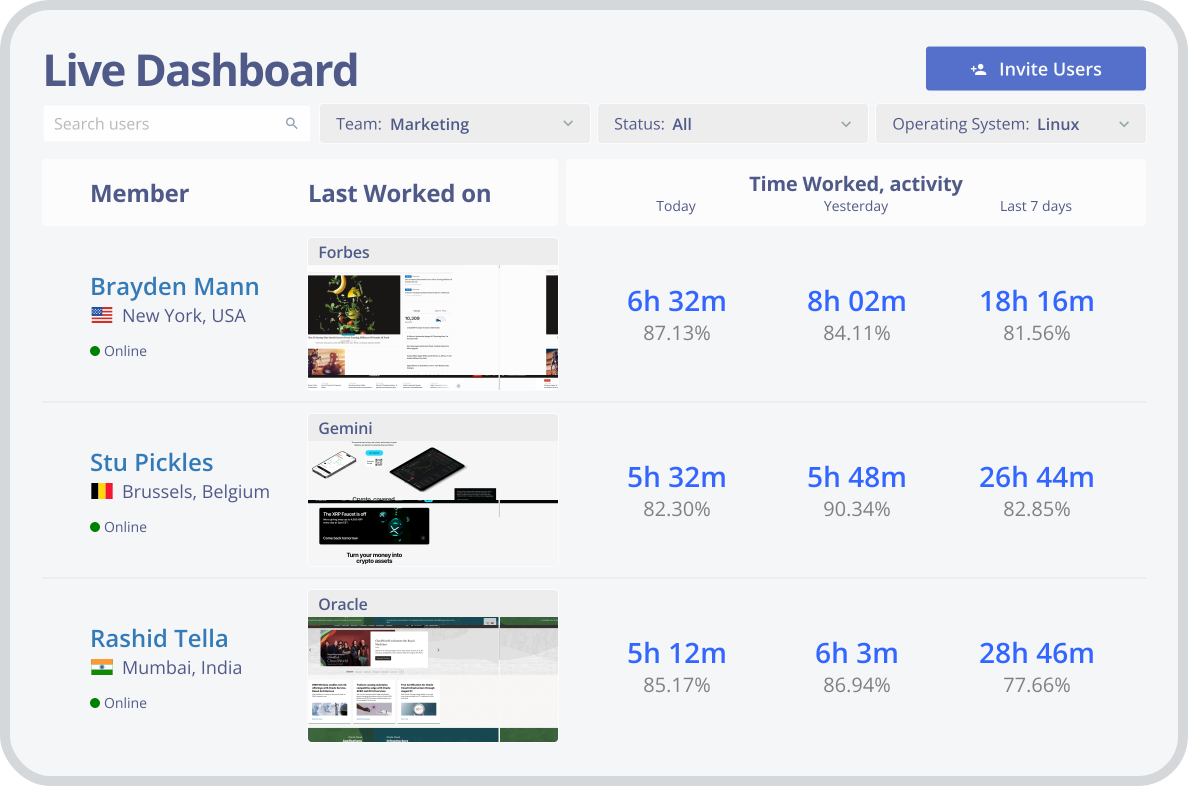
All Monitask Features. What Can Monitask Do for You?
Timesheets
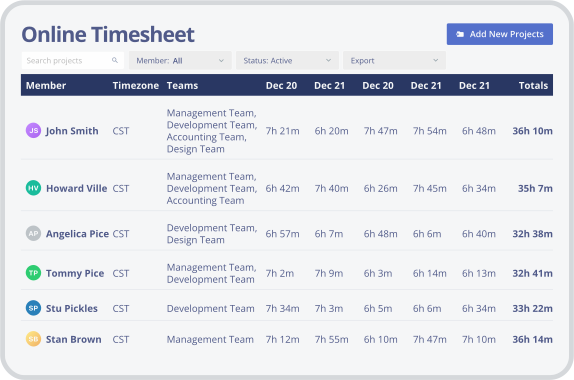
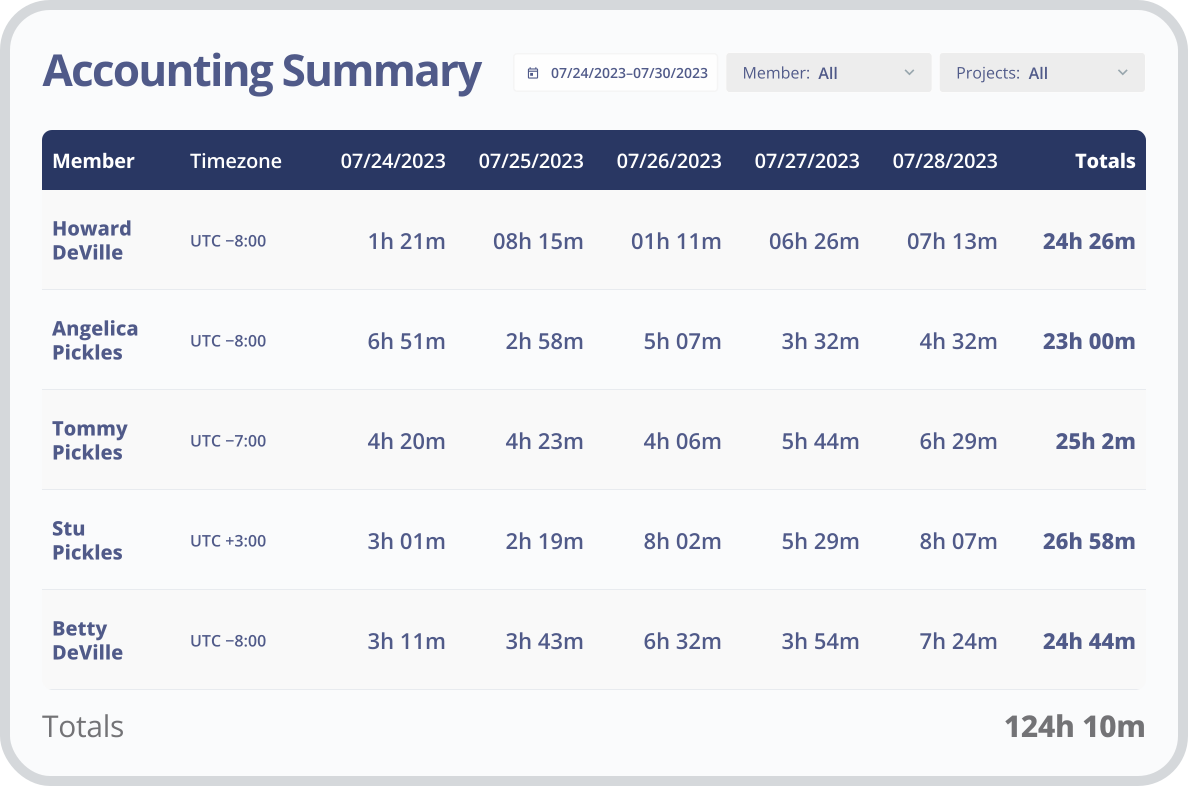
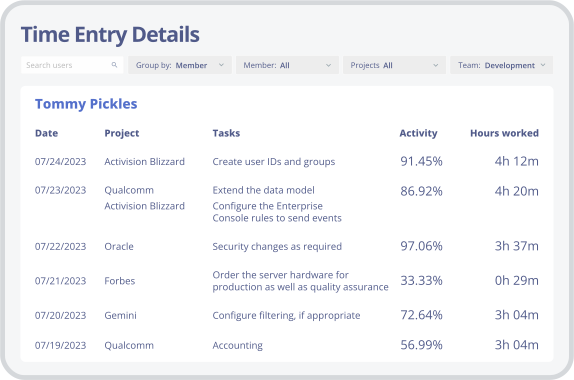
With its easy-to-use timesheets and flexible tracking options, Monitask makes it simple to stay on top of your work hours and billable tasks. Whether you’re tracking employee timesheets or managing your own time, Monitask makes it easy to see how much you’ve worked and what projects are taking up the most of your valuable time.
Track Productivity
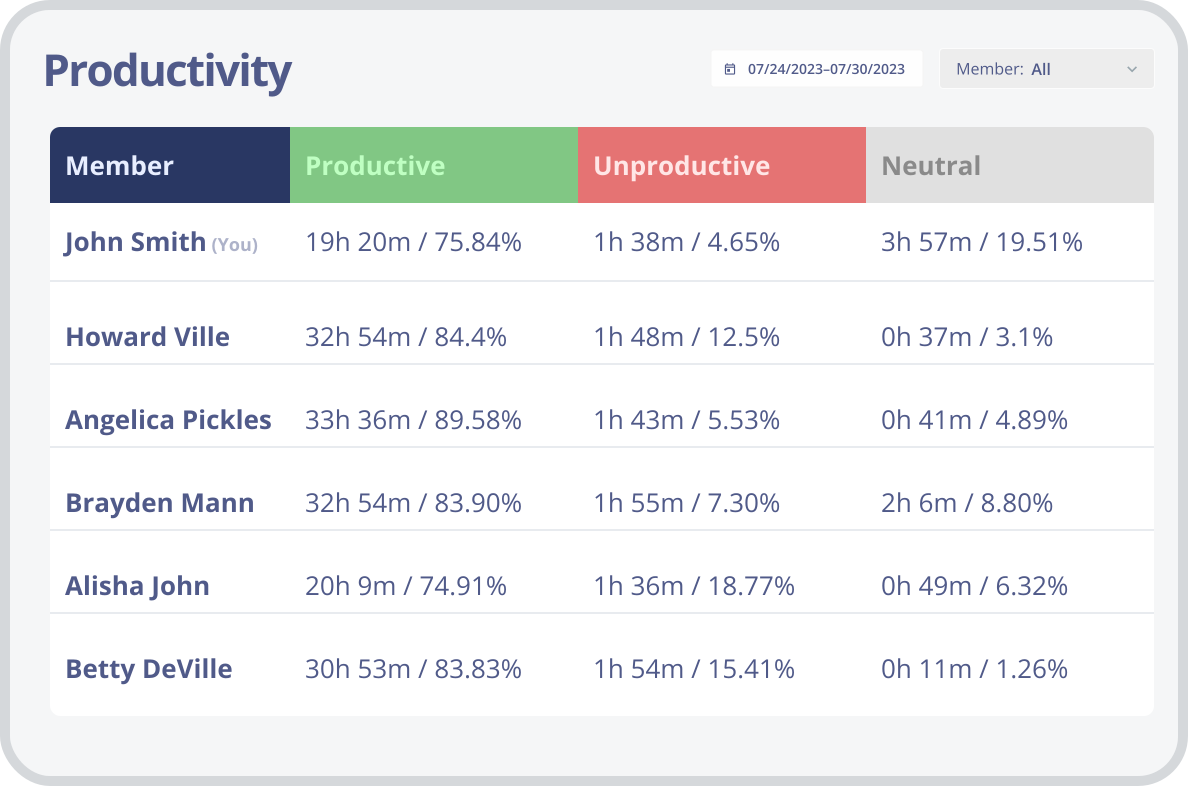
Monitask is a simple and effective way to track productivity and focus. By tracking which tasks are being completed, and how long they take, our software can help to identify potential loopholes and areas of improvement. By using Monitask, employees can increase productivity, and get a better understanding of time spent during working hours.
Billable Hours
If you bill your clients by the hour, it’s important to track work hours your employees spent working on each project. With our web-based employee monitoring solution, you can easily generate invoices and reports based on the hours worked, so you can get paid for the work you do.
Employee Scheduling
Whether you are a small startup or an established business, we can create a customized employee scheduling solution that meets your unique needs. Our intuitive online platform allows you to quickly create and manage employee time-off requests, shift management, and more.
Explore Monitask Features


Is Hidden Tracking of Employee Device legal?
Yes, hidden tracking of employee devices is legal if the company owns the computers used by users. In many jurisdictions, employers have the right to monitor their employees’ computer and application usage as long as they use work computers.
By owning the computers used by employees, the company has the right to monitor the use of those devices to ensure that users are utilizing them in a manner consistent with company policies and standards.