
Agency Time Tracking Software
Monitask is time tracking software for agencies: track hours by client and campaign, prove the work to clients with screenshots and see which retainers make money.
10-day free trial · No credit card required





Trusted by thousands of users










Why time tracking for agencies is hard to get right

Retainers that quietly overrun
A 20-hour retainer that takes 30 hours a month looks fine on the invoice and loses money every month.

Quotes based on gut feeling
Without data on past campaigns, every new proposal is either padded or underpriced.

Clients who ask what they paid for
"What did you do this month?" is hard to answer with a single line on an invoice.

Staff and freelancers on one team
In-house designers and outside contractors log time differently, if they log it at all.
Marketing agency time tracking from first brief to final invoice
Monitask tracks time per client, campaign and task, adds optional screenshots as proof of work and turns hours into client reports and invoices. It works for marketing, creative, digital, SEO, social media and web design agencies, with in-house staff, freelancers or both.
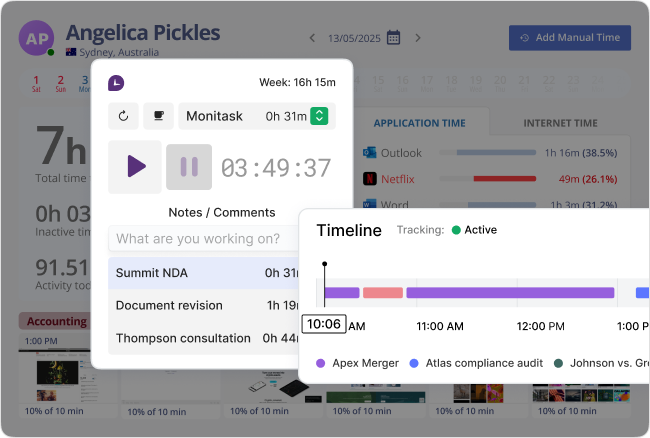
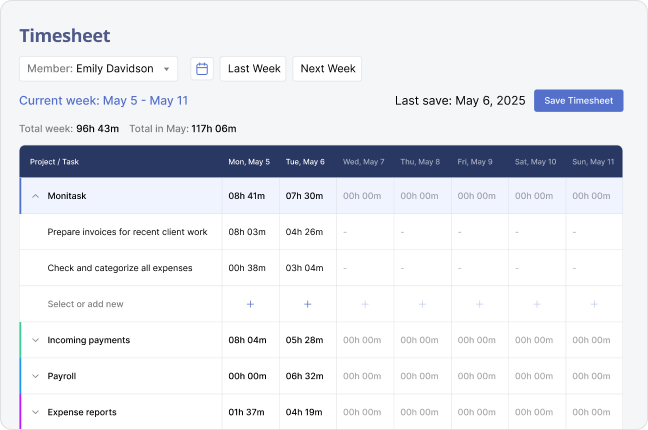
Track time by client, campaign and task
- A project per client, tasks per campaign
- One-click timer on desktop and mobile
- Manual entries for calls and workshops
See which retainers are really profitable
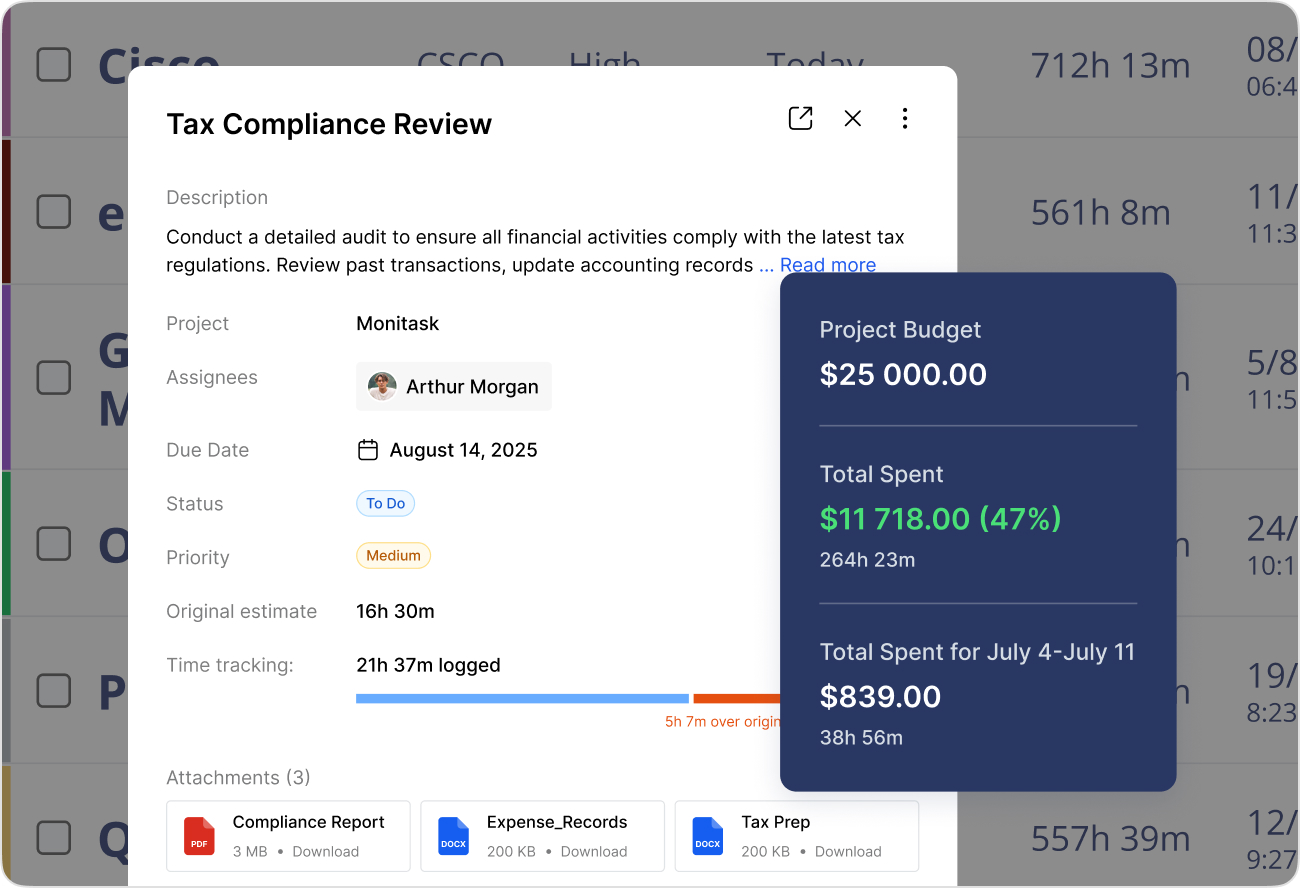
- Hours per client against the retainer
- Accounts that consistently run over
- Data for scope and fee conversations

Proof of work for clients and contractors
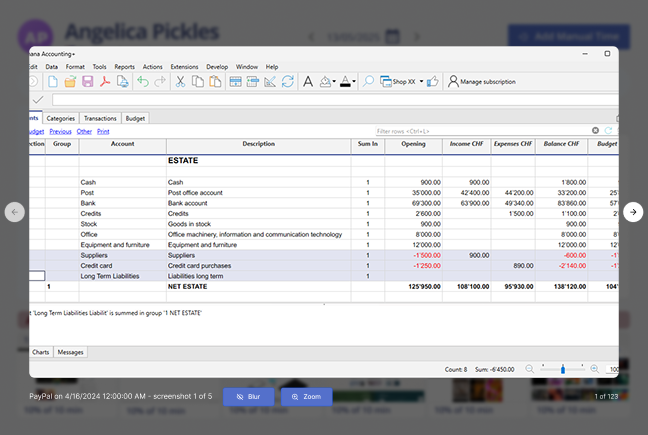
- Screenshots, activity and apps for every entry
- Contractor hours checked before you pay
- Smartblur for confidential client work
Quote new projects with real data
- Hours per type of deliverable
- Historical data for proposals
- Realistic deadlines and staffing

Client-ready reports and invoices
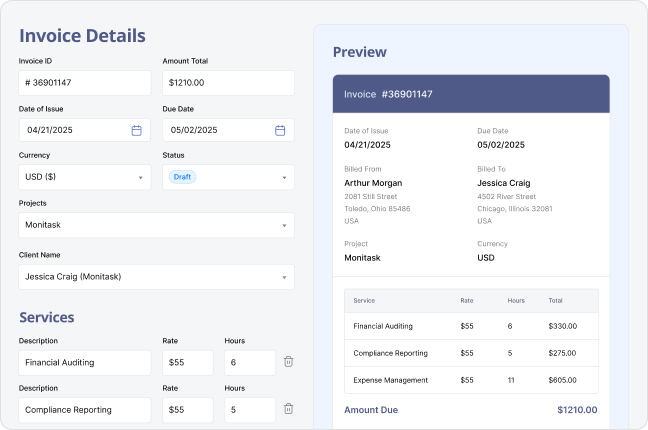
- Reports by client, project and person
- Exports for monthly client updates
- Invoices built from tracked time
Utilization across staff and freelancers
- Billable and internal time per person
- Capacity for the next account
- Per-project access for freelancers
Without Monitask vs with Monitask
Without Monitask
- Retainers that overrun without anyone noticing
- Proposals priced on gut feeling
- Monthly client reports built by hand
- Contractor hours nobody checks
With Monitask
- Hours per client against the retainer
- Quotes based on past projects
- Client reports exported in minutes
- Screenshots and activity behind every hour
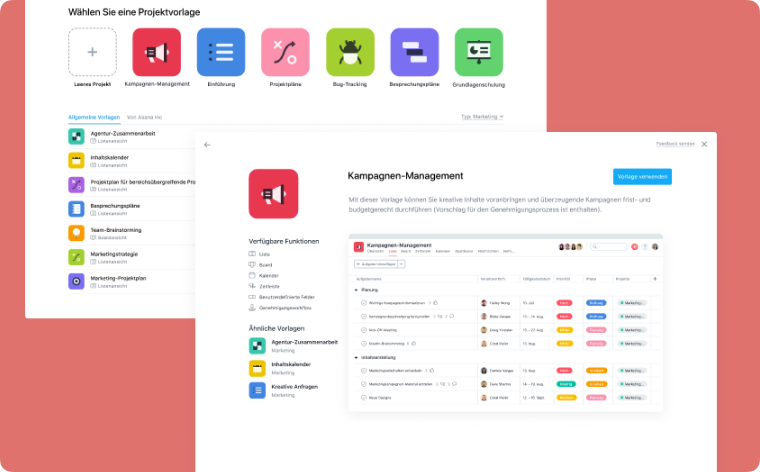
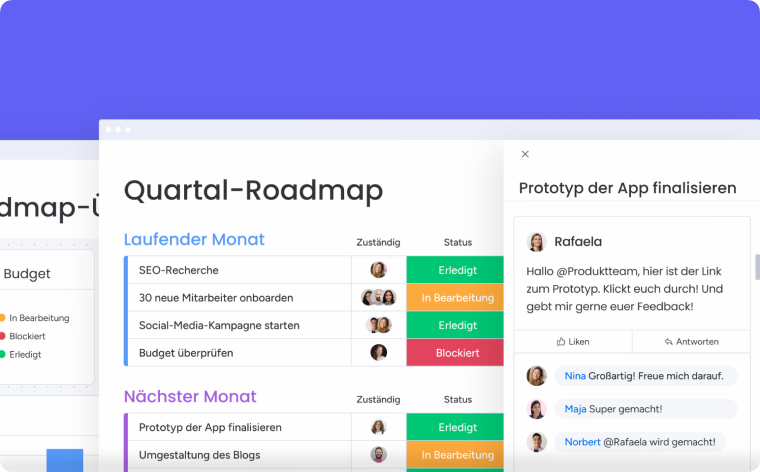
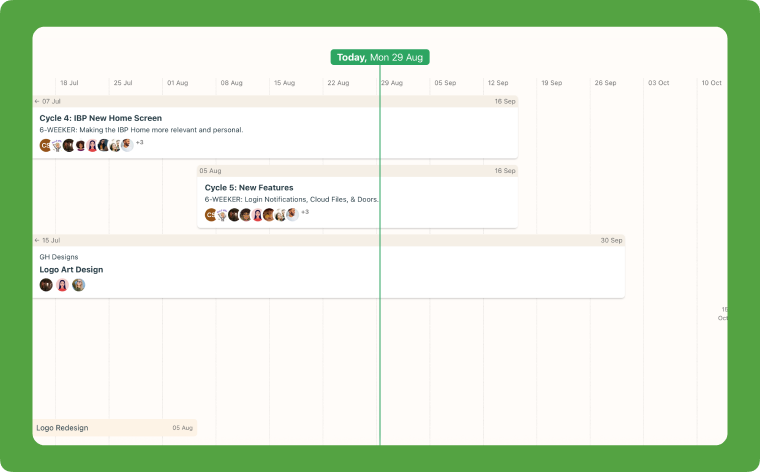
Connect your project tools



Privacy and security
Client work stays confidential: Smartblur blurs screenshots so campaign data and client details can't be read.
What Monitask records
- Time entries, timesheets and project or task assignments
- Optional screenshots at random intervals
- Activity levels, including keyboard and mouse activity
- Apps and websites used during tracked time
What Monitask never records
- Keystrokes, typed text or passwords
- Private messages and personal files
- Webcam, microphone or continuous screen recording
- Data from devices outside the tracked work account
Smartblur blurs sensitive details on screenshots. Monitask is GDPR-ready and has an EU representative through prighter.com.
How to start time tracking for agencies
-
Create your account
Start the 10-day free trial. No credit card needed.
-
Add clients and campaigns
Create a project for each client and tasks for each campaign or deliverable.
-
Invite staff and freelancers
Add your team and set monitoring and project access for each person.
-
Report and invoice
Send monthly client reports and invoices from tracked hours.
What agencies say about Monitask
"The features and functionality of Monitask is superb! I've used a lot of time trackers in the past but this one is what I loved the most. It has a clean and friendly interface so you won't have trouble using it if you're not to computer savvy. Keep it up, Monitask!"
As an entrepreneur, I often feel guilt that I'm not spending "enough" time working on various projects. Once I started using Monitask, everything became objective and my time has started to become more valuable.

Frequently asked questions about agency time tracking
What is agency time tracking?
Why do agencies need time tracking software?
How do I track time across multiple clients?
How can I tell if a retainer is profitable?
Can freelancers working for my agency use Monitask?
Is Monitask suitable for marketing, creative and SEO agencies?
Is there a free trial?
Start tracking your agency's billable hours today
10-day free trial. No credit card required.