
E-commerce Time Tracking Software
Monitask is time tracking software for ecommerce teams: track hours across support, listings, orders and marketing, verify remote assistants' work and see what each part of the store costs to run.
10-day free trial · No credit card required





Trusted by thousands of users










Why ecommerce time tracking matters

Labor cost hidden in the store
Support, listings and order processing all eat hours, but nobody knows which part of the business costs what.

Remote VAs you can't see
Amazon and Shopify sellers rely on virtual assistants abroad, with no record behind the hours they bill.

Peaks that break the team
Q4 and sales events double the workload, and overtime piles up before anyone notices.

Customer data on screen
Order details, addresses and payment info appear on every support agent's screen.
Time tracking software for ecommerce teams
Monitask tracks time by workstream, records activity and apps, adds optional screenshots and turns hours into timesheets and labor-cost reports. It fits Amazon and Shopify sellers, online stores and DTC brands whose support, catalog, marketing and operations teams work at a computer, in-house or remote.
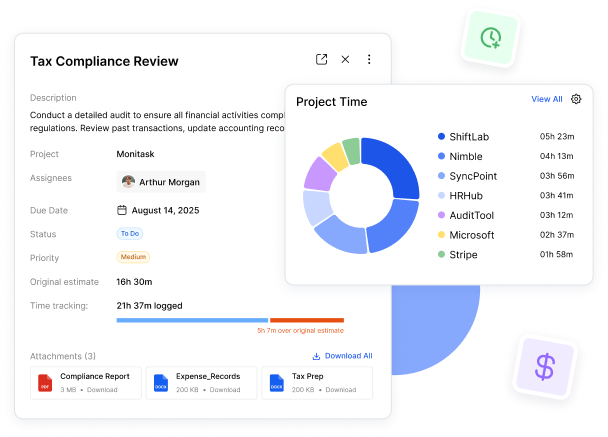
Hours by workstream: support, listings, orders, marketing
- A project per workstream
- Hours per workstream and person
- Weekly and seasonal comparisons

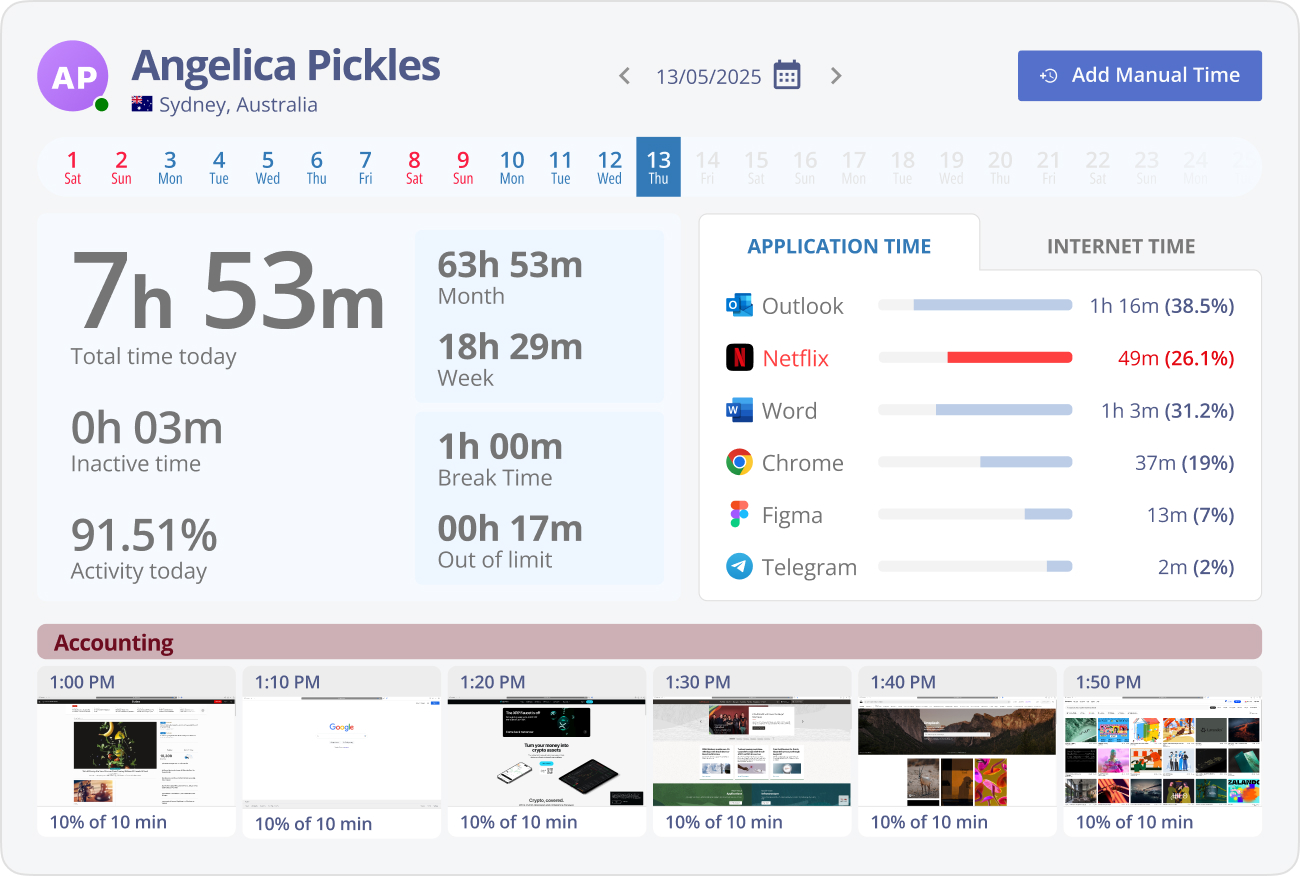
Proof of work for remote VAs and support agents
- Activity, apps and optional screenshots
- Mouse jiggler detection
- Smartblur for customer data
Plan for peaks with real data
- Month-by-month workload by workstream
- Staffing plans for Q4 and sales
- Overtime visible as it builds

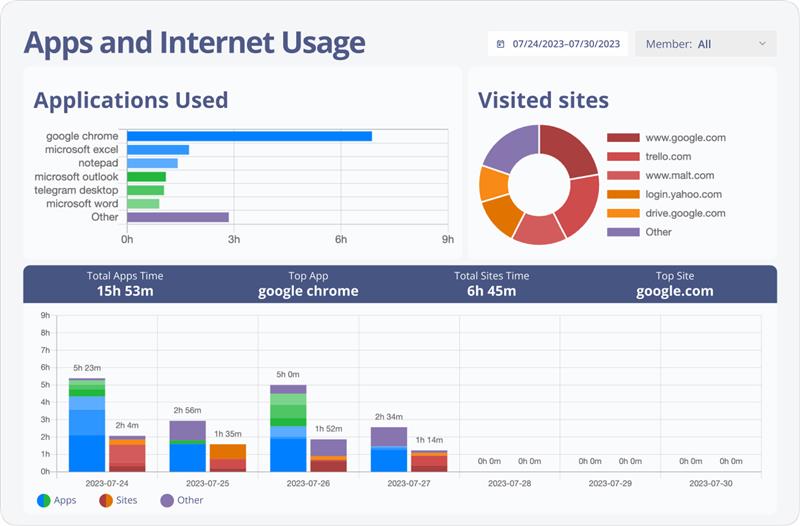
Ecommerce workforce management reporting
- Active and idle time per person
- Apps and websites used for each task
- Bottlenecks across the team
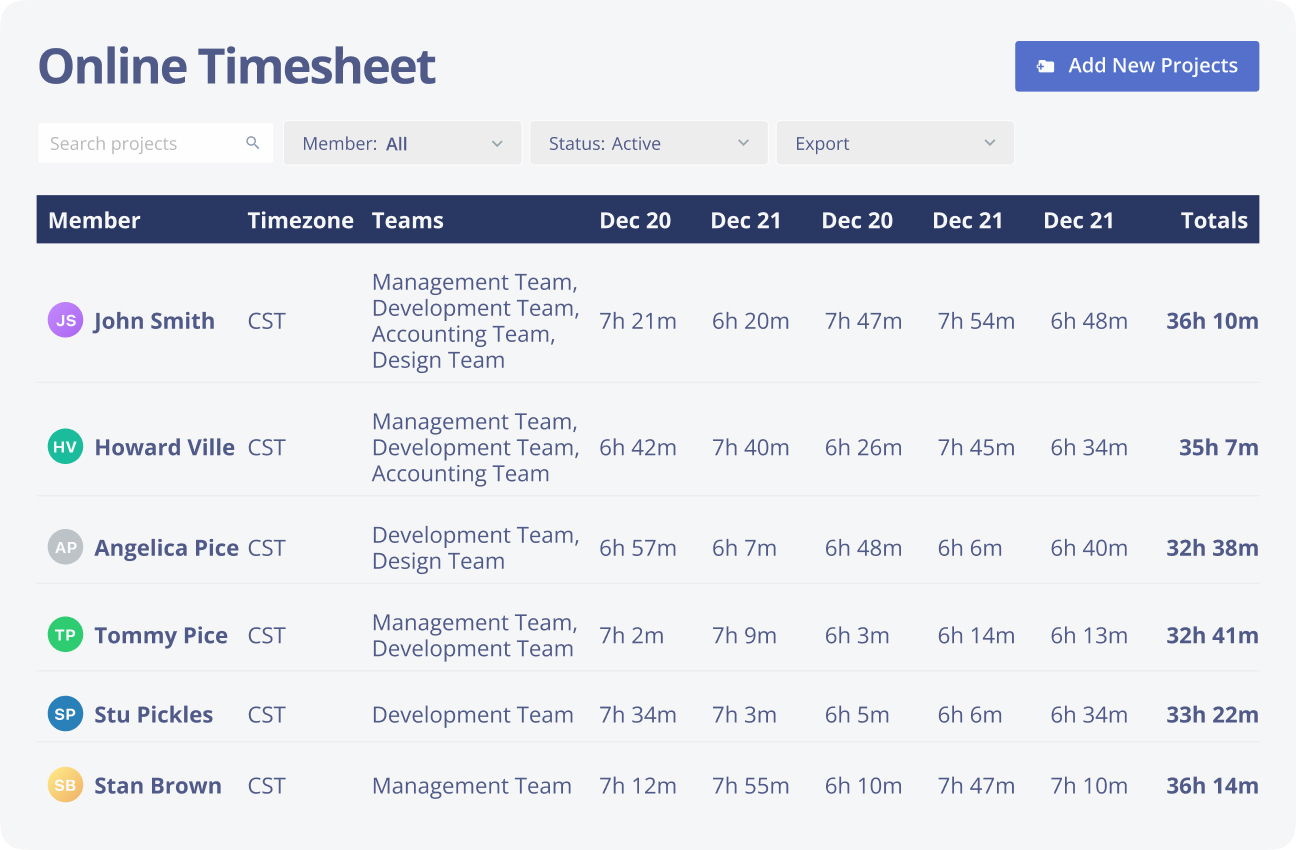
Timesheets, payroll and labor cost
- Online timesheets for payroll
- Labor cost per workstream
- Contractor hours you can check
Without Monitask vs with Monitask
Without Monitask
- Labor cost spread across the whole store
- VA hours taken on trust
- Q4 overtime discovered on payroll day
- Timesheets collected in spreadsheets
With Monitask
- Hours and cost per workstream
- Activity behind every VA hour
- Workload trends to plan peaks
- Online timesheets ready for payroll
Connect your project and accounting tools


Privacy and security
Customer data stays private: Smartblur blurs screenshots so addresses and order details can't be read.
What Monitask records
- Time entries, timesheets and project or task assignments
- Optional screenshots at random intervals
- Activity levels, including keyboard and mouse activity
- Apps and websites used during tracked time
What Monitask never records
- Keystrokes, typed text or passwords
- Private messages and personal files
- Webcam, microphone or continuous screen recording
- Data from devices outside the tracked work account
Smartblur blurs sensitive details on screenshots. Monitask is GDPR-ready and has an EU representative through prighter.com.
How to start ecommerce time tracking
-
Create your account
Start the 10-day free trial. No credit card needed.
-
Add workstreams
Create projects for support, listings, orders and marketing.
-
Invite your team
Staff and VAs install the desktop app and see their own hours.
-
Review cost and hours
Check timesheets and labor cost per workstream each week.
What e-commerce teams say about Monitask
"As a Sales and Marketing Manager on FBA Prep 4U. I am using Monitask 5 days a week because I need not extend 40 hours of my weekly working hour. Monitask made it easy for me to monitor time and show my productivity thru their screenshot features. It helps me to gain the trust of my boss who is also checking my timeline. I would highly recommend this software to my colleagues who are looking for reliable employee timesheet monitoring."

Frequently asked questions about ecommerce time tracking
What is ecommerce time tracking?
What should ecommerce tracking software show?
How do I track hours for Amazon or Shopify virtual assistants?
Does Monitask work for warehouse staff?
Does Monitask integrate with Shopify or Amazon?
Is there a free trial?
Start tracking your store team's time today
10-day free trial. No credit card required.