
Time Tracking Software for Virtual Assistants
Monitask is time tracking software for virtual assistants and the people who hire them: VAs track hours by client and task, clients see activity, optional screenshots and timesheets they can trust.
10-day free trial · No credit card required





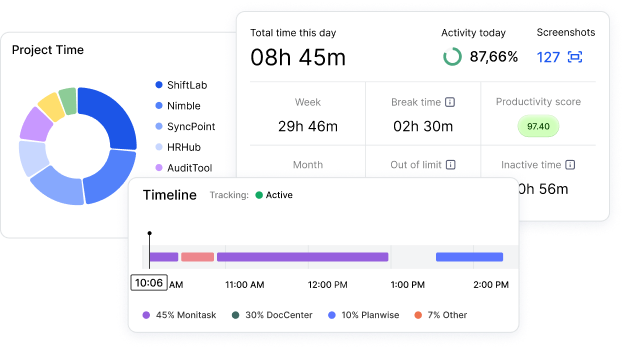
Trusted by thousands of users










Why hiring a virtual assistant needs proof of work

Hours billed, work unseen
Your VA bills 40 hours a week from another time zone, and all you see is the invoice.

Mouse jigglers and fake activity
Cheap gadgets keep a computer looking busy, and a simple timer can't tell the difference.

Several clients, one VA
VAs juggle three or four clients, and hours slip between them without a clear record.

Trust that's hard to prove
Honest VAs lose clients because they can't show what they did with the time.
Virtual assistant time tracking for clients and VAs
Monitask gives virtual assistants a simple desktop timer and gives the people who hire them proof of what each hour contained: activity, apps used and optional screenshots. It works for a business owner with one VA, an agency managing dozens, and VAs who want to show clients honest hours.
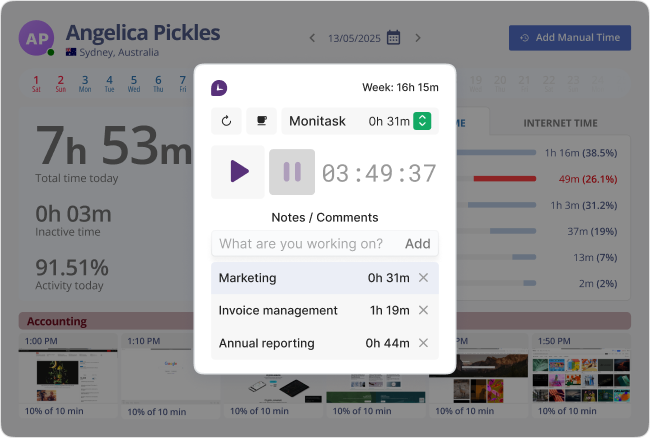
One-click timer by client and task
- Start and stop in one click
- Hours by client and task
- Each client sees only their own time
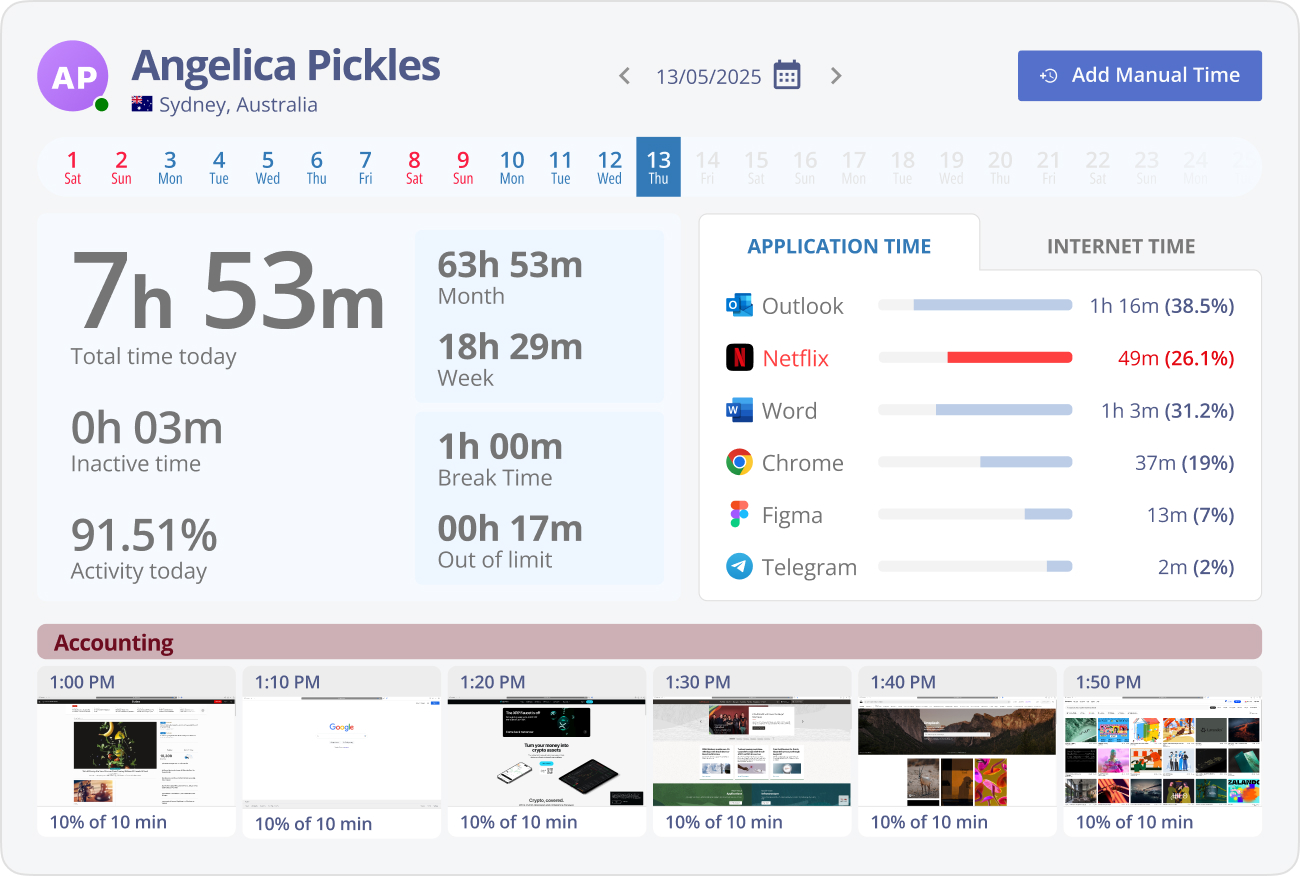
How to monitor a virtual assistant without micromanaging
- Daily timeline of each VA's work
- Apps and sites used per task
- Daily email summary
Mouse jiggler detection
- Flags simulated mouse activity
- Protects honest VAs
- Fair comparisons across your team
Virtual assistant timesheets and invoices
- Timesheets by day and week
- Hourly rates per client
- Invoices from tracked hours
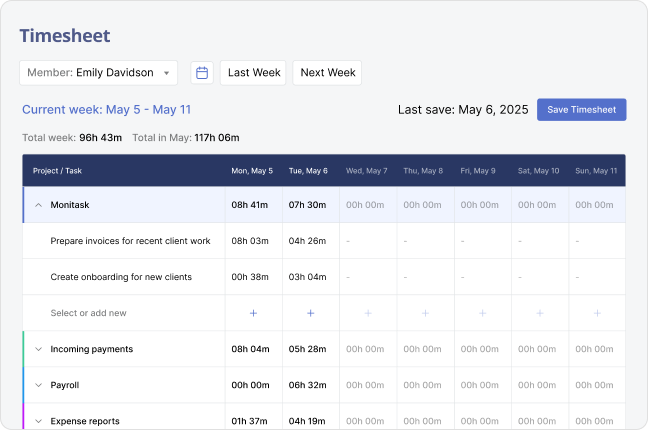
A VA time tracker that builds trust
- VAs see their own data
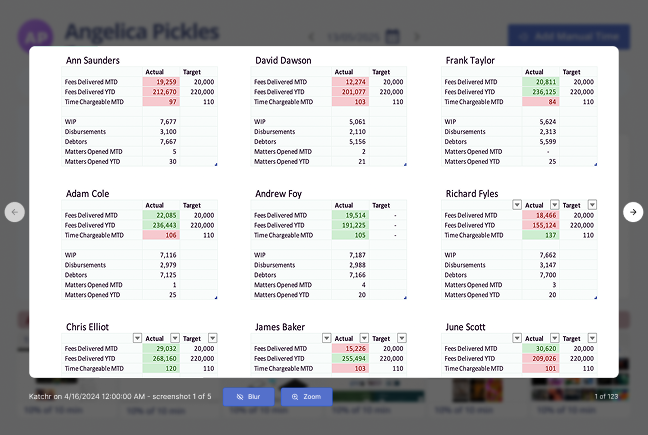
- Smartblur for client information
- No surprises for either side

For VA agencies managing many assistants
- All assistants in one dashboard
- Reports per client
- Billing from verified hours
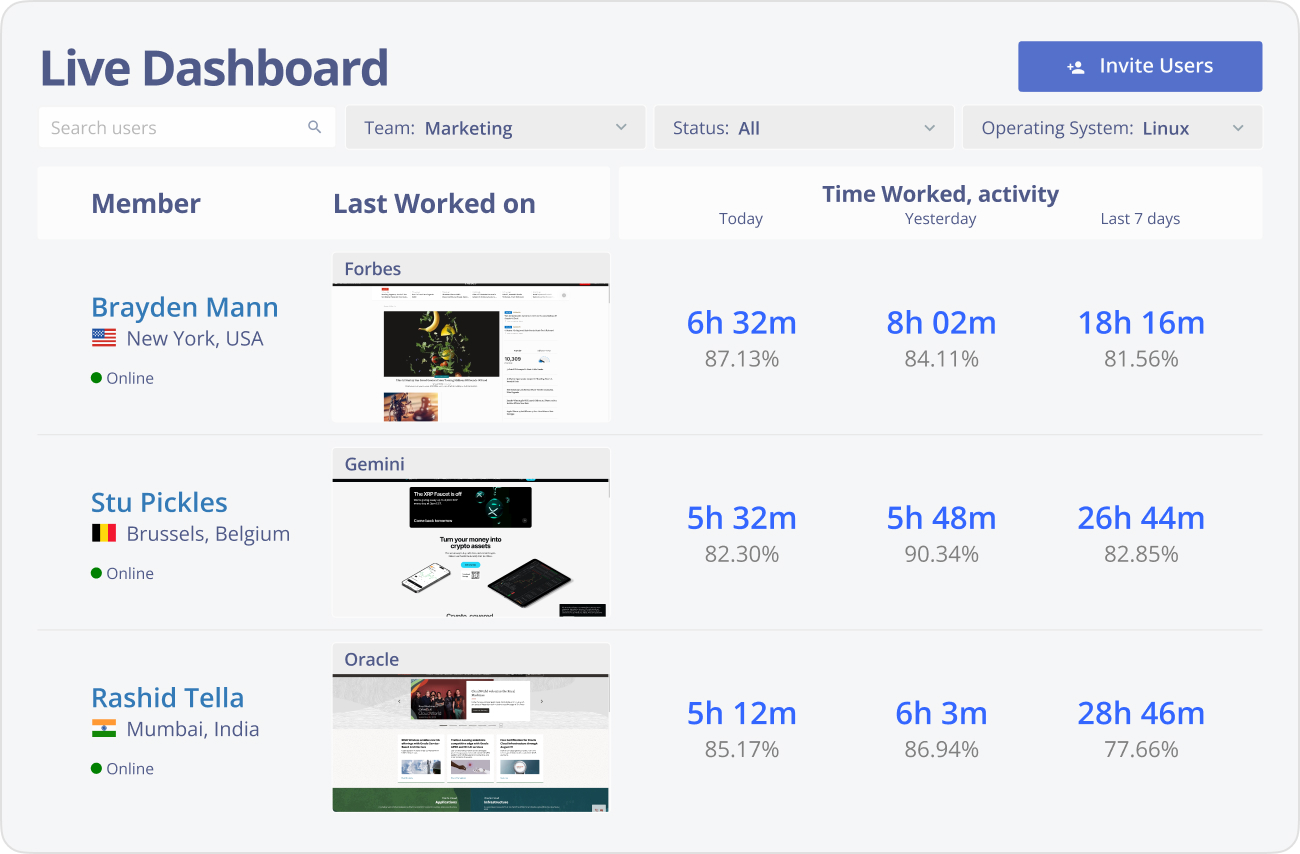
Without Monitask vs with Monitask
Without Monitask
- Invoices with nothing behind them
- Mouse jigglers that fake a full day
- Hours mixed across clients
- Honest VAs who can't prove their work
With Monitask
- Activity and screenshots behind every hour
- Simulated activity flagged automatically
- Hours tracked per client and task
- A record VAs can show any client
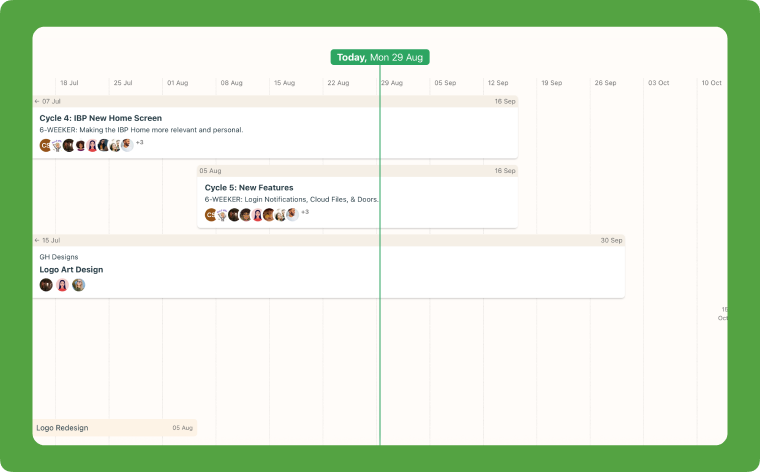
Connect your project and accounting tools


Privacy and security
Client data stays private: Smartblur blurs screenshots so emails and customer details can't be read.
What Monitask records
- Time entries, timesheets and project or task assignments
- Optional screenshots at random intervals
- Activity levels, including keyboard and mouse activity
- Apps and websites used during tracked time
What Monitask never records
- Keystrokes, typed text or passwords
- Private messages and personal files
- Webcam, microphone or continuous screen recording
- Data from devices outside the tracked work account
Smartblur blurs sensitive details on screenshots. Monitask is GDPR-ready and has an EU representative through prighter.com.
How to start virtual assistant time tracking
-
Create your account
Start the 10-day free trial. No credit card needed.
-
Add clients and tasks
Create a project for each client and tasks for recurring work.
-
Invite your VA
Your VA installs the desktop app on Windows, Mac or Linux.
-
Review and pay
Check the timeline weekly and pay from the timesheet.
Frequently asked questions about virtual assistant time tracking
What is virtual assistant time tracking?
How do I monitor a virtual assistant?
Can a virtual assistant fake hours in Monitask?
What is the best VA time tracker for virtual assistants themselves?
Can one VA track time for several clients?
Is Monitask free for virtual assistants?
Start tracking your virtual assistant's hours today
10-day free trial. No credit card required.