
Time Tracking Software for Designers
Monitask is time tracking software for designers and design teams: track hours per client and revision round, see time spent in each design tool and bill for the real effort.
10-day free trial · No credit card required





Trusted by thousands of users










Why time tracking for designers matters

Revision rounds nobody counted
The third round of "small tweaks" takes as long as the first concept, and the quote never covered it.

Fixed fees that hide overruns
A logo priced at 10 hours that takes 25 only shows up as a problem when the year's numbers come in.

Creative time is hard to explain
Clients see one final file, not the explorations and dead ends behind it.

Monitoring that feels like surveillance
Designers push back on tools that watch every second. They need tracking that respects how they work.
Time tracking for creatives that respects how designers work
Monitask tracks time per client, project and revision round, shows how long you spend in each design tool and turns hours into timesheets and invoices. It works for graphic, web, UI/UX, product, interior and fashion designers, art directors, motion designers and video editors, solo or in a team.
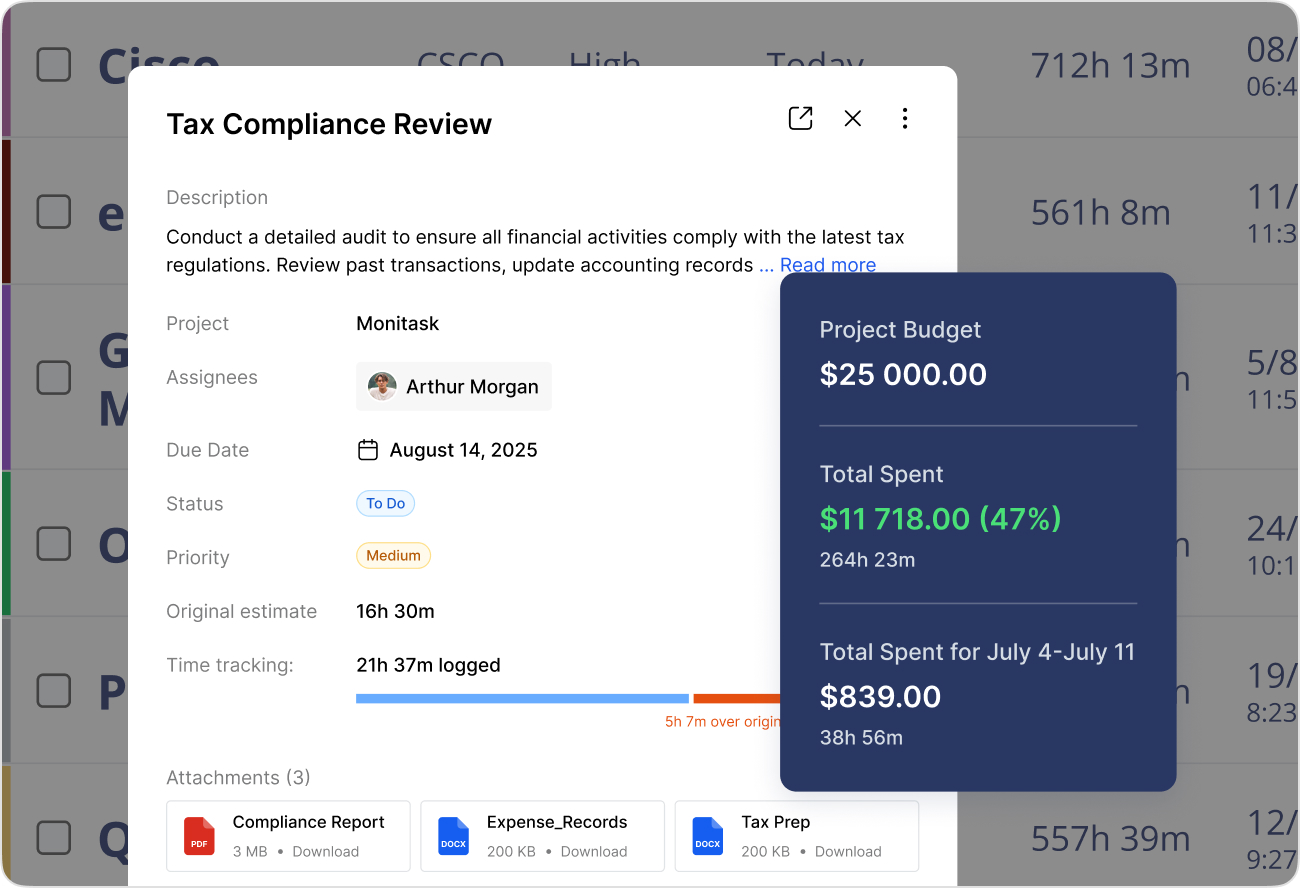
Track every revision round
- Tasks for each stage and revision round
- Extra rounds visible at a glance
- Numbers for change-request conversations
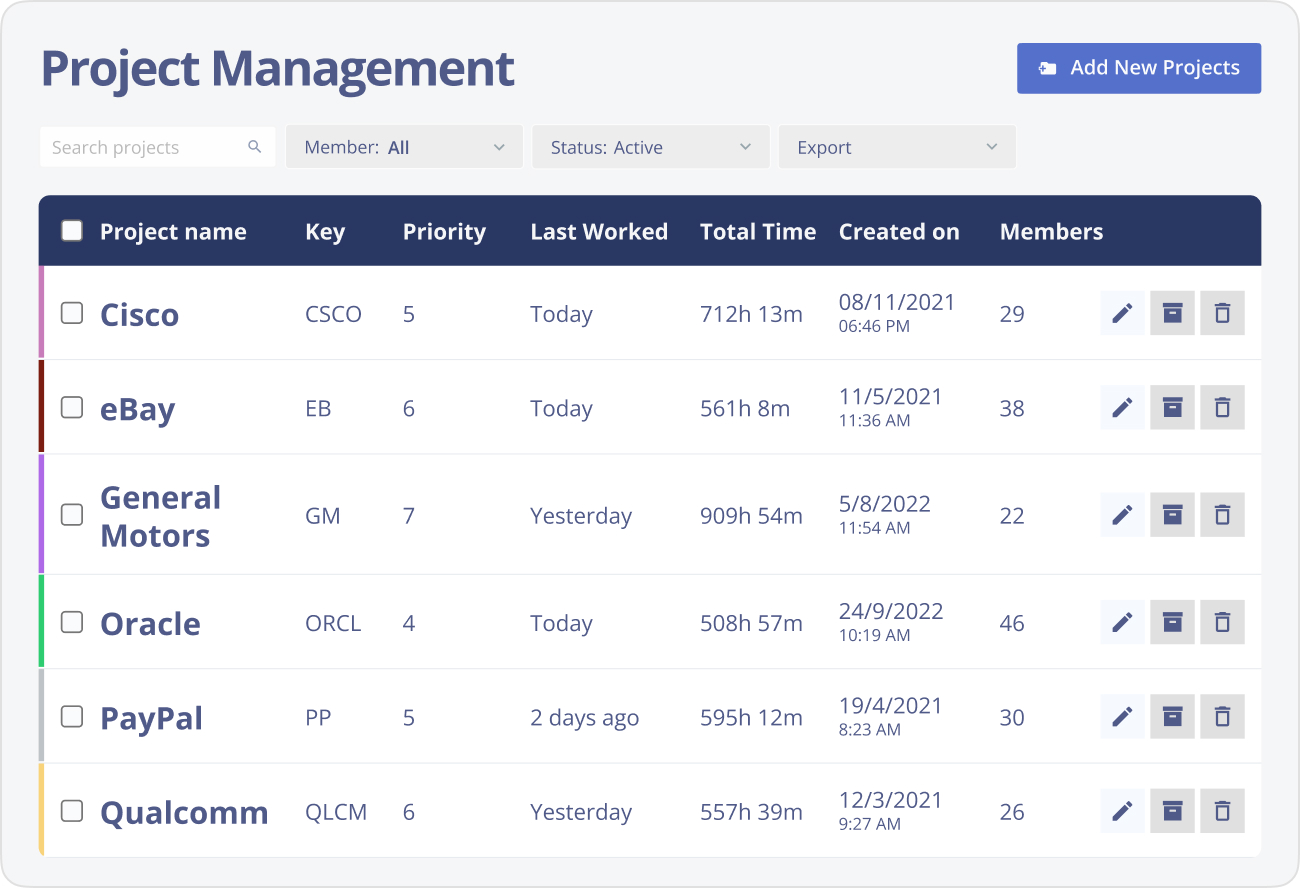
See time spent in Figma, Photoshop and other tools
- Time per app and website
- Production time by tool
- No manual logging of tool usage

Price fixed-fee projects with real data
- Hours per deliverable type
- Real effort behind fixed-fee quotes
- Data for hourly vs fixed-fee decisions
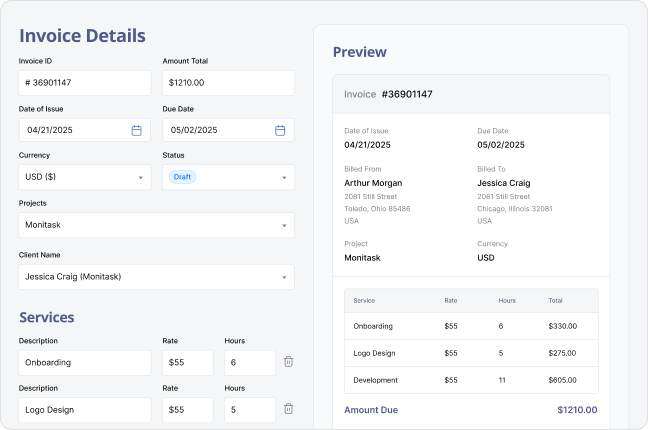
Timesheets and invoices for design clients
- Hourly rates per client or project
- Invoices built from tracked time
- Timesheets that show the work behind the file
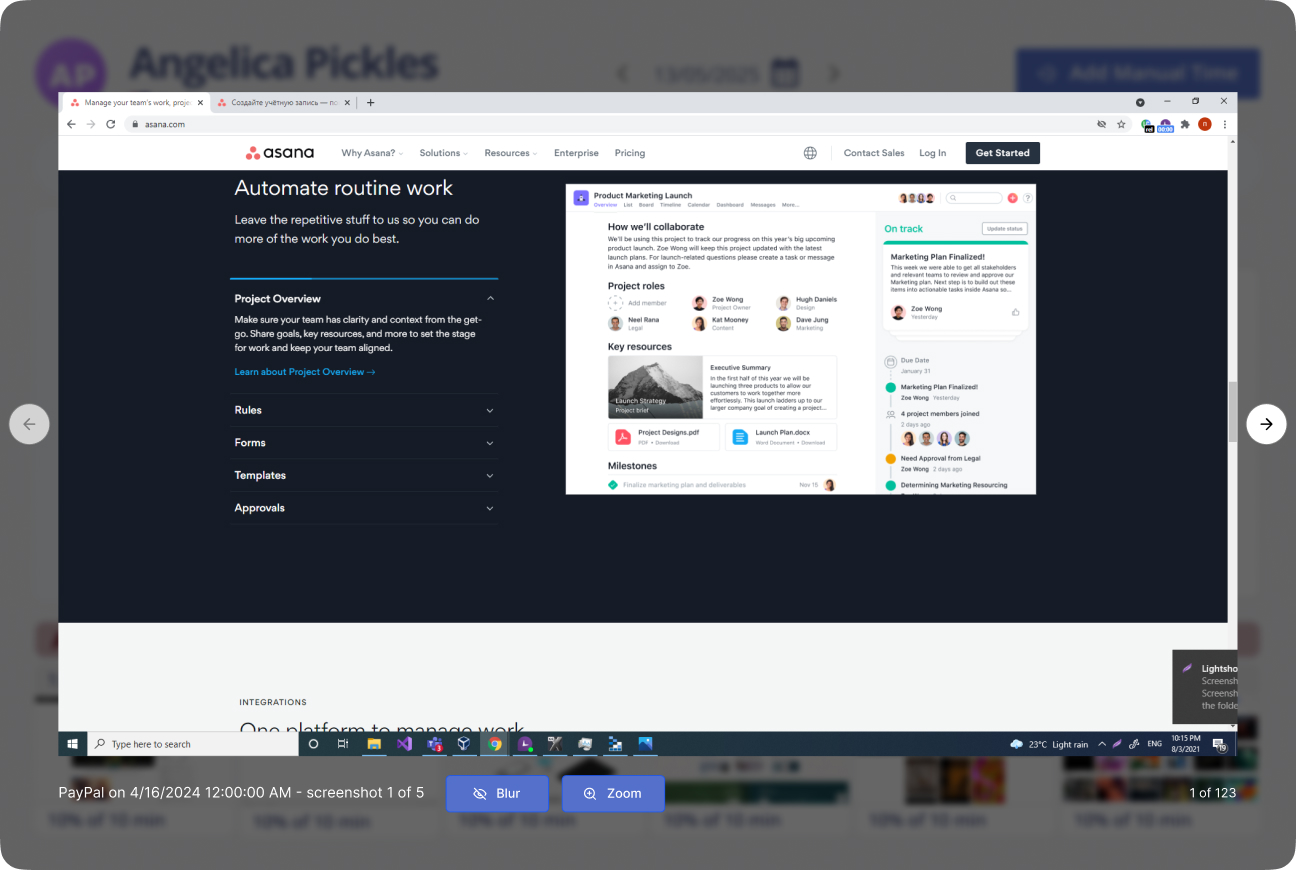
Proof of work you control
- Screenshots on or off per person
- Smartblur for work under NDA
- Designers see their own data

Design teams time tracking for studios and in-house teams
- Hours per client and designer
- Capacity for the next brief
- Effort per product for in-house teams
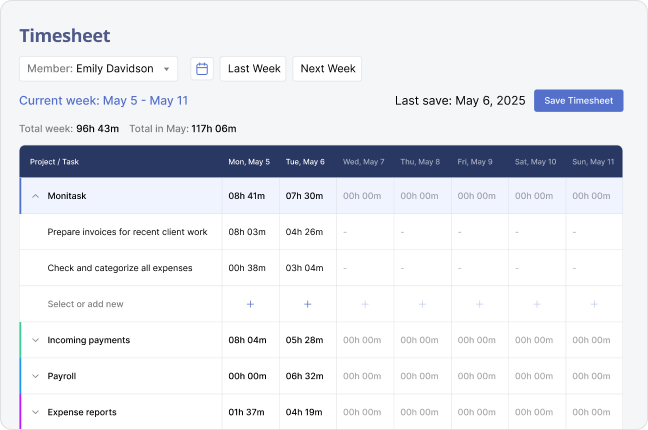
Without Monitask vs with Monitask
Without Monitask
- Revision rounds that are never billed
- Fixed-fee quotes based on hope
- Invoices clients question
- Monitoring designers resent
With Monitask
- Every round tracked as its own task
- Quotes based on past projects
- Timesheets that show the effort
- Optional screenshots and Smartblur
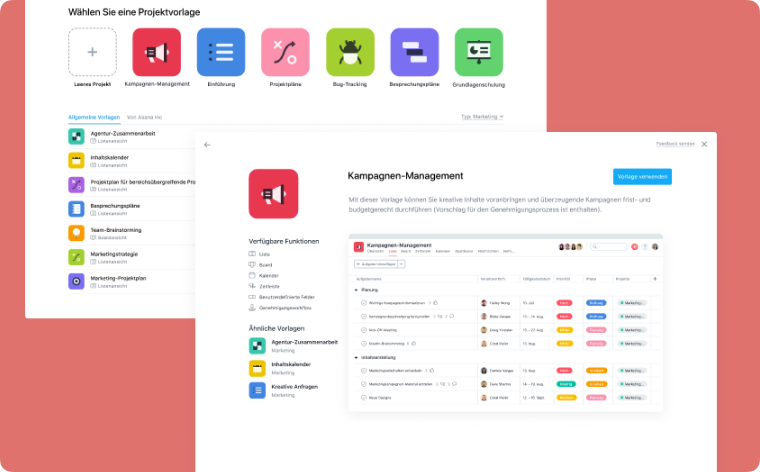
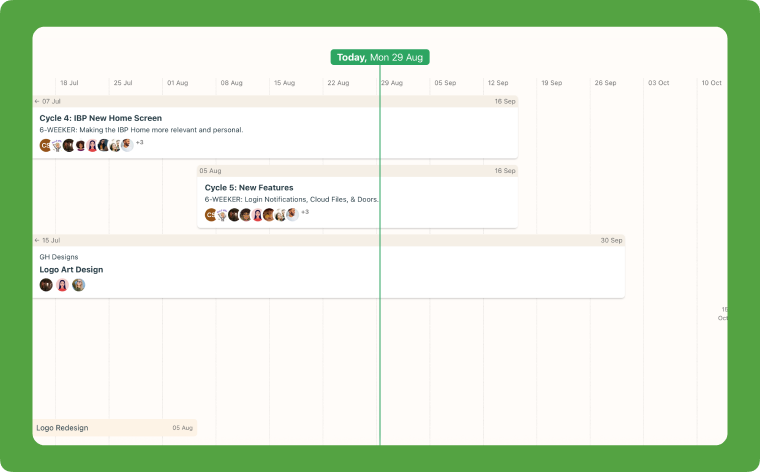
Connect your project tools


Privacy and security
Client work under NDA stays private: Smartblur blurs screenshots so designs can't be read.
What Monitask records
- Time entries, timesheets and project or task assignments
- Optional screenshots at random intervals
- Activity levels, including keyboard and mouse activity
- Apps and websites used during tracked time
What Monitask never records
- Keystrokes, typed text or passwords
- Private messages and personal files
- Webcam, microphone or continuous screen recording
- Data from devices outside the tracked work account
Smartblur blurs sensitive details on screenshots. Monitask is GDPR-ready and has an EU representative through prighter.com.
How to start time tracking for designers
-
Create your account
Start the 10-day free trial. No credit card needed.
-
Set up clients and stages
Create a project per client and tasks for each stage and revision round.
-
Choose privacy settings
Decide who shares screenshots and turn on Smartblur for NDA work.
-
Track, review and bill
Review hours per stage and send timesheets and invoices.
Frequently asked questions about time tracking for designers
What is the best time tracking software for designers?
Is there a time tracking app for designers that works offline?
How should designers track revision rounds?
Should designers bill hourly or fixed-fee?
Does Monitask take screenshots of my designs?
Which designers use Monitask?
Is there a free trial?
Start tracking your design hours today
10-day free trial. No credit card required.