No credit card · Free 10 days · Cancel anytime
 4.8 on G2
4.8 on Capterra
4.8 on G2
4.8 on Capterra
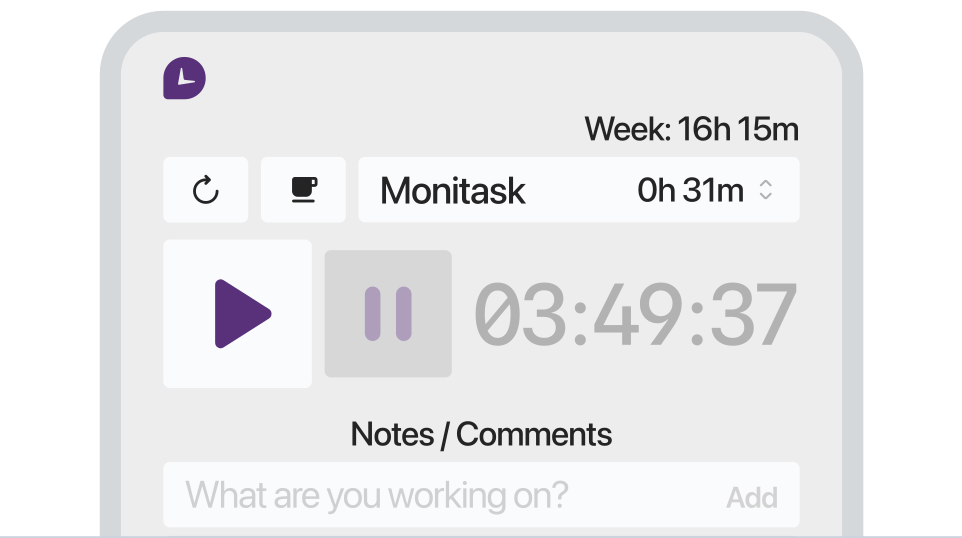
Monitask is stealth monitoring software that keeps working in the background without getting in the way of the work. It runs only while the team is clocked in, captures activity, app and website usage, project time and optional screenshots — then surfaces the data in clear, honest reports. The point is visibility, not surveillance: managers get the proof they need, employees keep control of when tracking is on.
1000+ clients worldwide increase workforce productivity with Monitask





Stealth monitoring should mean "runs quietly, never intrusive" — not "hidden from the employee." Monitask is transparent to the people being tracked and invisible to their workday.
Employees see exactly when tracking is on and what's being collected. No hidden agents, no keyloggers, no surprises.
Tracking runs alongside real work — no popups, no required check-ins, no extra clicks during the day.
Activity %, app and site usage and project time answer real management questions without recording personal content.
Enable or disable screenshots per team, blur sensitive apps on capture, set capture frequency — full control, no surprises.
Real mouse, keyboard and window-focus signals feed the activity score — so a moving cursor alone isn't counted as work.
Whether your team is in office, at home or across time zones, Monitask keeps the same visibility without managing anyone in person.
Plans start at $6.49/user/month, billed annually — with a free 10-day trial.
GDPR-aware defaults: data minimization, employee access to their own data, and clear controls for what gets recorded.
Real results from teams that switched to transparent time tracking.
"As a Sales and Marketing Manager on FBA Prep 4U. I am using Monitask 5 days a week because I need not extend 40 hours of my weekly working hour. Monitask made it easy for me to monitor time and show my productivity thru their screenshot features. It helps me to gain the trust of my boss who is also checking my timeline. I would highly recommend this software to my colleagues who are looking for reliable employee timesheet monitoring."
"It is a must-have tool for companies allowing remote work. 80% of our employees work from remote locations, and tracking their work efficiency was a big challenge for us. we had at a point also decided to create a tool for time tracking, however, once we heard about monitask, and used it for 10 days with the free trail. it was an instant GO for us ad we have been using the same since then."
"As an entrepreneur, I often feel guilt that I'm not spending "enough" time working on various projects. Once I started using Monitask, everything became objective and my time has started to become more valuable. Things that get measured get improved. This objective feedback on how I'm spending my time has given me so much encouragement and motivation. I can see progress happen, and I'm able to feel better about the work I do."
Stealth employee monitoring software runs on a computer without a visible interface — no system-tray icon, no notifications, and no entry in Task Manager — so it records work activity without interrupting the employee. On company-owned devices it is used for productivity insight, policy compliance, and protecting sensitive data. Monitask runs this silent mode on Windows and, unlike keylogger-style tools, never records keystrokes or accesses the camera.
Monitask’s stealth mode is built for company-owned devices and legitimate oversight — not for spying on people. It removes the friction of a visible timer, but it never logs keystrokes, never reads message contents, and never accesses the webcam. We recommend disclosing monitoring in your policy: the strongest results come from being open about the “why,” not from secrecy. Silent when you need it, transparent by design.
Step 1 — Create a Monitask account
Sign up for a free 10-day trial — no credit card required.
Step 2 — Download the stealth installer (admin only)
From the admin panel, download the stealth build. Only an administrator can access it, and admin rights on the target machine are required to install.
Step 3 — Install on company-owned devices
Deploy on company computers — manually, or at scale via Group Policy, Intune, or your MDM/RMM. The agent starts automatically after install and reboot, and stays hidden from the task manager, system tray, and notification area.
Step 4 — Review activity in your dashboard
Use the Live Dashboard to review time entries, app & website usage, screenshots, and activity levels in real time. Only administrators can see the data.
Remote & distributed teams — accurate hours and proof of work without a timer to start and stop.
BPO & contact centers — verify billable hours per client and keep visibility across shifts.
IT & security-sensitive roles — spot policy violations and protect data on company endpoints.
Investigations — capture unbiased activity when there’s a documented, legitimate concern.
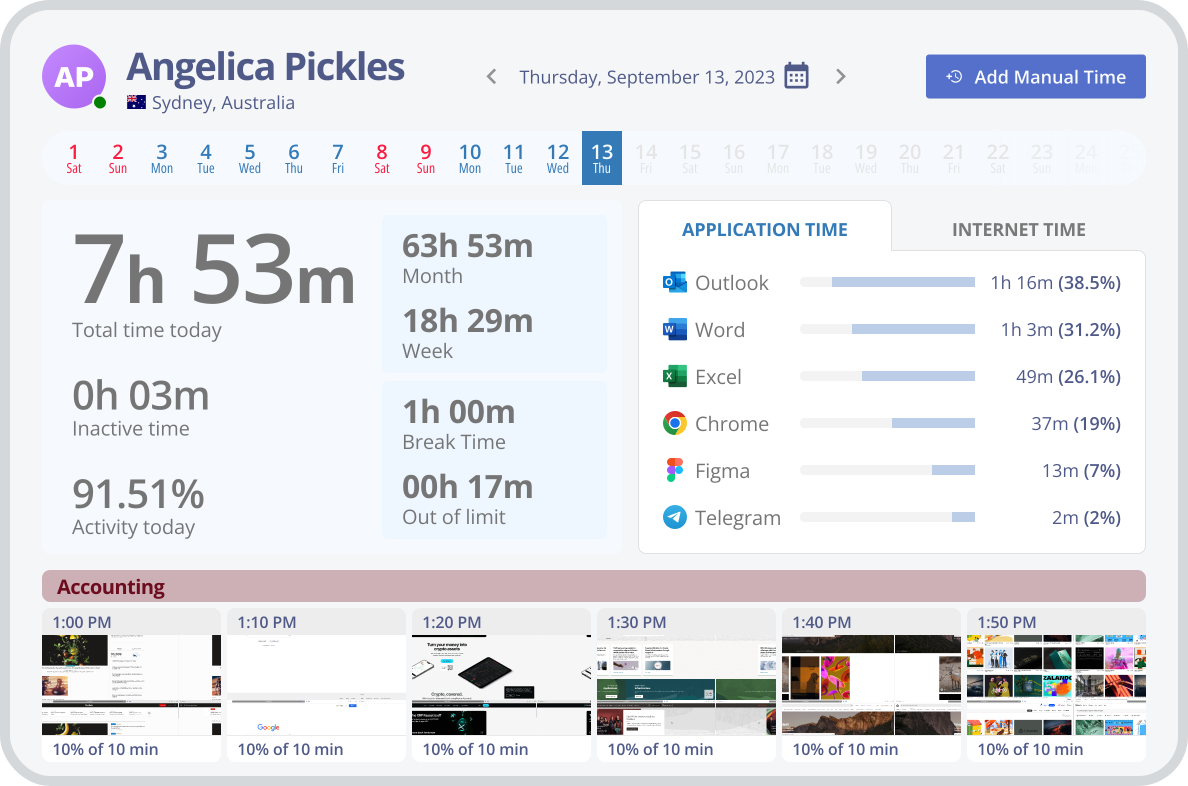
Monitask hidden employee monitoring software allows you to track employee activity on their computers without them knowing. You can easily ensure that employees are following company computer activity and application usage policies by tracking what websites they visit and how long they spend using a particular application.
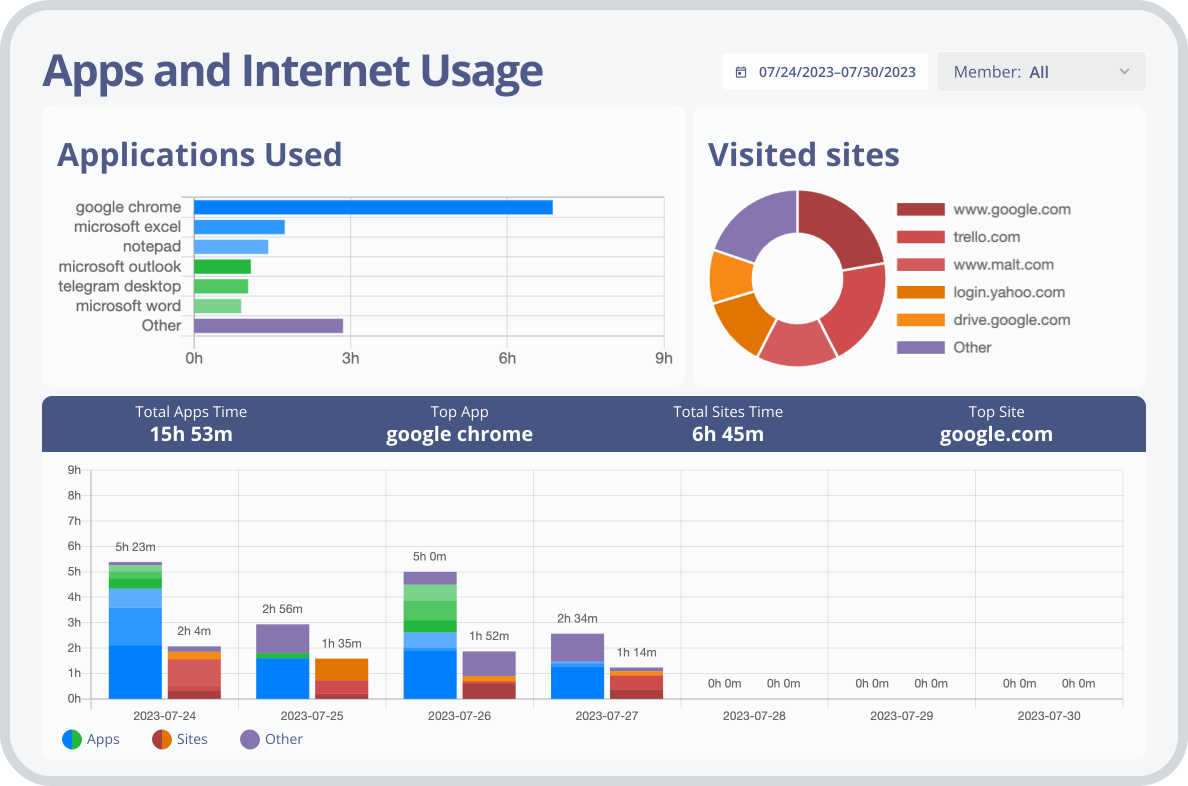
Monitask stealth monitoring capability helps you to identify any excessive bandwidth consumption across your network. If an employee is using a large amount of data for activities that are not related to work, you can take action accordingly.
The stealth feature of Monitask employee monitoring software helps you to track and analyze employee activity data in real-time. This information can be used to encourage employees to work more efficiently and eliminate any unnecessary activities that could potentially decrease their productivity.
As one of the best employee monitoring software, Monitask ensures that you can track and analyze employee activity without alerting the employees. This means that should any legal action arise, you will have all the necessary data at your disposal to prove that no wrongdoing was done on behalf of the company.
Monitask hidden employee monitoring software is perfect for businesses with remote workers. You can easily track employee computer activity remotely, without the need to physically inspect each device. This allows you to ensure your remote employees are working as they should be and quickly identify any issues that may arise.
The stealth feature of Monitask’s tracking software helps you reduce costs by identifying any unnecessary apps and services that are being used. This can help you save money on software licenses and other costs associated with these services, maximizing company resources.
 Computer Monitoring Software block”>
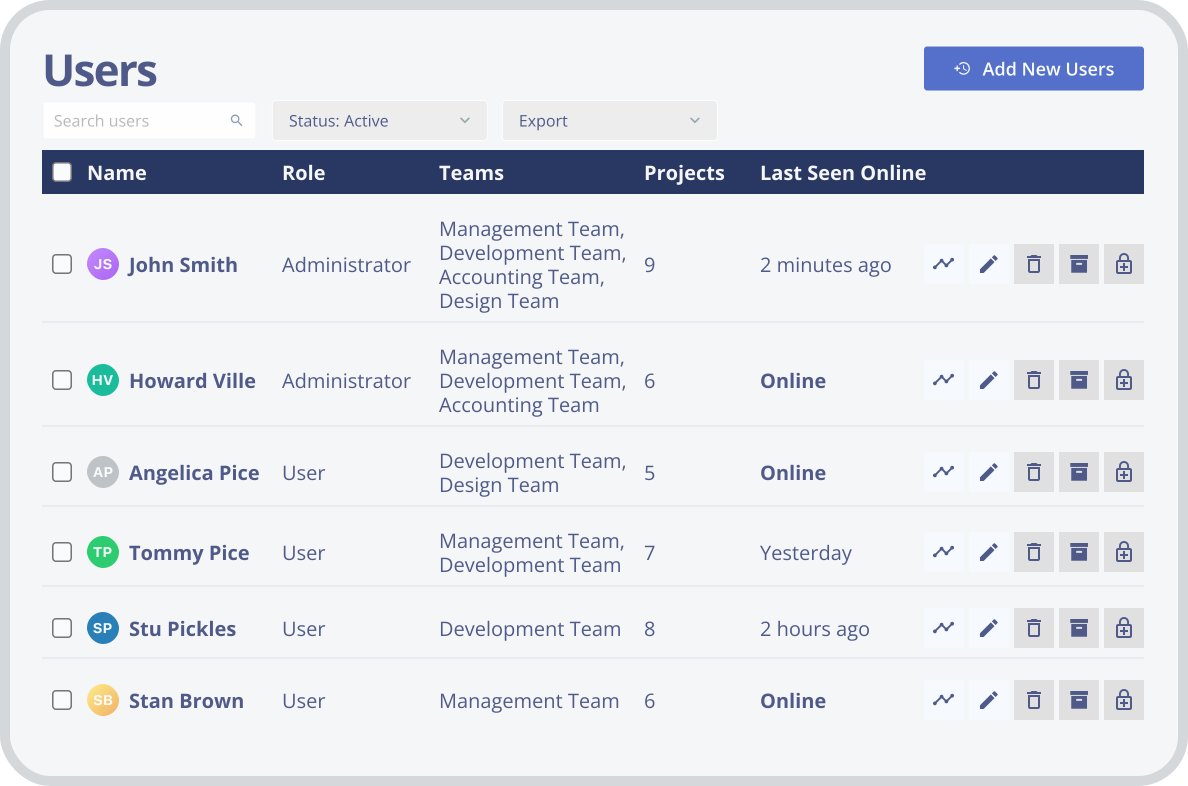
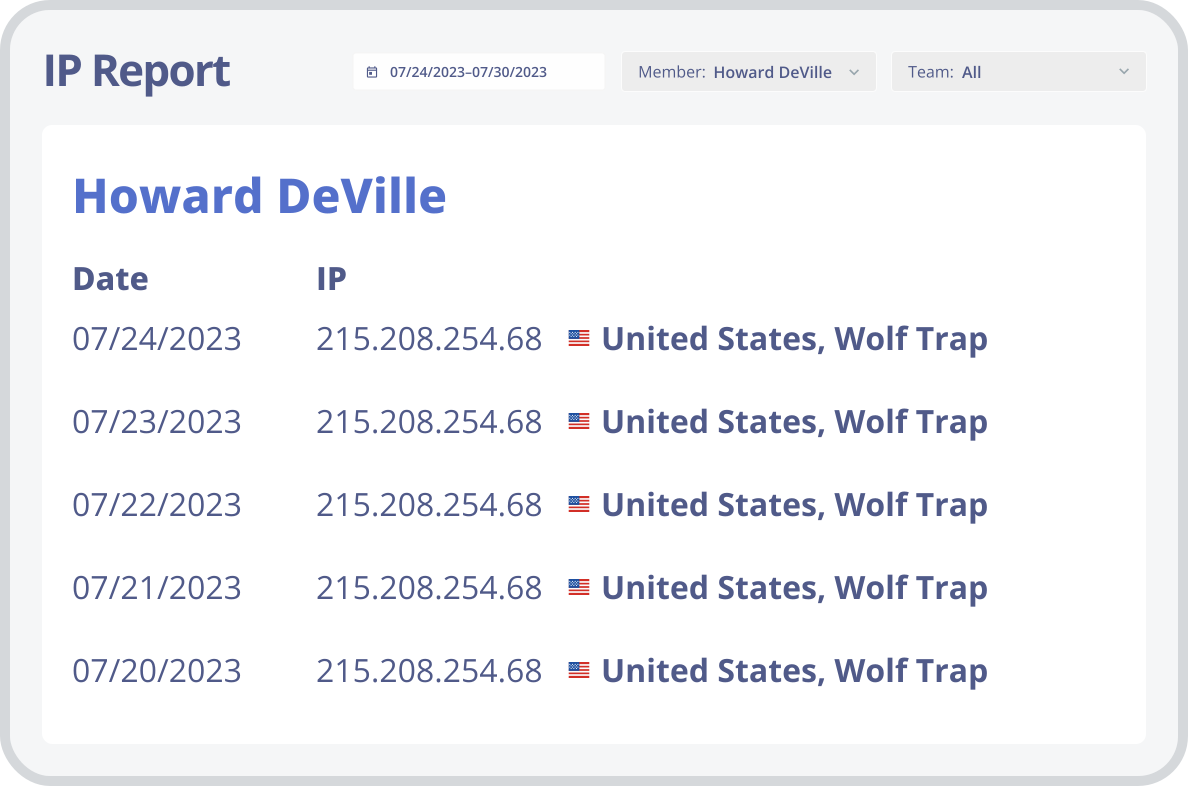
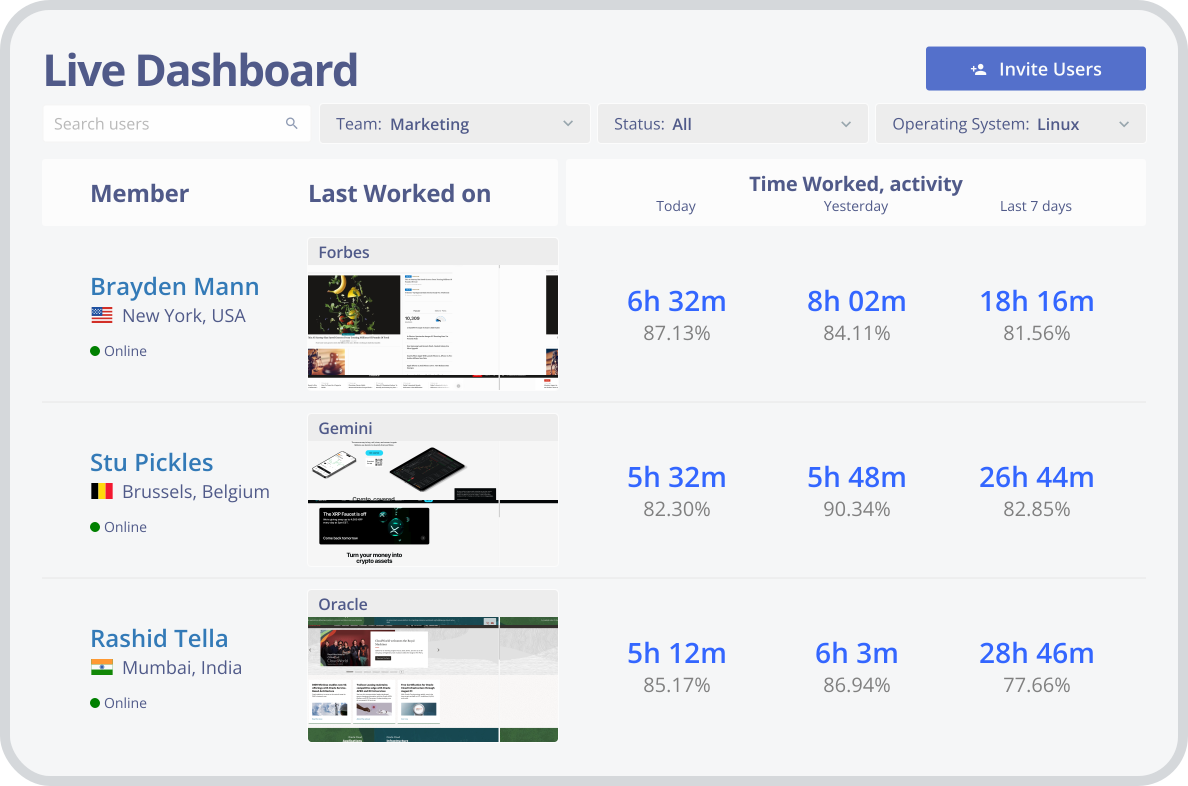
Stealth mode is currently available for Windows 7 and later. Standard Monitask time tracking and monitoring run on Windows, macOS, Linux, Android, iOS, and Chromebook (beta). Support for stealth mode on additional operating systems is in progress.
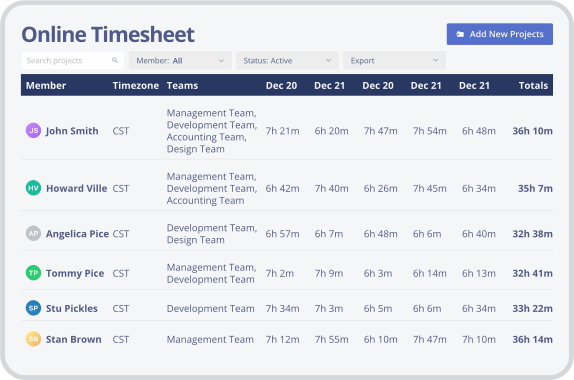
With its easy-to-use timesheets and flexible tracking options, Monitask makes it simple to stay on top of your work hours and billable tasks. Whether you’re tracking employee timesheets or managing your own time, Monitask makes it easy to see how much you’ve worked and what projects are taking up the most of your valuable time.
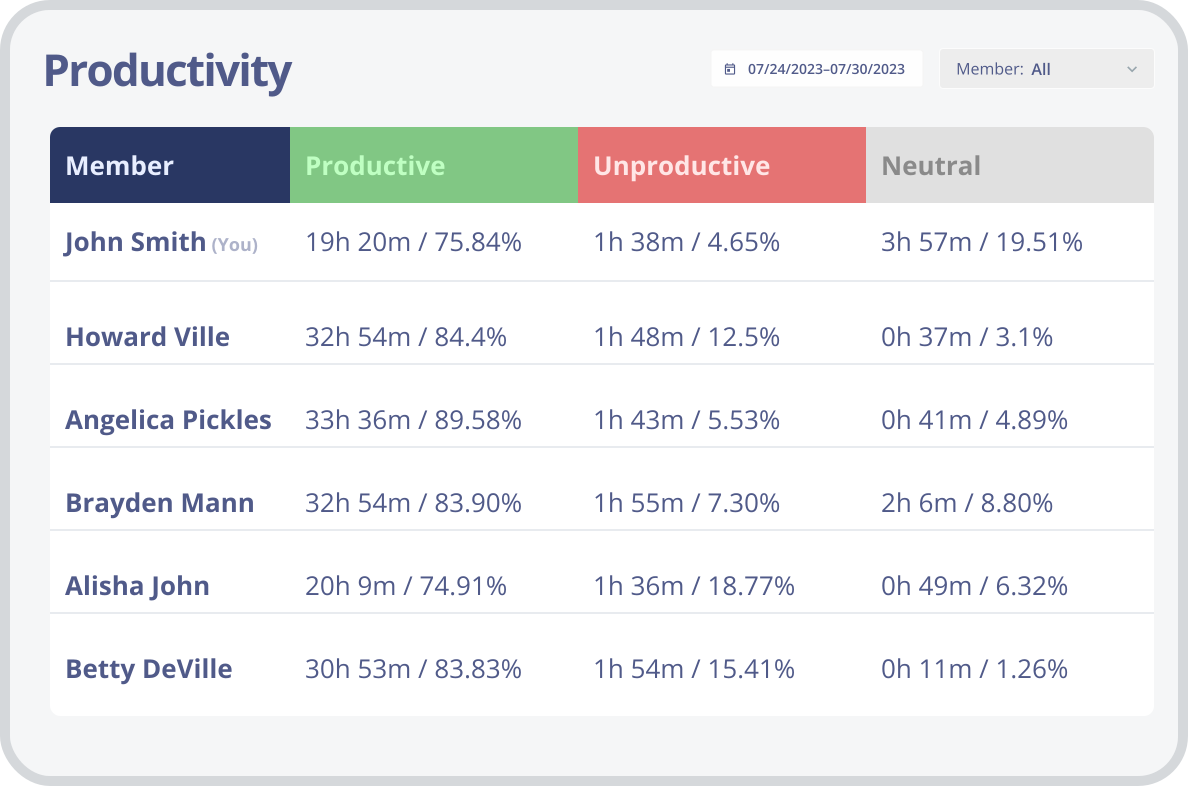
Monitask is a simple and effective way to track productivity and focus. By tracking which tasks are being completed, and how long they take, our software can help to identify potential loopholes and areas of improvement. By using Monitask, employees can increase productivity, and get a better understanding of time spent during working hours.
If you bill your clients by the hour, it’s important to track work hours your employees spent working on each project. With our web-based employee monitoring solution, you can easily generate invoices and reports based on the hours worked, so you can get paid for the work you do.
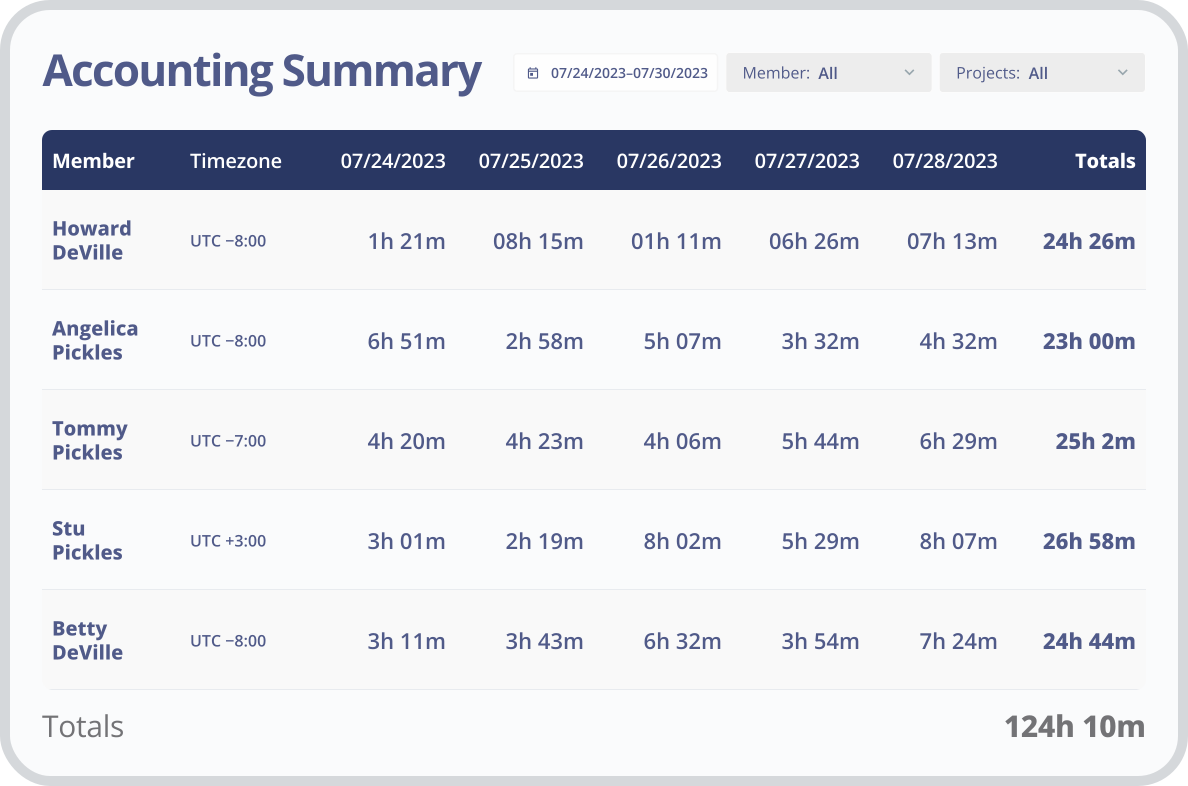
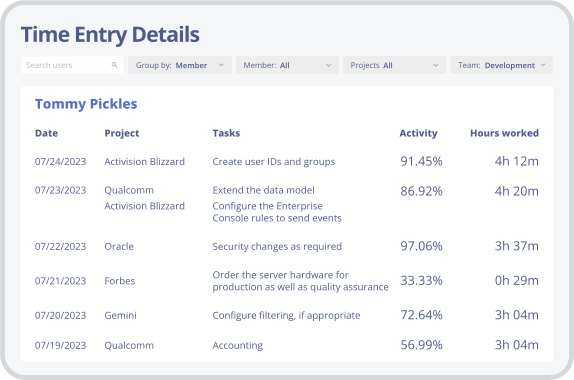
Whether you are a small startup or an established business, we can create a customized employee scheduling solution that meets your unique needs. Our intuitive online platform allows you to quickly create and manage employee time-off requests, shift management, and more.
Yes — with conditions. Under the federal Electronic Communications Privacy Act (ECPA), employers may monitor company-owned devices for legitimate business purposes. The key is that the device is company-owned and the monitoring serves a real business need. Most US states follow this default and don’t require you to notify employees on company equipment.
A few states require written notice before electronic monitoring:
• Connecticut (Conn. Gen. Stat. §31-48d): prior written notice plus a conspicuously posted notice. From October 1, 2026 (Public Act 26-73) the notice must also state the types and specific locations of monitoring, and new hires get a plain-language statement. Penalties escalate up to $3,000 per repeat violation.
• Delaware (Del. Code Title 19 §705): written or electronic notice before monitoring email, internet, or phone — either a daily on-login reminder or a one-time notice with employee acknowledgment. Penalty: up to $100 per violation.
• New York (Civil Rights Law §52-c): written notice on hiring, employee acknowledgment, and a posted notice. Penalties escalate up to $3,000 for repeat violations.
• Colorado and California add disclosure duties for personal/AI-driven monitoring data. Audio recording is separate — several states require all-party consent, so don’t record calls without checking local law.
Best practice, everywhere: disclose monitoring in your employment contracts or HR policy, limit it to work hours and company devices, and keep the data secure. A written policy satisfies most state requirements and is linked to far fewer employee privacy complaints.
This is general information, not legal advice — consult counsel before deploying monitoring in regulated industries or across multiple states.
| Monitask | Teramind | Insightful | Kickidler | Time Doctor | |
|---|---|---|---|---|---|
| Silent / stealth mode | ✓ | ✓ | ✓ | ✓ | Silent app |
| Hidden from Task Manager | ✓ | ✓ | No* | ✓ | Partial |
| No keystroke logging | ✓ | Logs keys | Varies | Logs keys | Varies |
| Screenshots | ✓ | ✓ | ✓ | Video | ✓ |
| OS for stealth | Windows | Win/Mac | Win/Mac | Win/Mac/Linux | Win/Mac |
| Free trial | 10 days | Demo | ✓ | ✓ | 14 days |
*Insightful stealth – can only be seen in Task Manager (according to their data)
Set up your team in minutes. First 10 days free, no credit card.