Time Tracking Software for Freelancers

Monitask is time tracking software for freelancers and independent contractors: track every client hour, prove your work with optional screenshots and turn time into invoices.

10-day free trial · No credit card required

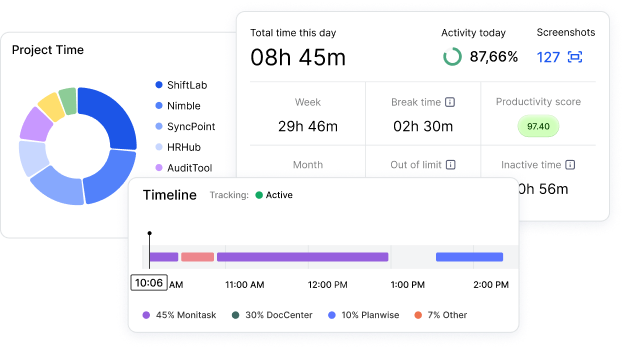
Monitask time tracking software for freelancers: hours by client and project

Trusted by thousands of users

Carrier Datalytics Global FIMA AXSource Legal Nodes Mack

Why time tracking for freelancers pays for itself

Hours you forget to bill

Hours you forget to bill

Quick revisions, client calls and email threads rarely make it onto the invoice. Over a month that is days of unpaid work.

Projects priced on a guess

Projects priced on a guess

Without data from past projects, fixed quotes either lose you money or lose you the client.

Clients who doubt the hours

Clients who doubt the hours

New clients, especially on hourly contracts, want to see what they are paying for before they trust you.

Admin that eats billable time

Admin that eats billable time

Building timesheets and invoices by hand takes hours you could be billing.

Freelance time tracking that proves your work

Monitask tracks time per client and project, adds optional screenshots as proof of work and turns your hours into timesheets and invoices. It works for writers, designers, developers, virtual assistants, consultants and any independent professional who bills by the hour or by the project.

Start-stop time tracking for every client

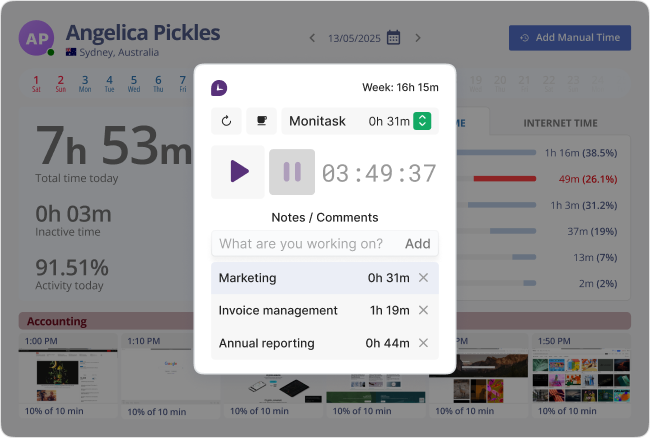
Start the timer when you open a client's project and stop it when you're done. Switching to another client takes one click, so your day splits cleanly into billable blocks. Forgot to start the timer during a call? Add the time manually with a note. The desktop app runs on Windows, Mac and Linux and keeps tracking offline, so time worked on a plane or in a café without Wi-Fi still counts.
  • One-click start and stop
  • Manual entries with notes for calls and meetings
  • Offline tracking that syncs later
See how start-stop tracking keeps you on budget
Start-stop timer for freelance client work in Monitask

Time tracker with screenshots as proof of work

Clients who pay by the hour want to know the time was real. Monitask can take screenshots at random intervals while you track, together with activity levels and the apps and websites you used. Show the record to a client who asks, or keep it as backup in case an invoice is questioned. You choose how often screenshots are taken, and Smartblur blurs them when you work with sensitive data.
  • Screenshots at random intervals, at a frequency you choose
  • Activity levels and apps used for every entry
  • Smartblur for confidential client work
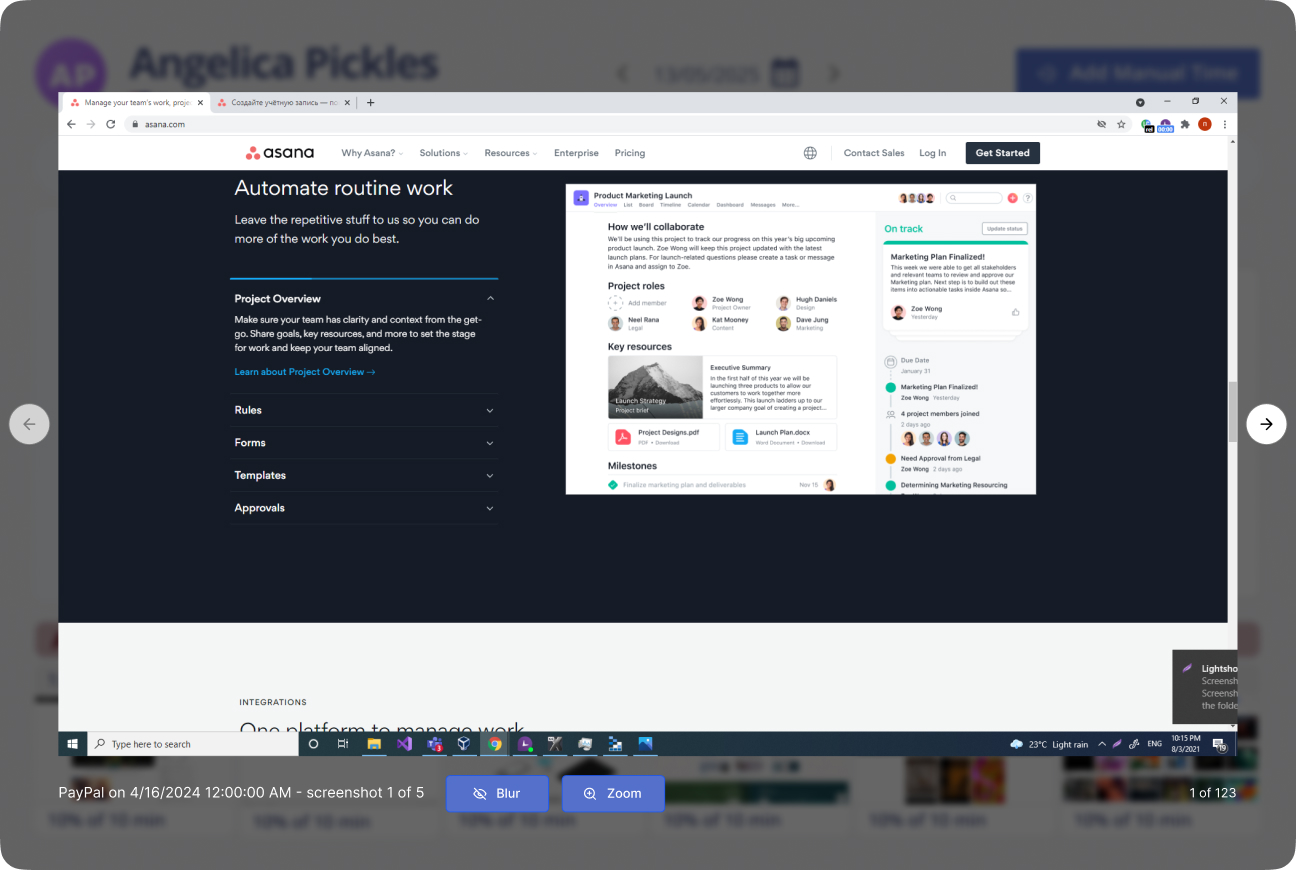
Learn more about screenshot monitoring
Time tracker with screenshots as proof of freelance work in Monitask

Track time by client, project and task

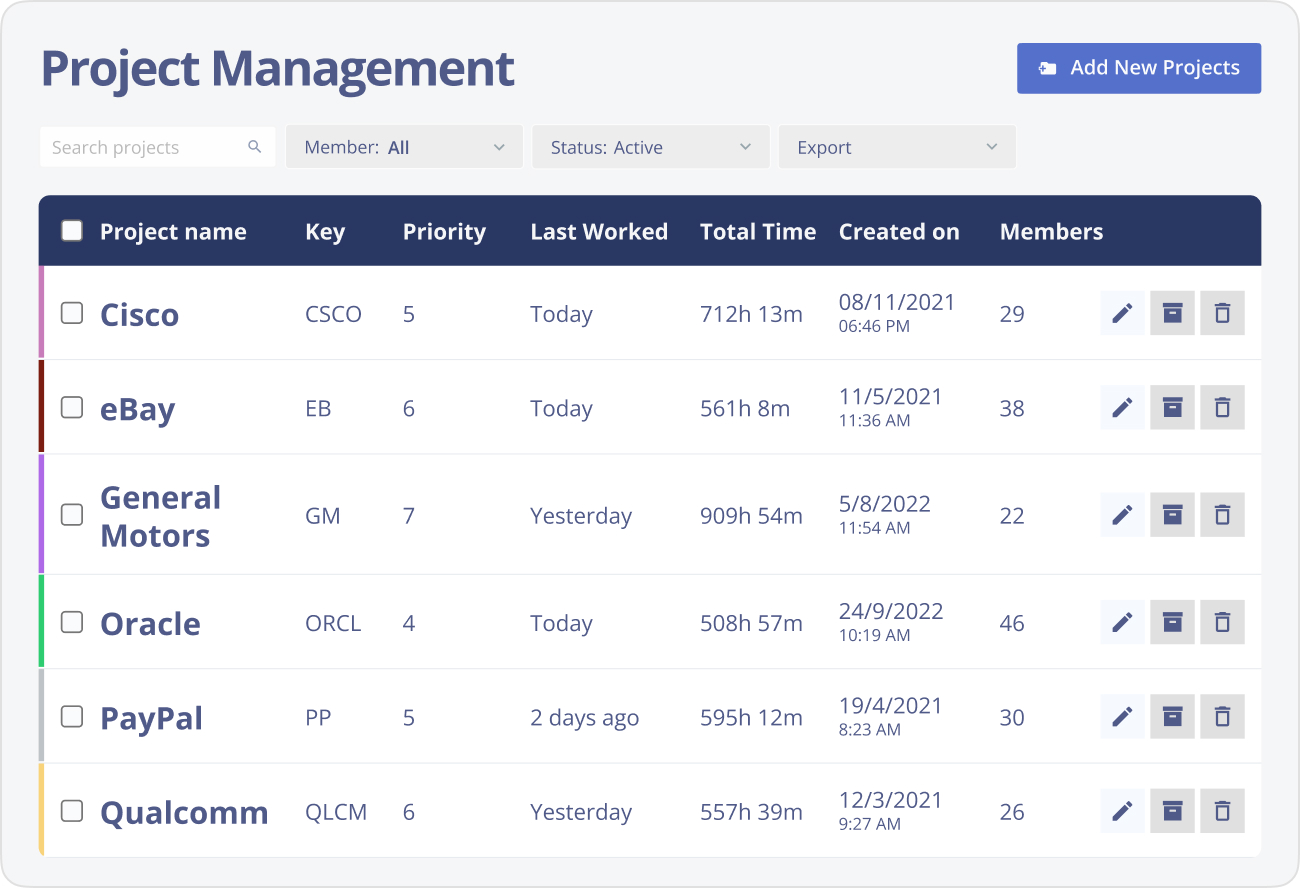
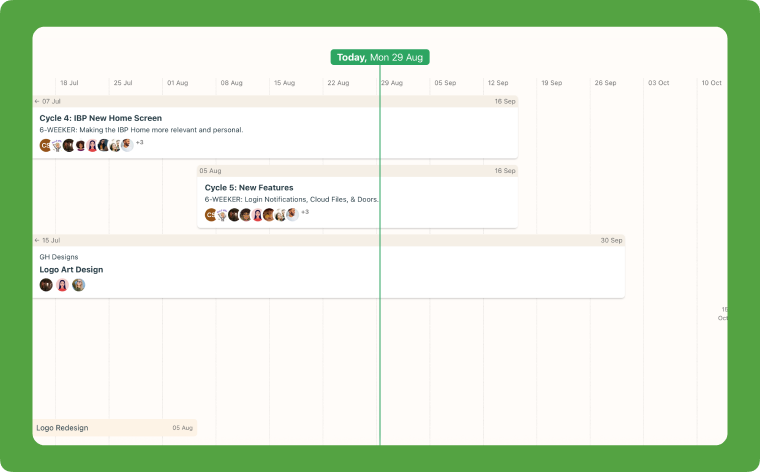
Create a project for each client and tasks for each deliverable: a logo, a landing page, a monthly retainer. Every entry is tied to the right client, and notes explain what was done in each session. After a few months you know how long each type of work really takes, which is the data you need to quote fixed prices with confidence.
  • A project per client, tasks per deliverable
  • Notes on every time entry
  • Data for accurate fixed-price quotes
Learn more about time tracking
Freelance clients, projects and tasks with tracked hours in Monitask

Time tracking and invoicing for freelancers

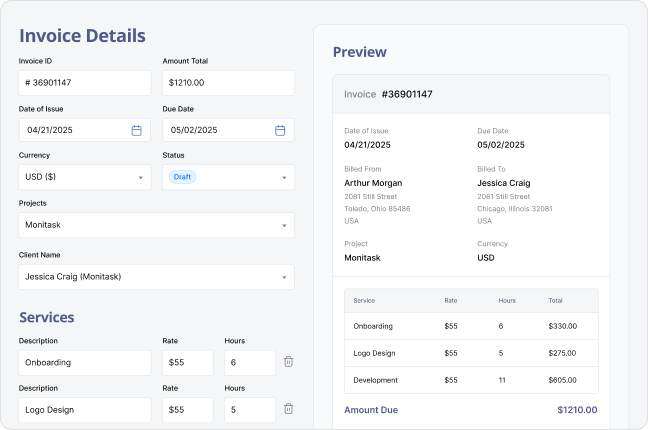
Set your hourly rate and create invoices from the hours you've already tracked. Each invoice shows the time behind every line, so clients see exactly what they are paying for and are less likely to question it. No separate invoicing app and no copying hours from a spreadsheet.
  • Hourly rates per client or project
  • Invoices built from tracked time
  • Time detail behind every line
Invoice created from freelance tracked hours in Monitask

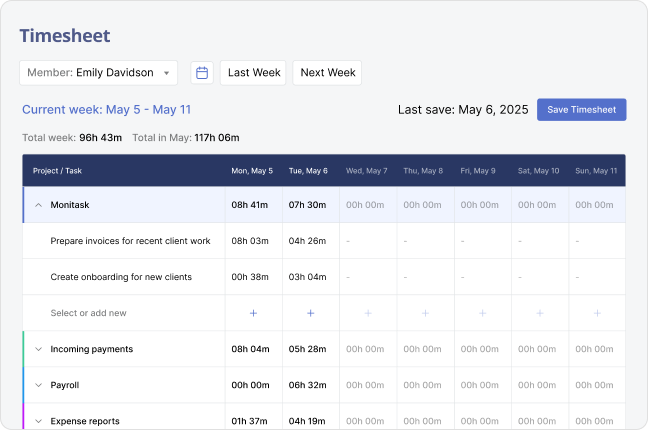
Timesheets for freelancers, ready to send

Monitask turns tracked time into timesheets by day, week or month, per client or per task. Export them as CSV or PDF and attach them to an invoice, send them in a weekly update to a retainer client or keep them for your tax records.
  • Timesheets by day, week, month and client
  • CSV and PDF export
  • A record for invoices and tax season
Learn more about online timesheets
Weekly freelancer timesheet exported from Monitask

For independent contractors working with one client

Many contractors work long-term for a single company that asks for tracked hours and proof of work. Monitask gives that client the visibility they want, with hours, activity and screenshots. You stay in control of your side: you start and stop tracking yourself and see everything that is recorded about your work.
  • Hours, activity and screenshots for the client
  • You start and stop tracking yourself
  • You see everything that is recorded
Contractor screenshots blurred by Smartblur in Monitask

Without Monitask vs with Monitask

Without Monitask

  • Billable minutes lost between tasks
  • Clients who question your hours
  • Timesheets built by hand
  • Quotes priced on a guess

With Monitask

  • Every client hour tracked as it happens
  • Screenshots and activity as proof
  • Timesheets and invoices in a few clicks
  • Real data for fixed-price quotes

Privacy and security

Your screen, your rules: Smartblur blurs screenshots so client data and personal details stay private.

What Monitask records

  • Time entries, timesheets and project or task assignments
  • Optional screenshots at random intervals
  • Activity levels, including keyboard and mouse activity
  • Apps and websites used during tracked time

What Monitask never records

  • Keystrokes, typed text or passwords
  • Private messages and personal files
  • Webcam, microphone or continuous screen recording
  • Data from devices outside the tracked work account

Smartblur blurs sensitive details on screenshots. Monitask is GDPR-ready and has an EU representative through prighter.com.

How to start time tracking for freelancers

  1. Create your account

    Start the 10-day free trial. No credit card needed.

  2. Add your clients

    Create a project for each client and tasks for each deliverable.

  3. Track your work

    Start the timer on desktop or mobile and add calls manually.

  4. Send timesheets and invoices

    Export timesheets and create invoices from tracked hours.

What freelancers say about Monitask

★★★★★

“I love the idea that the app is able to track the internet time and apps used by the user. It builds discipline and also shows your integrity for the client."

Mai Sales & Marketing Manager via Capterra

Frequently asked questions about time tracking for freelancers

What is the best time tracking software for freelancers?

The best time tracking software for freelancers is quick to start and stop, separates hours by client, gives clients proof of work and turns time into timesheets and invoices. Monitask does all four and adds optional screenshots with Smartblur, which hourly clients often ask for.

Is time tracking useful if I charge per project?

Yes. Tracking time on fixed-price work shows your real hourly rate on each project and how long each type of deliverable takes. That data helps you quote the next project at a price that is fair to the client and profitable for you.

Should freelancers use a time tracker with screenshots?

Use one when clients pay by the hour, especially new or long-term clients who are still building trust. Screenshots, activity levels and app usage show the hours were real work. Monitask lets you choose how often screenshots are taken and blurs them with Smartblur.

How do I track time for multiple clients?

Create a separate project for each client and switch the timer as you move between them. Reports and timesheets then show hours per client for any period, ready to export or turn into an invoice.

Can I invoice clients from tracked time?

Yes. Set an hourly rate for each client or project, then create invoices from the hours already tracked. Each invoice shows the time behind every line.

Does Monitask work for independent contractors?

Yes. Contractors who work for one company can track hours and share activity and screenshots with that client, while seeing everything that is recorded about their own work.

Is there a free trial?

Yes. Monitask offers a 10-day free trial with no credit card required. Track real client work, test screenshots and invoices, then choose a plan on the pricing page.

Start tracking your freelance hours today

10-day free trial. No credit card required.