
Time Tracking Software for Engineers and Architects
Monitask is engineering time tracking software for engineering and architecture firms: track hours by project and phase, see time in CAD and BIM tools and compare every phase with its fee.
10-day free trial · No credit card required





Trusted by thousands of users










Why fixed fees and project phases need time tracking

Fees set before the work is known
A fixed fee is agreed at the start, and nobody sees the overrun until the project is almost done.

Phases that eat each other's budget
Design development runs long, and construction documents start with half the hours they need.

Change requests nobody bills
Client changes and extra revision rounds get absorbed instead of billed as additional services.

Remote drafters and consultants
Drafters and modelers work from home or overseas, with no record behind the hours they report.
Time tracking for engineering and architecture firms
Monitask tracks time by project and phase, records the CAD, BIM and office tools each person works in and turns it into timesheets, invoices and fee reports. It fits civil, structural, mechanical and electrical engineering firms, architecture and interior design studios, and the drafters and consultants who work with them.
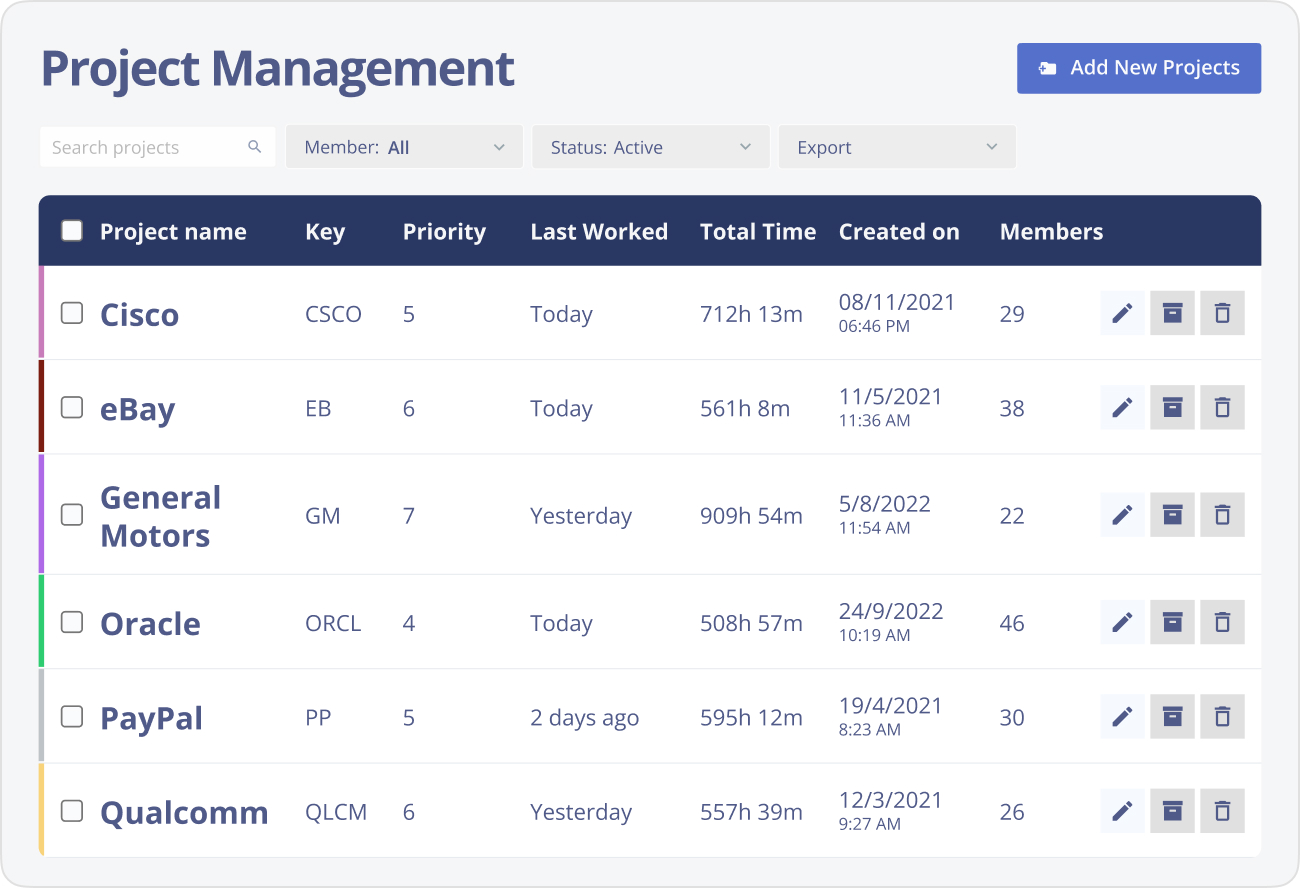
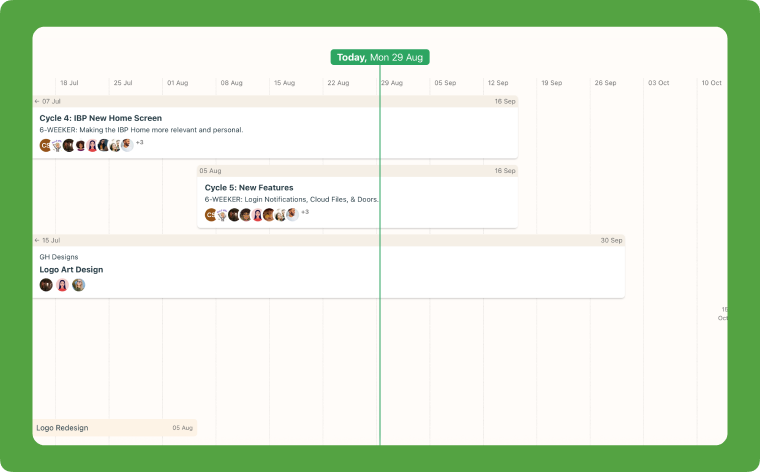
Hours by project and phase
- A project per job, a task per phase
- Hours per phase and person
- Clear status for every project

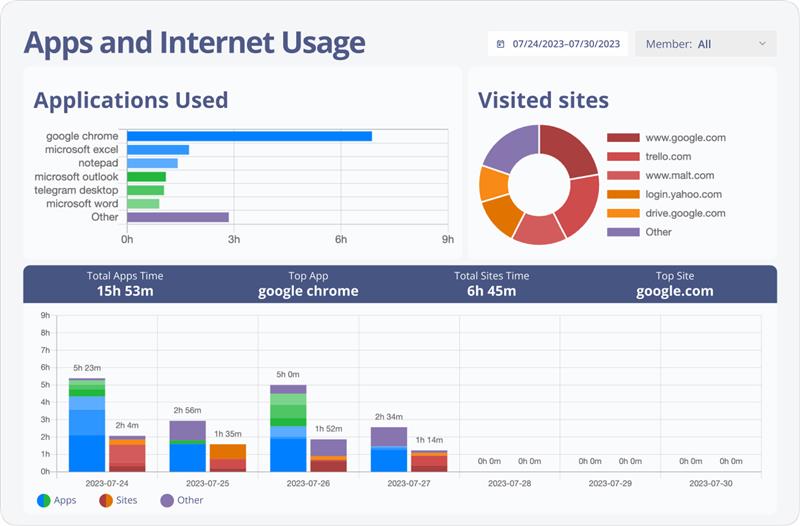
Engineering time tracking software that sees CAD work
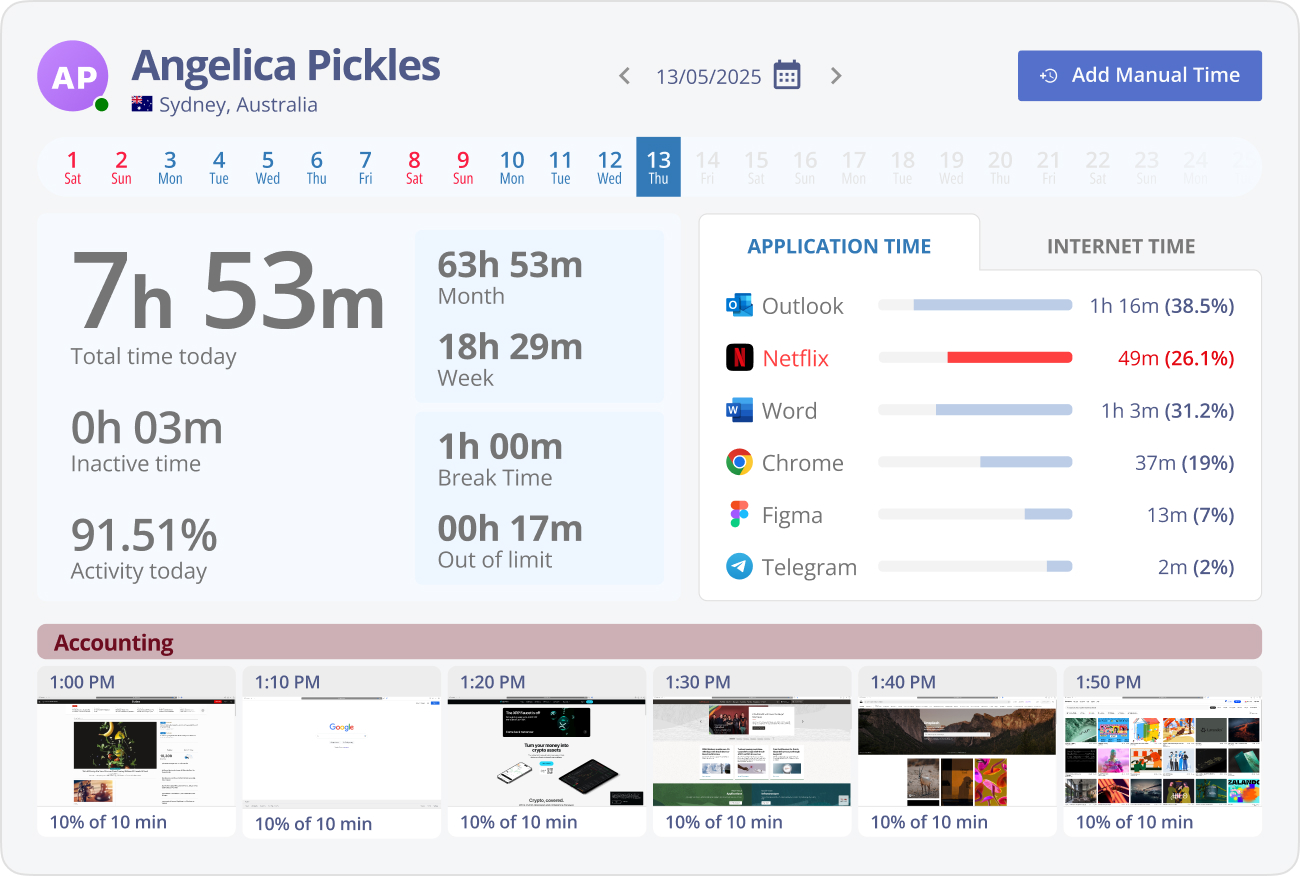
- Time in each CAD and office app
- Modeling vs coordination time
- Better estimates for the next job
Architecture time tracking software for fixed fees
- Hours against the fee for each phase
- Time in Revit, ArchiCAD and SketchUp
- Overruns visible before the phase ends

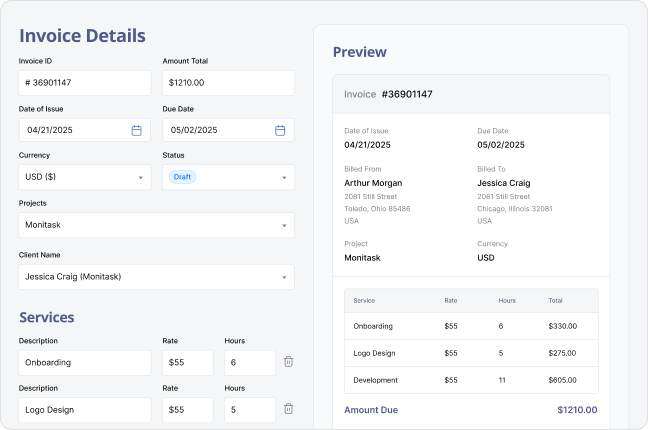
Bill change requests and additional services
- Change requests tracked separately
- Evidence for additional services
- Invoices from hourly work
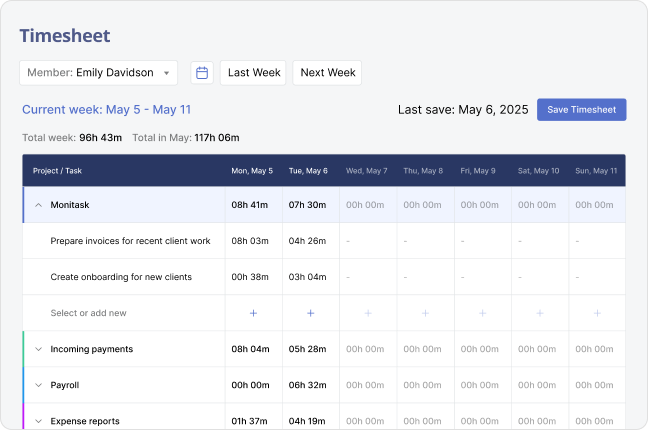
Engineering timesheet software for the whole team
- Timesheets by day, week and project
- Manual entries for site visits
- One set of hours for payroll and projects
Remote drafters and consultants
- Activity and apps for remote staff
- Smartblur for drawings and client data
- Mouse jiggler detection
Without Monitask vs with Monitask
Without Monitask
- Fixed fees overrun without warning
- Phases borrowing each other's hours
- Client changes absorbed for free
- Remote drafters' hours taken on trust
With Monitask
- Hours compared with each phase's fee
- Time tracked per phase
- Change requests tracked and billed
- Activity and apps behind every hour
Connect your project and accounting tools


Privacy and security
Drawings and client data stay confidential: Smartblur blurs screenshots so plans and details can't be read.
What Monitask records
- Time entries, timesheets and project or task assignments
- Optional screenshots at random intervals
- Activity levels, including keyboard and mouse activity
- Apps and websites used during tracked time
What Monitask never records
- Keystrokes, typed text or passwords
- Private messages and personal files
- Webcam, microphone or continuous screen recording
- Data from devices outside the tracked work account
Smartblur blurs sensitive details on screenshots. Monitask is GDPR-ready and has an EU representative through prighter.com.
How to start time tracking for your firm
-
Create your account
Start the 10-day free trial. No credit card needed.
-
Set up projects and phases
Create a project for each job and tasks for its phases.
-
Invite your team
Engineers, architects and drafters install the desktop app.
-
Compare hours and fees
Review hours by phase each week and compare them with the fee.
Frequently asked questions about time tracking for engineers and architects
What is the best time tracking for engineers?
How do architects track time?
Does Monitask integrate with AutoCAD or Revit?
Can Monitask manage fees and percent-complete billing?
How do I track time for site visits?
Is there a free trial?
Start tracking hours by phase today
10-day free trial. No credit card required.