
Call Center Monitoring Software
Monitask is call center agent monitoring for the whole shift, not just the calls: see idle time between contacts, after-call work, the apps agents use and who is on shift, without recording a single call.
10-day free trial · No credit card required





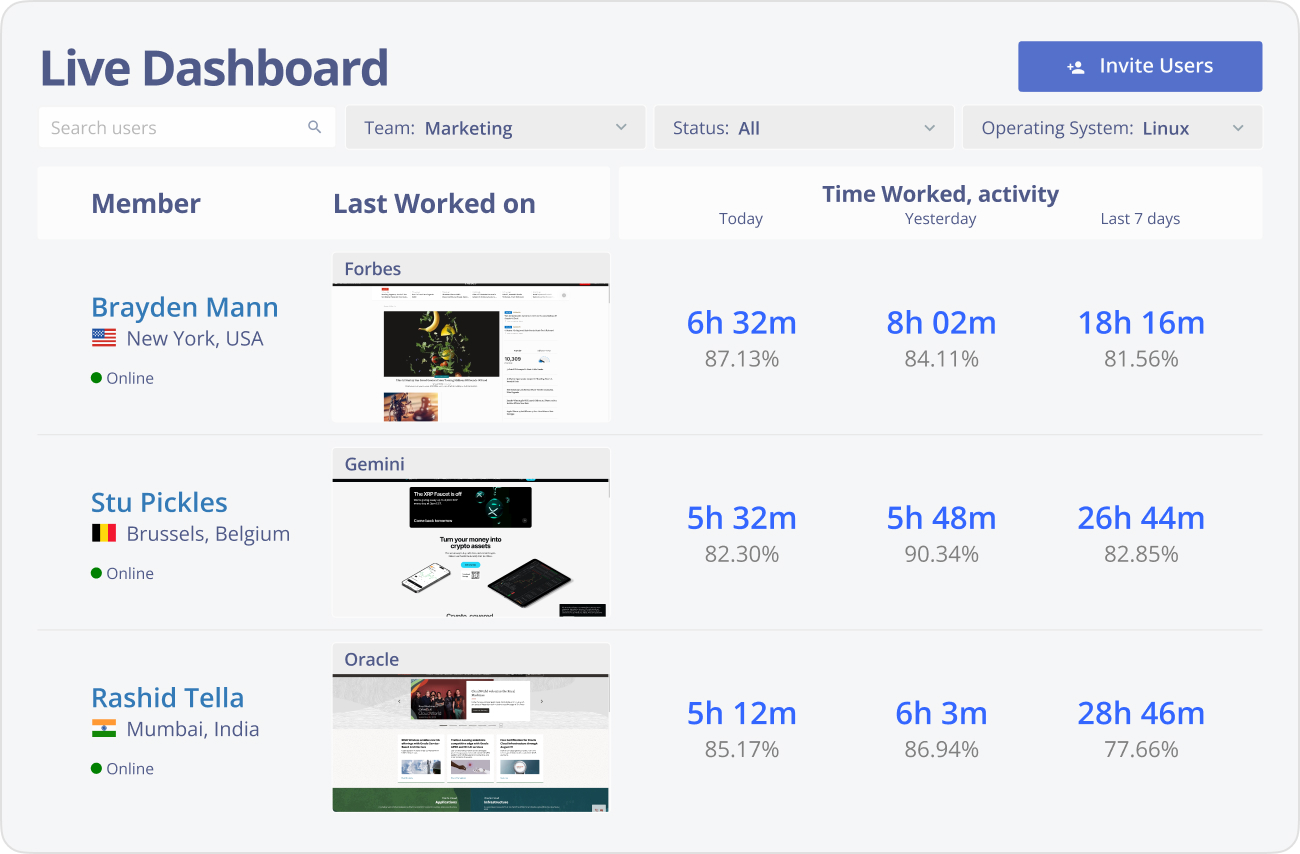
Trusted by thousands of users










What your phone system doesn't show you

The time between calls
Call recordings cover the conversation. The minutes before and after each call are a blank.

After-call work that drags on
Wrap-up stretches out, and nobody can say which system or step is eating the time.

Remote agents you can't see
Home-based agents log in on time, but the floor supervisor can't see what happens next.

Late starts and fake activity
Late log-ins, long breaks and mouse jigglers quietly shrink the hours you pay for.
Call center monitoring software for the whole shift
Monitask runs on agents' computers and shows how each shift is spent: activity and idle time, the apps and sites used between contacts, attendance and optional screenshots. It doesn't record or listen to calls and works alongside your phone system and QA tools. It suits inbound and outbound call centers, support desks and BPO voice teams.
Call center agent monitoring between contacts
- Minute-by-minute shift timeline
- Idle gaps between contacts
- Action while the shift is running
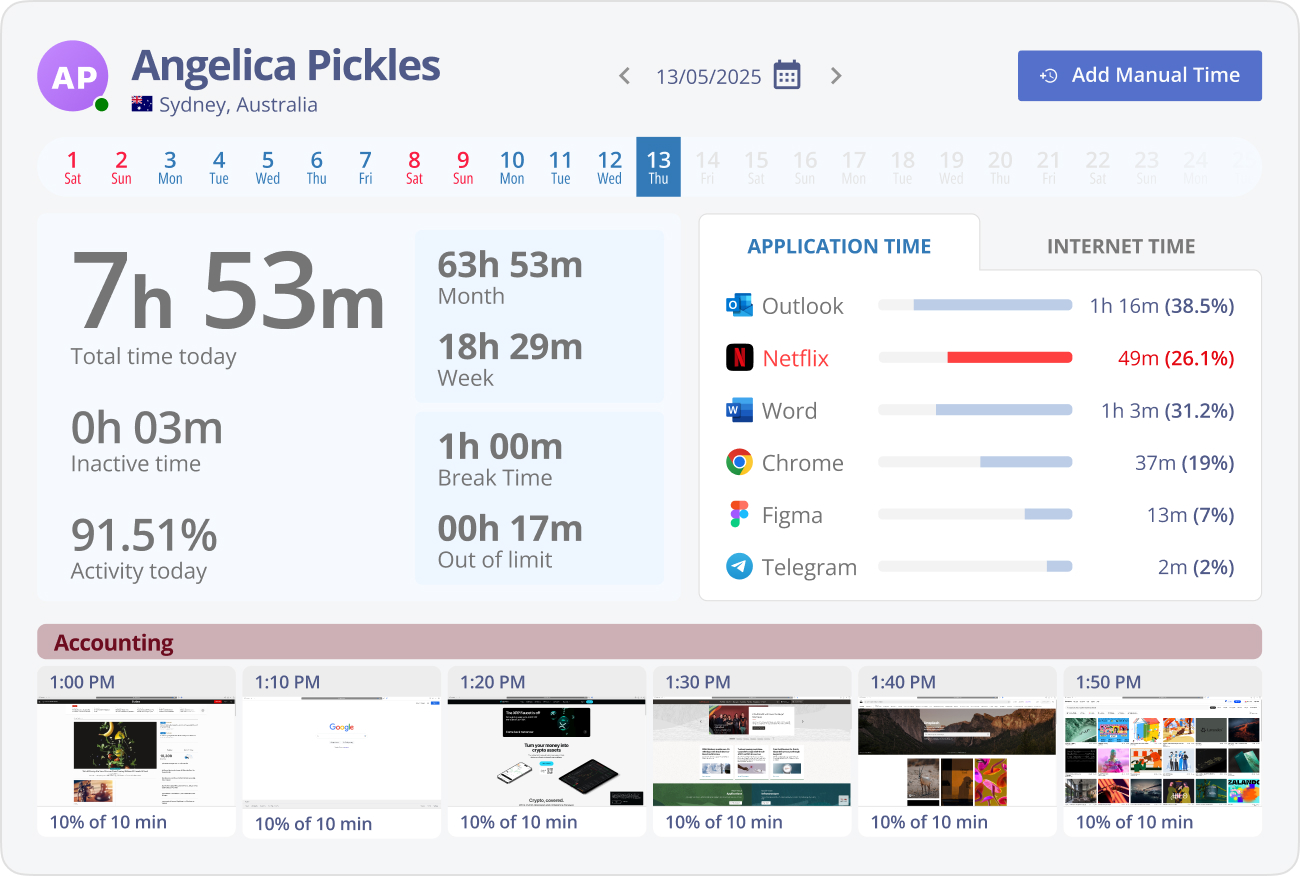
After-call work by app and website
- Time in each app and website
- Wrap-up time traced to a system
- Process fixes based on data
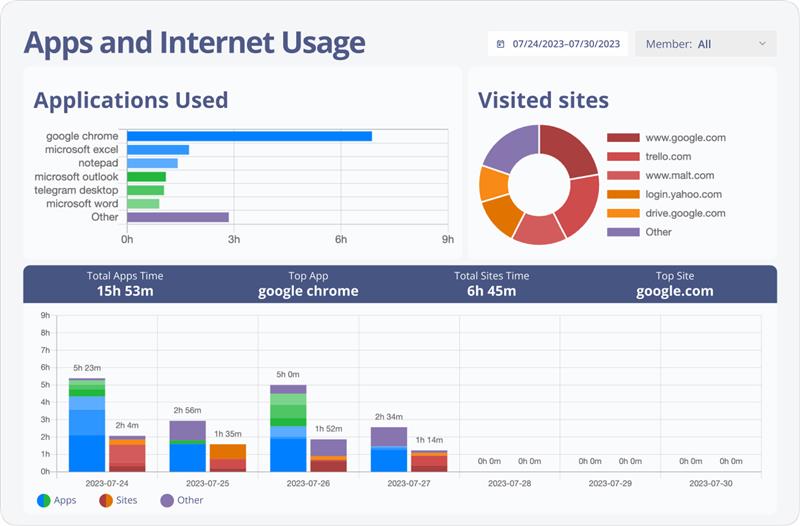
Screenshots for coaching, blurred for privacy
- Optional random screenshots
- Smartblur for customer data
- Off for card-handling queues
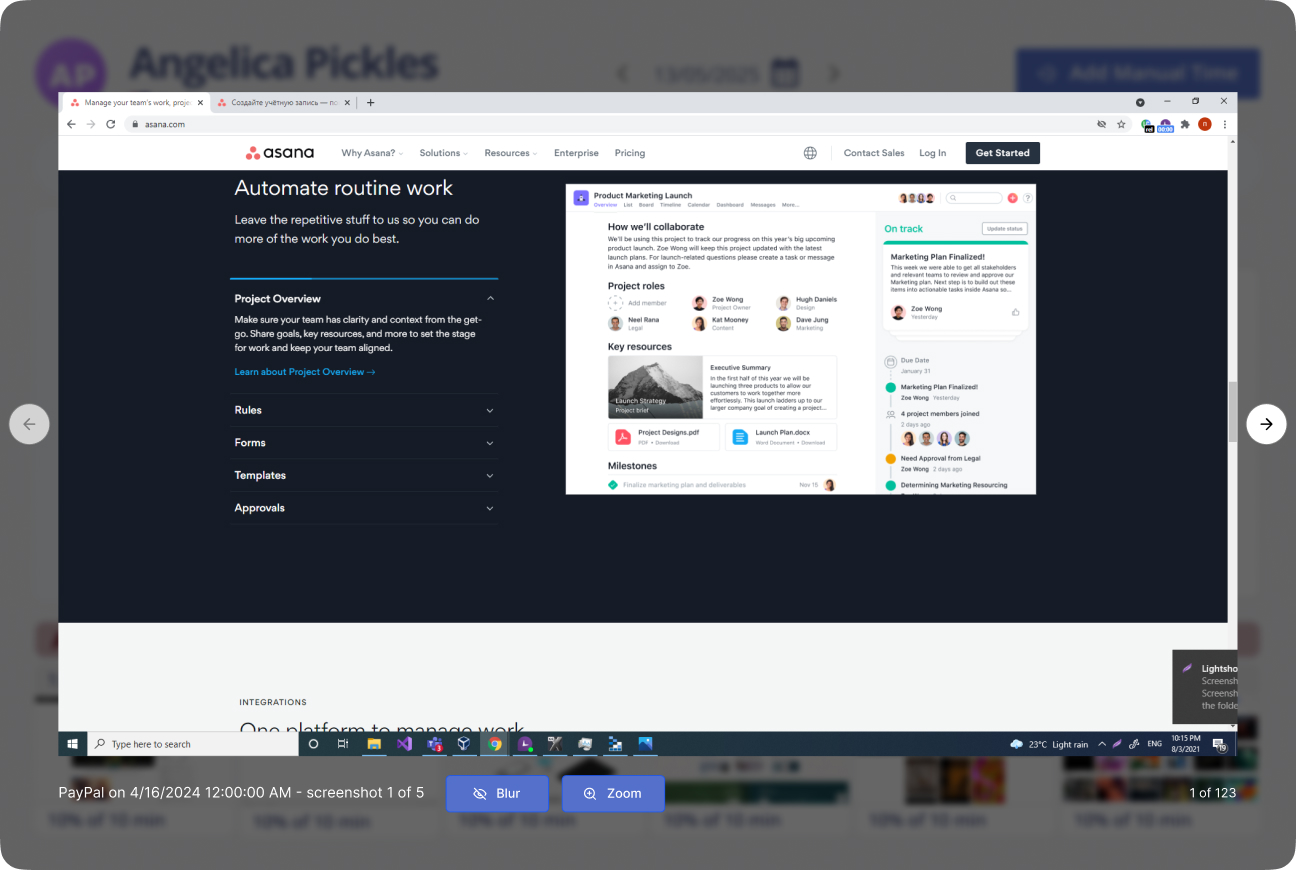
Call center attendance and time tracking
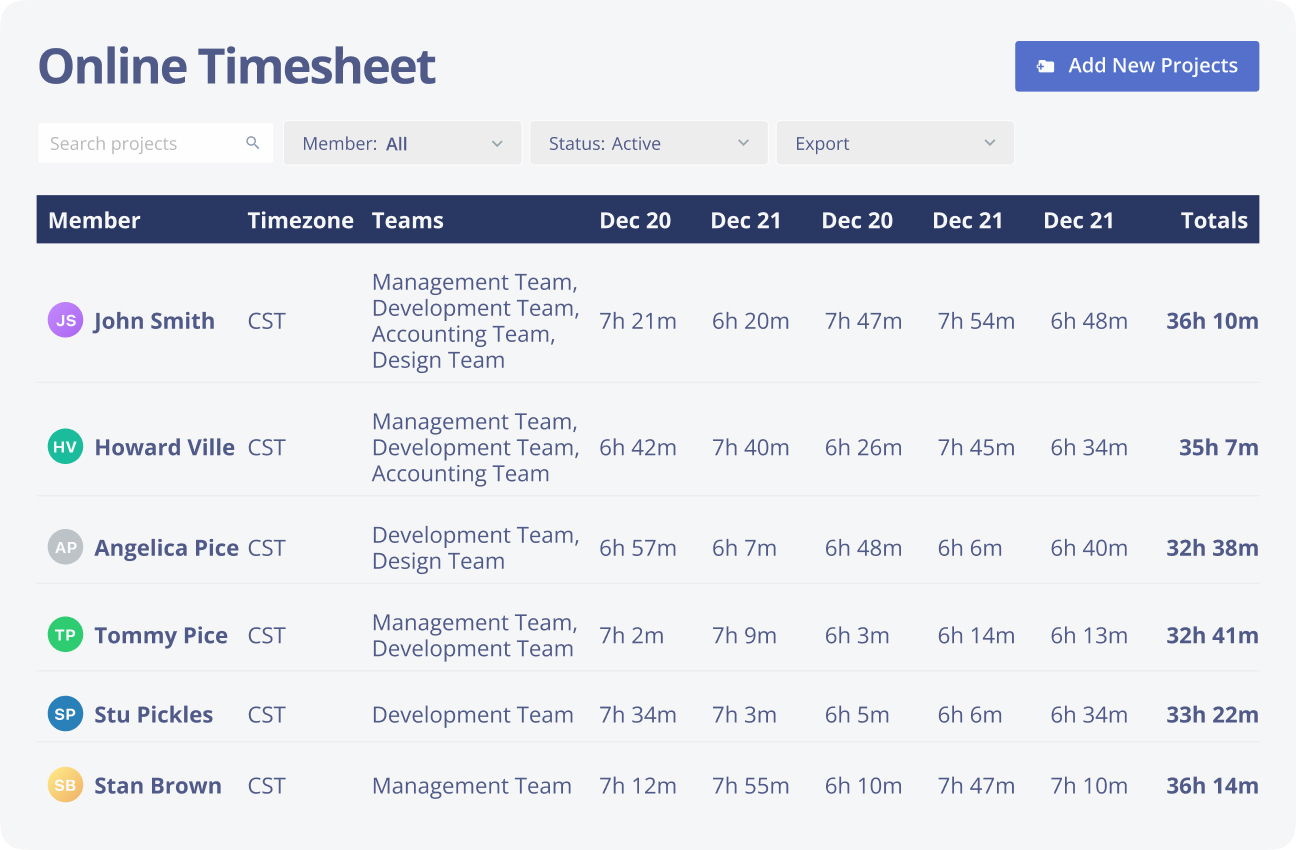
- Who is on shift right now
- Late starts and early finishes
- Timesheets by queue or campaign
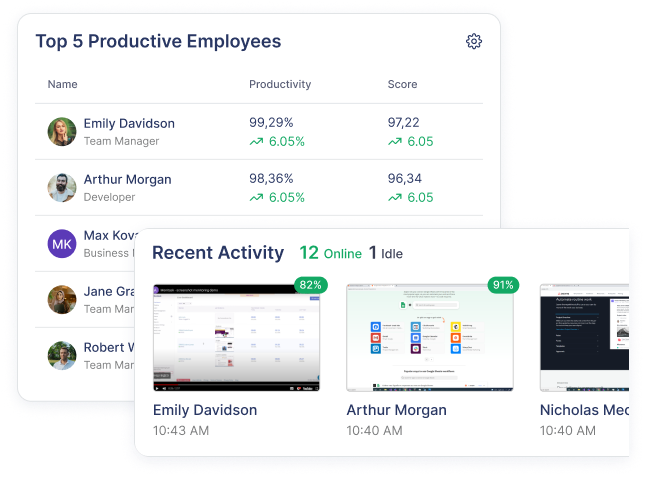
Call center productivity you can coach from
- Agent and team comparisons
- Agents see their own data
- Mouse jiggler detection

Remote call center monitoring
- Same data for remote and on-site agents
- Windows, Mac and Linux
- Stealth mode on company computers
Without Monitask vs with Monitask
Without Monitask
- Calls recorded, everything else invisible
- Wrap-up time nobody can explain
- Remote agents measured on trust
- Coaching based on impressions
With Monitask
- Activity across the whole shift
- After-call work traced to each app
- The same data for remote and on-site agents
- Coaching from data agents can see
Connect your ticketing and accounting tools



Privacy and security
Customer data stays private: Smartblur blurs screenshots, and Monitask never records calls.
What Monitask records
- Time entries, timesheets and project or task assignments
- Optional screenshots at random intervals
- Activity levels, including keyboard and mouse activity
- Apps and websites used during tracked time
What Monitask never records
- Keystrokes, typed text or passwords
- Private messages and personal files
- Webcam, microphone or continuous screen recording
- Data from devices outside the tracked work account
Smartblur blurs sensitive details on screenshots. Monitask is GDPR-ready and has an EU representative through prighter.com.
How to start call center agent monitoring
-
Create your account
Start the 10-day free trial. No credit card needed.
-
Set up queues
Create a project for each queue or campaign.
-
Roll out to agents
Install the desktop app and tell agents what is tracked.
-
Coach from the data
Review timelines and app reports with agents each week.
Frequently asked questions about call center monitoring
What is call center monitoring software?
How does call center agent monitoring work in Monitask?
Does Monitask record or listen to calls?
Can Monitask measure after-call work?
Is Monitask call center workforce management software?
Is it legal to monitor call center agents?
Is there a free trial?
See your agents' whole shift, starting today
10-day free trial. No credit card required.