
Time Tracking and Employee Monitoring Software for Remote Teams
Monitask is time tracking and employee monitoring software for remote teams: hours across time zones, activity and app usage, and proof of work, with data your team can see too.
10-day free trial · No credit card required





Trusted by thousands of users










Why it's hard to track remote workers' productivity

No view of who is working
Across five time zones, a quiet chat can mean deep work or an empty desk. You can't tell which.

Status meetings that eat the day
Daily check-ins replace visibility, and the team spends hours reporting work instead of doing it.

Hours you can't verify
Timesheets typed in on Friday rarely match the week, and contractors bill hours nobody can check.

Monitoring that kills trust
Hidden, all-seeing tools make good people leave. Teams need oversight they understand and can see.
Remote team time tracking and monitoring in one app
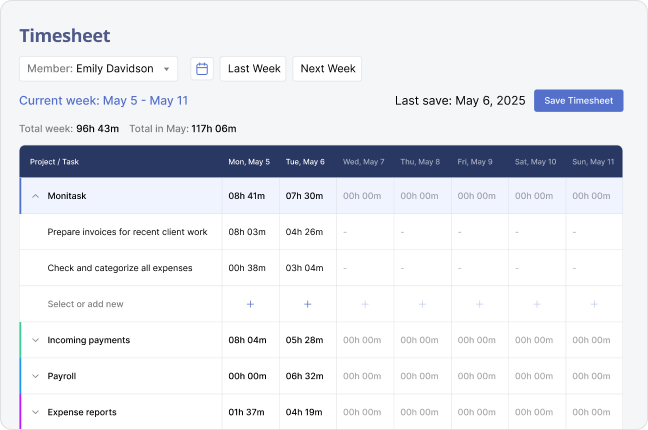
Monitask tracks time, activity and app usage on every remote computer, adds optional screenshots as proof of work and turns it all into reports that managers and employees can both see. It works for fully remote, hybrid and distributed teams of any size.
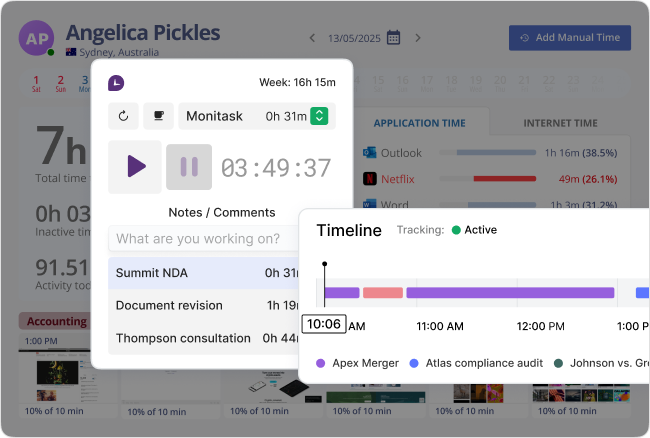
Remote workers' time tracking across every time zone
- Timer on Windows, Mac, Linux and mobile
- Offline tracking that syncs later
- Clock-in board with who is online now
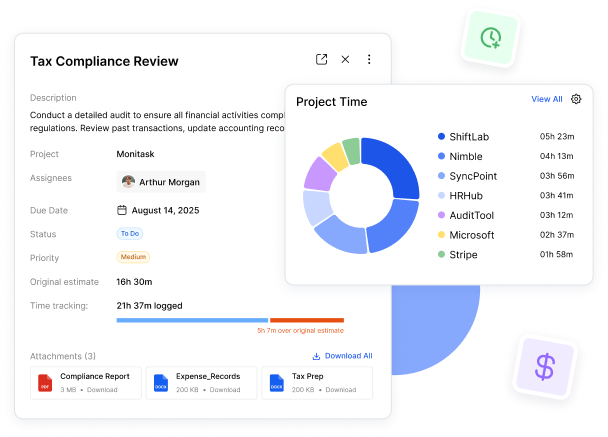
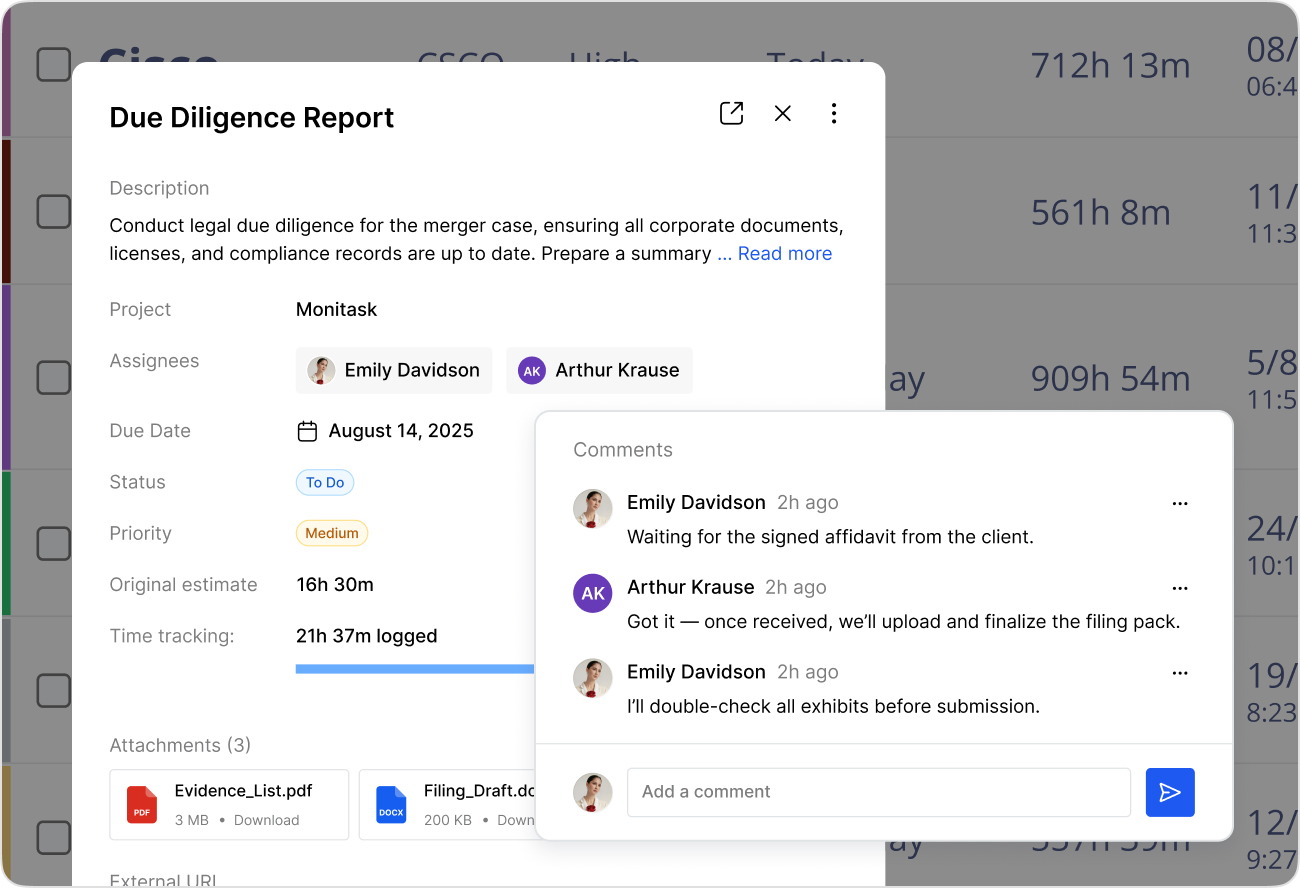
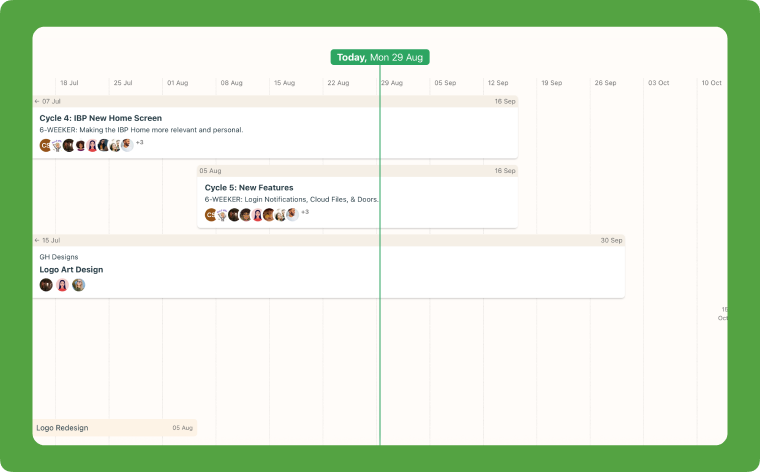
Projects and tasks the whole team can see
- Projects and tasks with assigned team members
- Hours per task without status meetings
- Native integrations with Jira, ClickUp and Basecamp 3
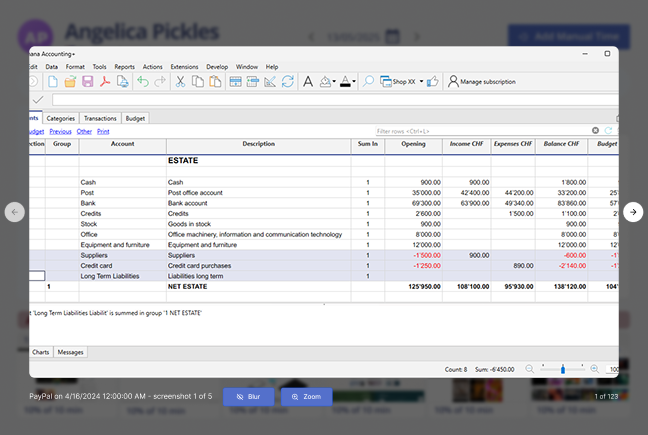
Proof of work without constant check-ins
- Screenshots at random intervals
- Activity levels, apps and websites for every entry
- Smartblur for screenshots taken at home
Catch mouse jigglers and idle time
- Mouse jiggler detection
- Idle time flagged automatically
- Honest hours for fair comparisons
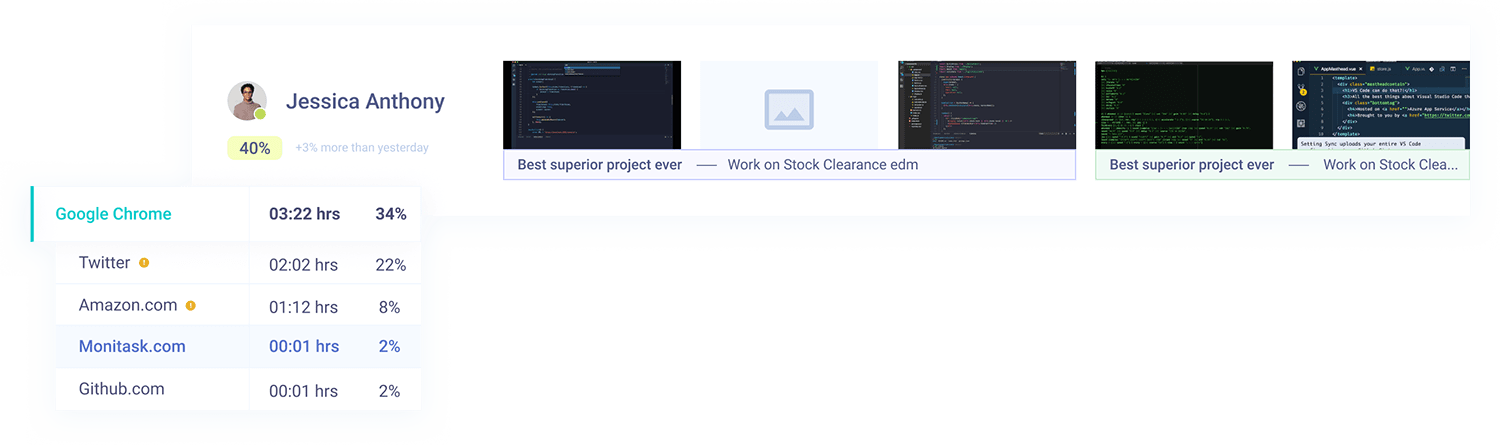
Track remote workers' productivity with clear reports
- Hours and activity by person, team and project
- Workload trends that show overload early
- Exports for payroll and client billing

Remote workforce monitoring your team can see too
- Employees see their own hours and screenshots
- Monitoring settings per person
- A written policy that builds trust
Without Monitask vs with Monitask
Without Monitask
- Status meetings to find out who is working
- Timesheets typed in from memory
- Mouse jigglers keep statuses green
- Contractor hours you can't verify
With Monitask
- A live view of who is working now
- Hours tracked as work happens
- Jiggler detection and idle time flags
- Screenshots and activity behind every hour
Works with your remote team's tools


Privacy and security
Remote work happens at home: Smartblur keeps personal details on screenshots unreadable.
What Monitask records
- Time entries, timesheets and project or task assignments
- Optional screenshots at random intervals
- Activity levels, including keyboard and mouse activity
- Apps and websites used during tracked time
What Monitask never records
- Keystrokes, typed text or passwords
- Private messages and personal files
- Webcam, microphone or continuous screen recording
- Data from devices outside the tracked work account
Smartblur blurs sensitive details on screenshots. Monitask is GDPR-ready and has an EU representative through prighter.com.
How to start time tracking for remote teams
-
Create your account
Start the 10-day free trial. No credit card needed.
-
Invite your team
Send invites; each person installs the desktop app on Windows, Mac or Linux.
-
Set monitoring rules
Choose screenshots, Smartblur and other settings for each person and share your policy.
-
Review and improve
Check the live dashboard and weekly reports, then rebalance workloads.
What remote teams say about Monitask
"It is a must-have tool for companies allowing remote work. 80% of our employees work from remote locations, and tracking their work efficiency was a big challenge for us. we had at a point also decided to create a tool for time tracking, however, once we heard about monitask, and used it for 10 days with the free trail. it was an instant GO for us ad we have been using the same since then."

Frequently asked questions about monitoring remote teams
What is the best employee monitoring software for remote teams?
How do you track remote workers' time?
How can I monitor remote employees without micromanaging?
Is it legal to monitor remote employees?
Can Monitask detect mouse jigglers?
Does Monitask work for hybrid teams and contractors?
Is there a free trial?
Start tracking your remote team's time today
10-day free trial. No credit card required.