
Time Tracking Software for EdTech and Online Education
Monitask is time tracking software for EdTech companies, online schools and tutoring teams: see hours per course and student, verify remote tutors' work and pay everyone for the time they put in.
10-day free trial · No credit card required





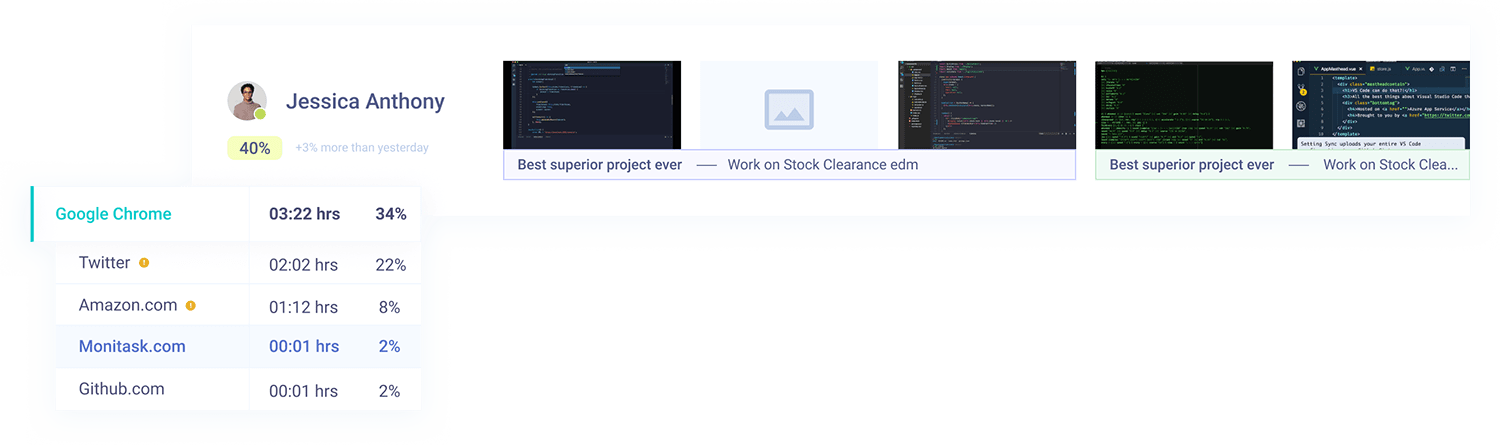
Trusted by thousands of users










Why time tracking for education teams is hard

Prep time nobody sees
Lesson prep, grading and course updates take hours that never show up in schedules or pay.

Remote tutors across time zones
Tutors and instructors work from home, and managers have no record behind the hours they report.

Courses that cost more than planned
Without hours per course, nobody knows what a new module or a cohort really cost to deliver.

Student data on screen
Monitoring that captures student names and grades creates a privacy problem of its own.
Education time tracking for online teams
Monitask tracks time by course, cohort or student, turns it into online timesheets and adds optional proof of work for remote staff. It suits online schools, tutoring companies, course creators, instructional designers and EdTech startups whose teams work at a computer.
Hours per course, cohort and student
- Projects per course or program
- Sessions, prep and grading tracked separately
- Delivery cost per course

Time for course creation and updates
- Hours per module and contributor
- Planned vs actual hours
- Data for pricing new courses

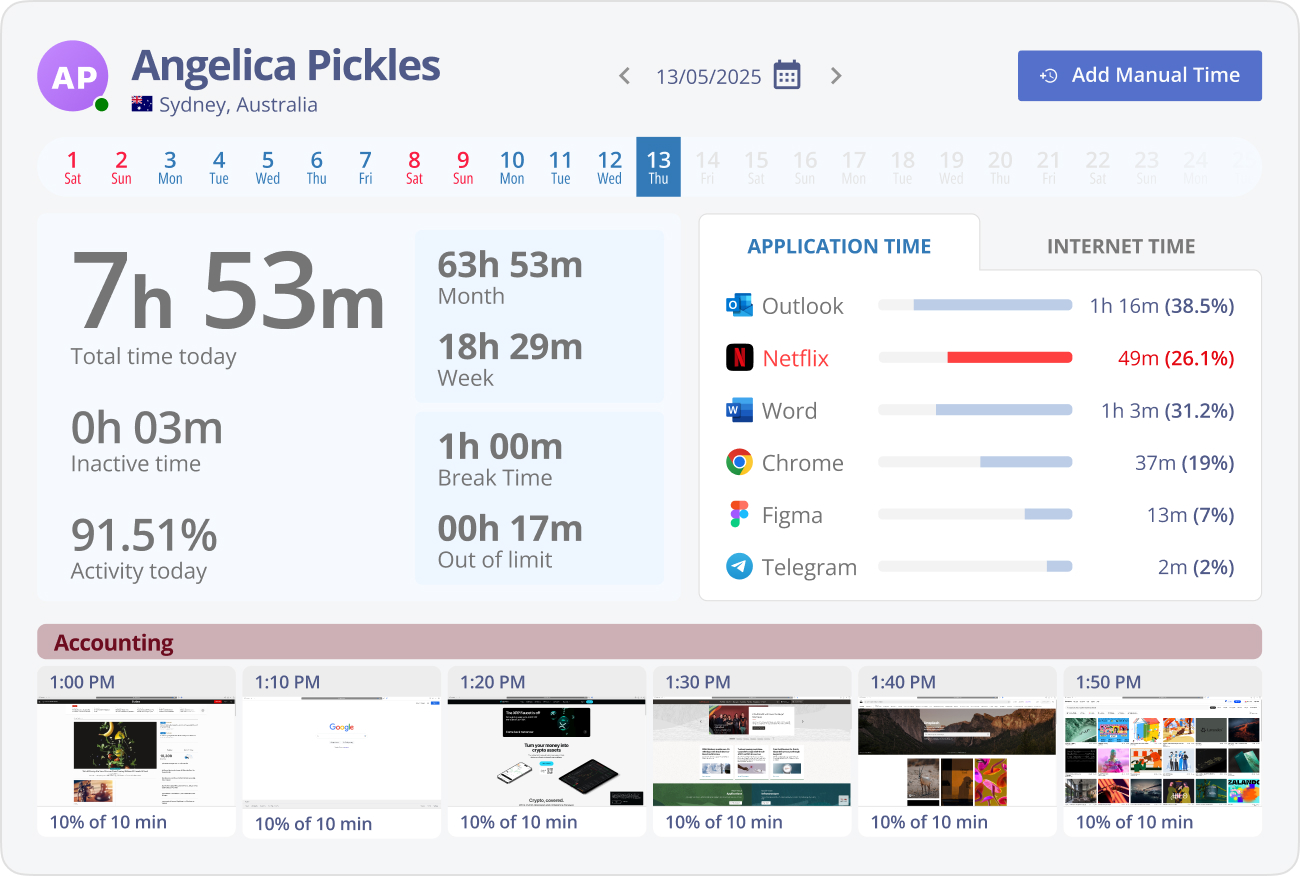
Proof of work for remote tutors
- Activity and apps for remote staff
- Smartblur for student data
- Mouse jiggler detection
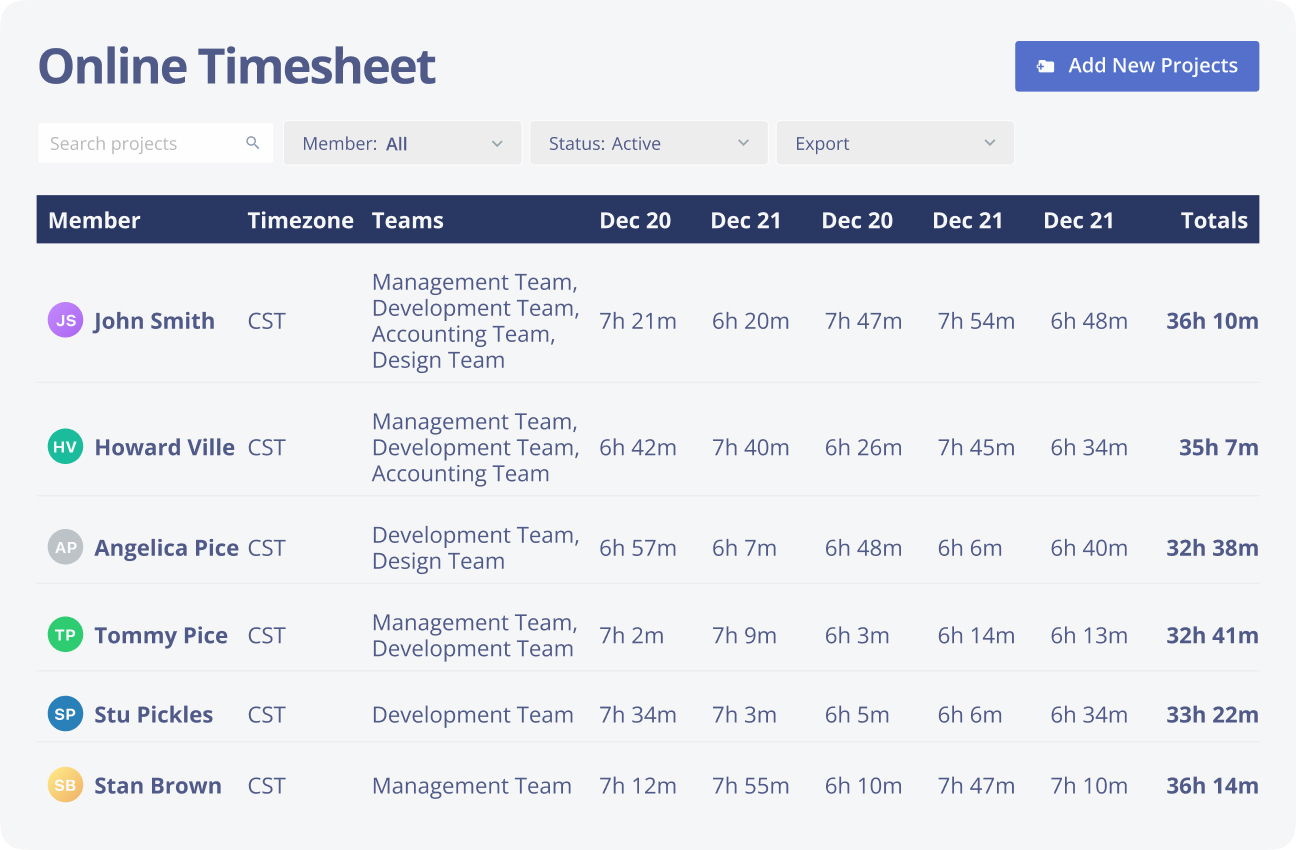
Online timesheet software for education teams
- Timesheets per pay period
- Pay for hourly tutors
- Invoices for families and schools
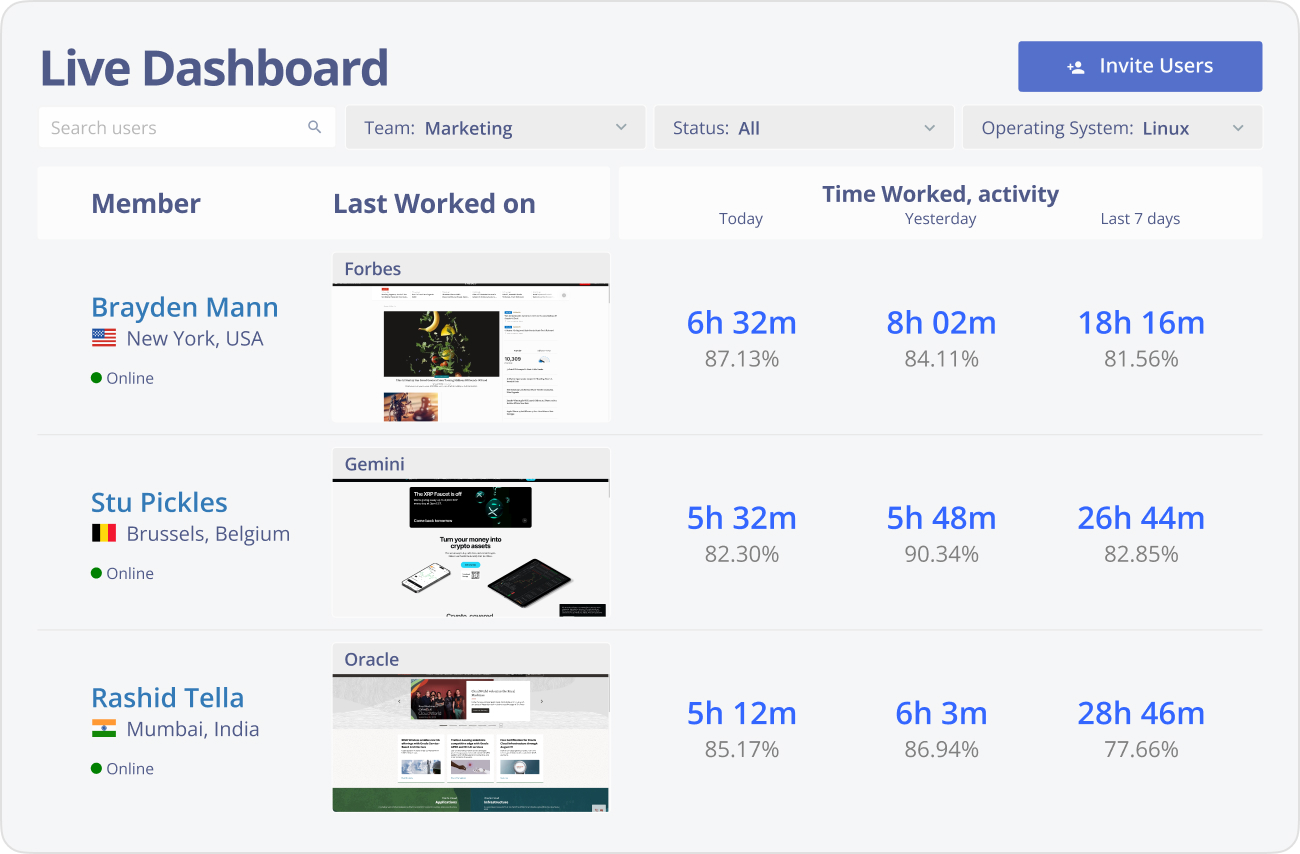
Attendance and time tracking for educational staff
- Clock-in board for online staff
- Tutor workload at a glance
- Balanced assignments
Without Monitask vs with Monitask
Without Monitask
- Prep and grading time that goes unpaid
- Tutor hours taken on trust
- Courses with unknown delivery cost
- Timesheets collected by email
With Monitask
- Prep, sessions and grading tracked separately
- Activity behind every tutor hour
- Hours and cost per course
- Online timesheets ready for payroll
Connect your project and accounting tools


Privacy and security
Student data stays private: Smartblur blurs screenshots so names and grades can't be read.
What Monitask records
- Time entries, timesheets and project or task assignments
- Optional screenshots at random intervals
- Activity levels, including keyboard and mouse activity
- Apps and websites used during tracked time
What Monitask never records
- Keystrokes, typed text or passwords
- Private messages and personal files
- Webcam, microphone or continuous screen recording
- Data from devices outside the tracked work account
Smartblur blurs sensitive details on screenshots. Monitask is GDPR-ready and has an EU representative through prighter.com.
How to start time tracking for your education team
-
Create your account
Start the 10-day free trial. No credit card needed.
-
Add courses
Create a project for each course and tasks for cohorts or students.
-
Invite tutors and staff
Each person installs the desktop app and sees their own hours.
-
Review and pay
Check timesheets each pay period and export them for payroll.
What EdTech teams say about Monitask
"As an entrepreneur, I often feel guilt that I'm not spending "enough" time working on various projects. Once I started using Monitask, everything became objective and my time has started to become more valuable. Things that get measured get improved. This objective feedback on how I'm spending my time has given me so much encouragement and motivation. I can see progress happen, and I'm able to feel better about the work I do."

Frequently asked questions about time tracking for education
What is the best time tracking software for education?
What is online timesheet software for education?
How do tutoring companies track tutor hours?
Is Monitask suitable for schools and classroom teachers?
How does Monitask protect student data?
Is there a free trial?
Start tracking your education team's time today
10-day free trial. No credit card required.