Trusted by Thousands of Users


4.8/5 (149 reviews)

4.8/5 (149 reviews)

4.8/5 (150 reviews)

4.8/5 (100 reviews)
1000 + clients worldwide increase workforce productivity with Monitask






Key Features of Monitask – Powered to Detect Mouse Jigglers
Advanced Mouse Movement Analysis
Monitask monitors real mouse activity patterns and distinguishes between genuine user input and artificial movements caused by mouse jigglers, ensuring accurate tracking of real work.
Idle Time and Activity Tracking
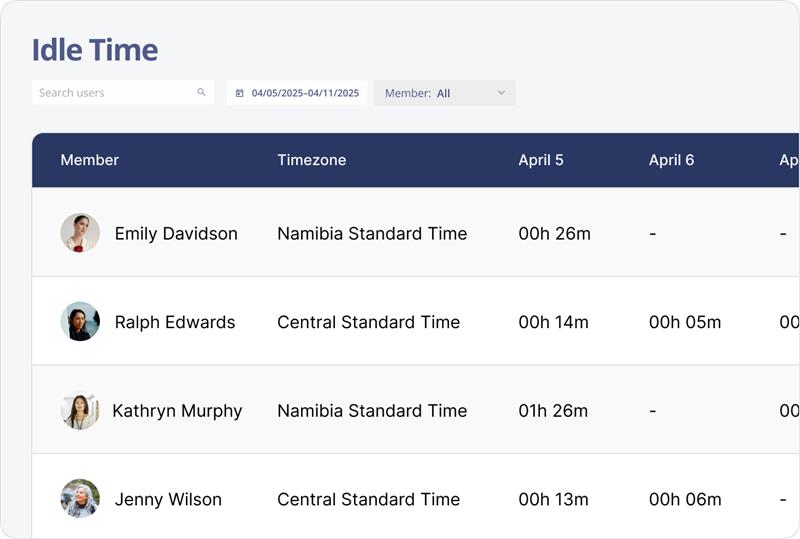
Automatically detects idle periods even if a mouse jiggler is in use, preventing false activity reports and helping managers identify truly inactive employees.
Screenshot and Screen Recording
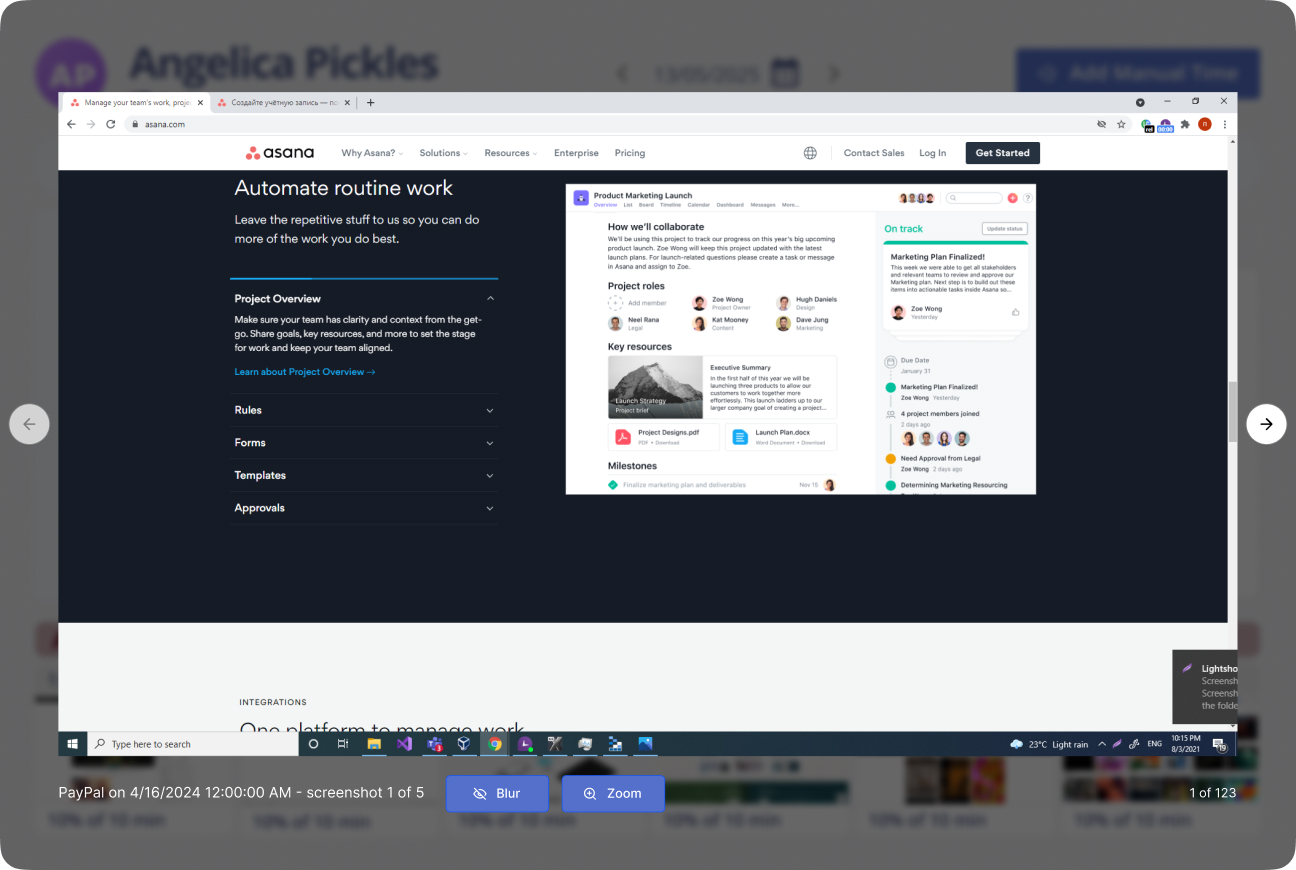
Captures random screenshots and screen recordings to verify employee activity beyond cursor movement, making it easier to spot suspicious behavior linked to mouse jiggler usage.
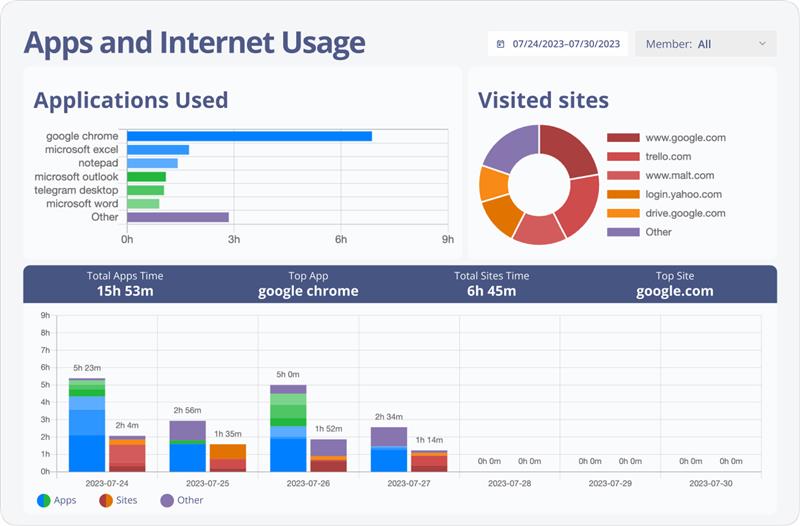
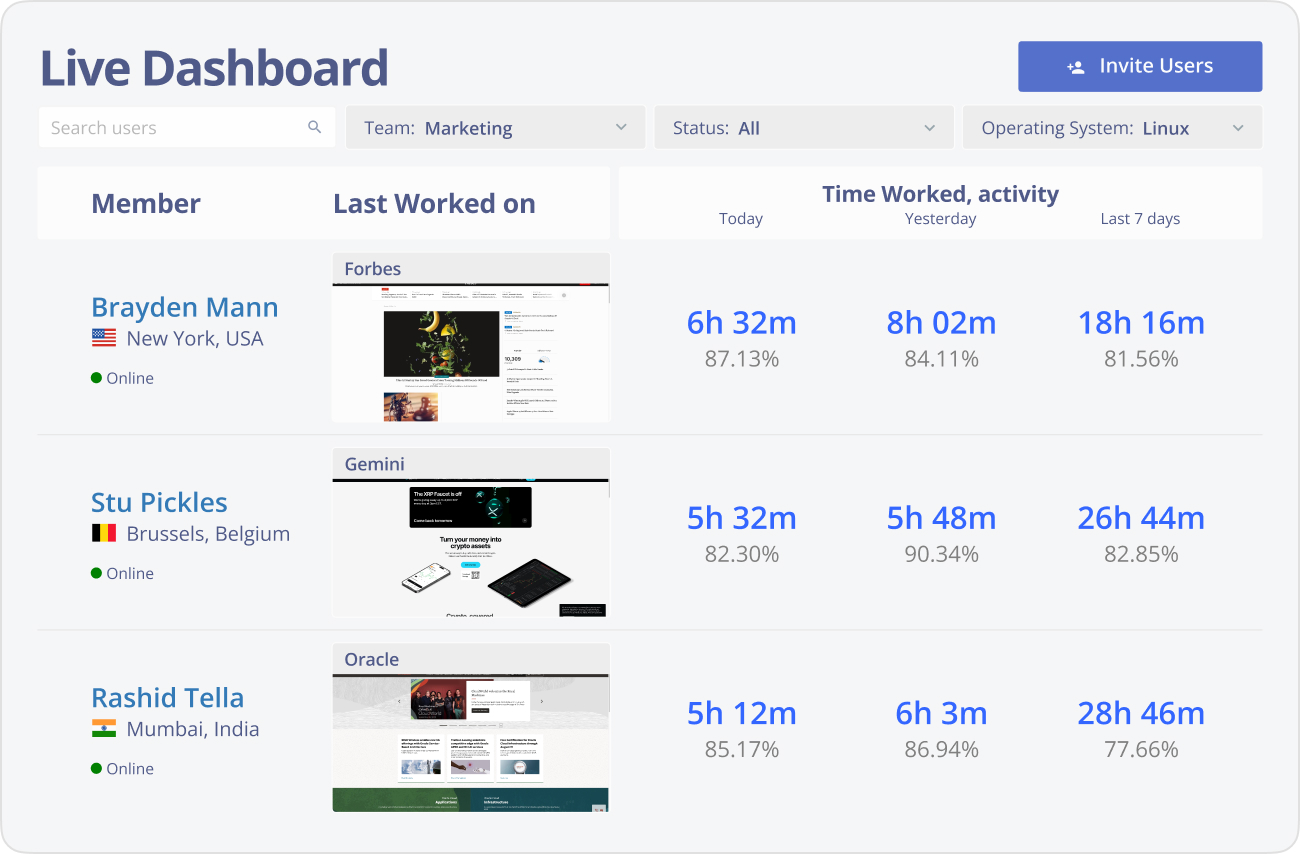
App and Website Monitoring
Tracks time spent on approved and unapproved applications and websites, providing a holistic view of productivity beyond simple mouse movement.
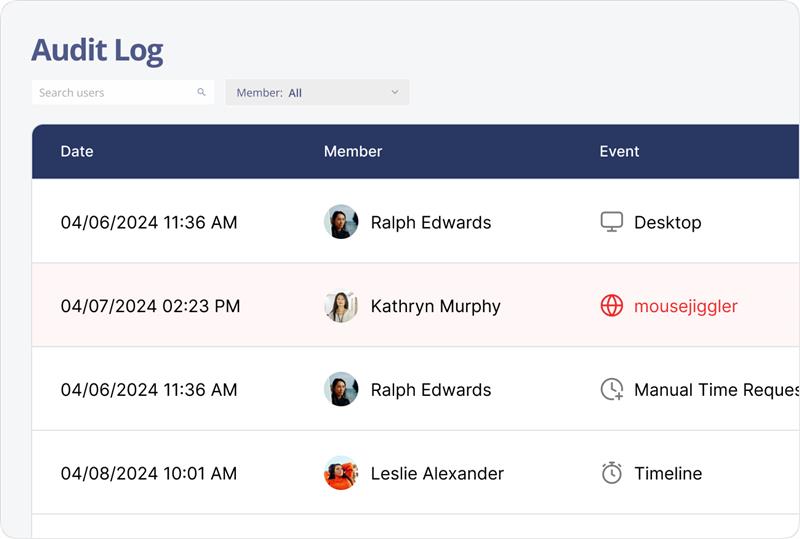
Device and Software Audit
Helps identify unauthorized mouse jiggler hardware or software installed on company devices, adding an extra layer of detection.
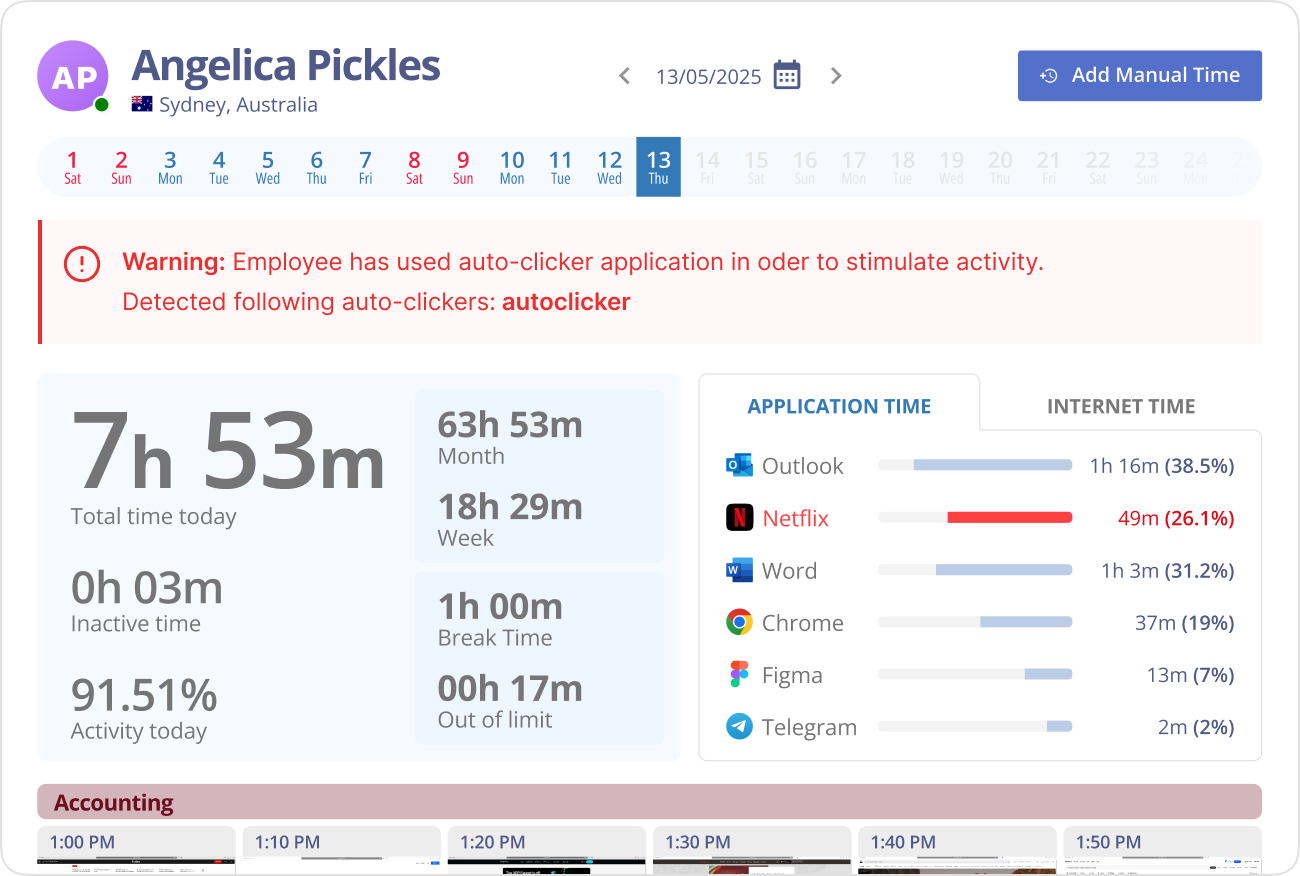
Real-Time Alerts
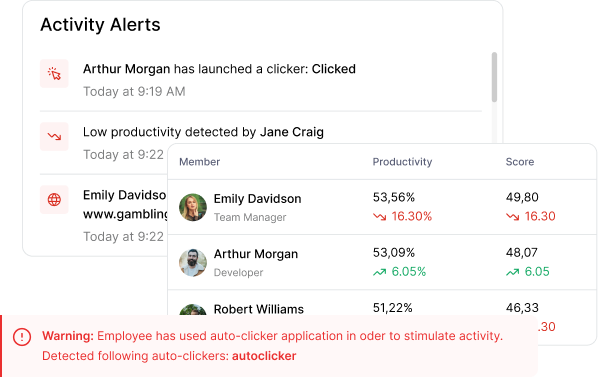
Sends notifications if unusual activity patterns suggest the use of mouse jigglers, allowing managers to intervene promptly.
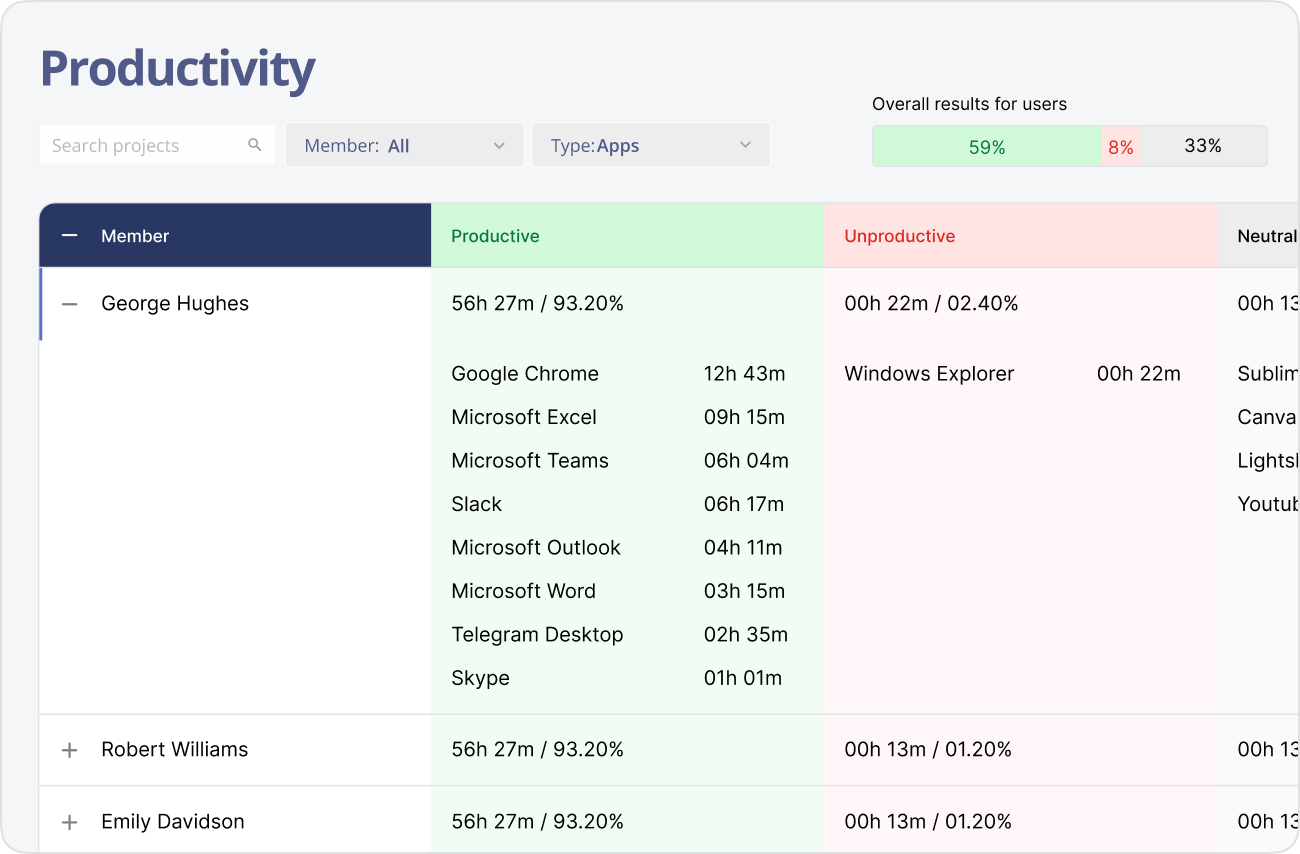
Comprehensive Reports
Provides detailed activity reports highlighting discrepancies between mouse movement and actual user engagement for informed decision-making.
Benefits of Detecting Mouse Jigglers

Improved Productivity Accuracy
Ensures employee activity reports reflect genuine work, preventing false active status caused by artificial mouse movements.

Enhanced Trust and Accountability
Discourages employees from using deceptive tools, fostering a culture of honesty and responsibility.

Better Resource Management
Helps managers identify idle time accurately, enabling more effective task allocation and workload balancing.

Reduced Time Theft
Limits opportunities for employees to appear active while taking unapproved breaks or avoiding work.

Comprehensive Monitoring
Combines mouse jiggler detection with screenshots and app tracking for a fuller picture of employee engagement.

Proactive Issue Resolution
Alerts managers to suspicious activity early, allowing timely conversations and corrective actions before problems escalate.

Eliminate the need for manual timesheets with automatically calculated hours. Automated time tracking is as easy as a click to start a shift and another click to end it.

Proof-of-work screenshots are a great way to review daily operations and identify unproductive employees. Screenshots can be turned off or blurred for sensitive content.

Monitask is a great project and task manager for teams. Determine how much time has been spent on each project to improve deadline expectations and measure scope.

Create detailed reports about the company’s productivity, time spent on the arranged tasks, and apps and websites used at work.

Monitask monitoring allows you to check the programs your employee or freelancer uses when they track time. You can view a report to let you know each time a program is used and for how long.

platforms
platforms
The Monitask application is available for different platforms – Windows, MacOS, Linux.