How to Track Employee
Productivity with Monitask?
Monitask is an easy-to-use time tracking software and time tracking app that helps you monitor how much time spent on each task, helps with project management, and even billable hours based on time entries.
But, it is also more than that, let’s check all the features in a time tracking app like this one:
Time Tracking App
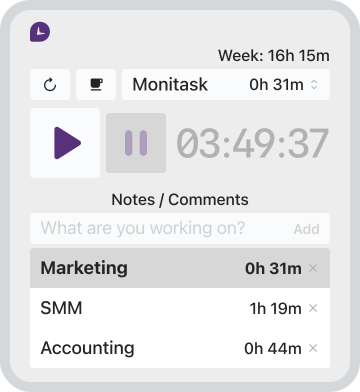
Monitask best time tracker app provides accurate tracking time that helps you keep track of each employee’s work hours. It also allows you to set up automatic reminders for when deadlines are approaching or when team members reach their allotted time. This keeps your team motivated and increases productivity as they stay on track with their tasks.
As a time tracking app, Monitask allows unlimited users to track time spent on various tasks and projects in real-time allowing you to track employee productivity. This automatic time tracking feature to track time helps identify time-wasting activities and eliminates distractions, boosting productivity levels while keeping track of billable hours based on time entries.
Activity Employee Monitoring
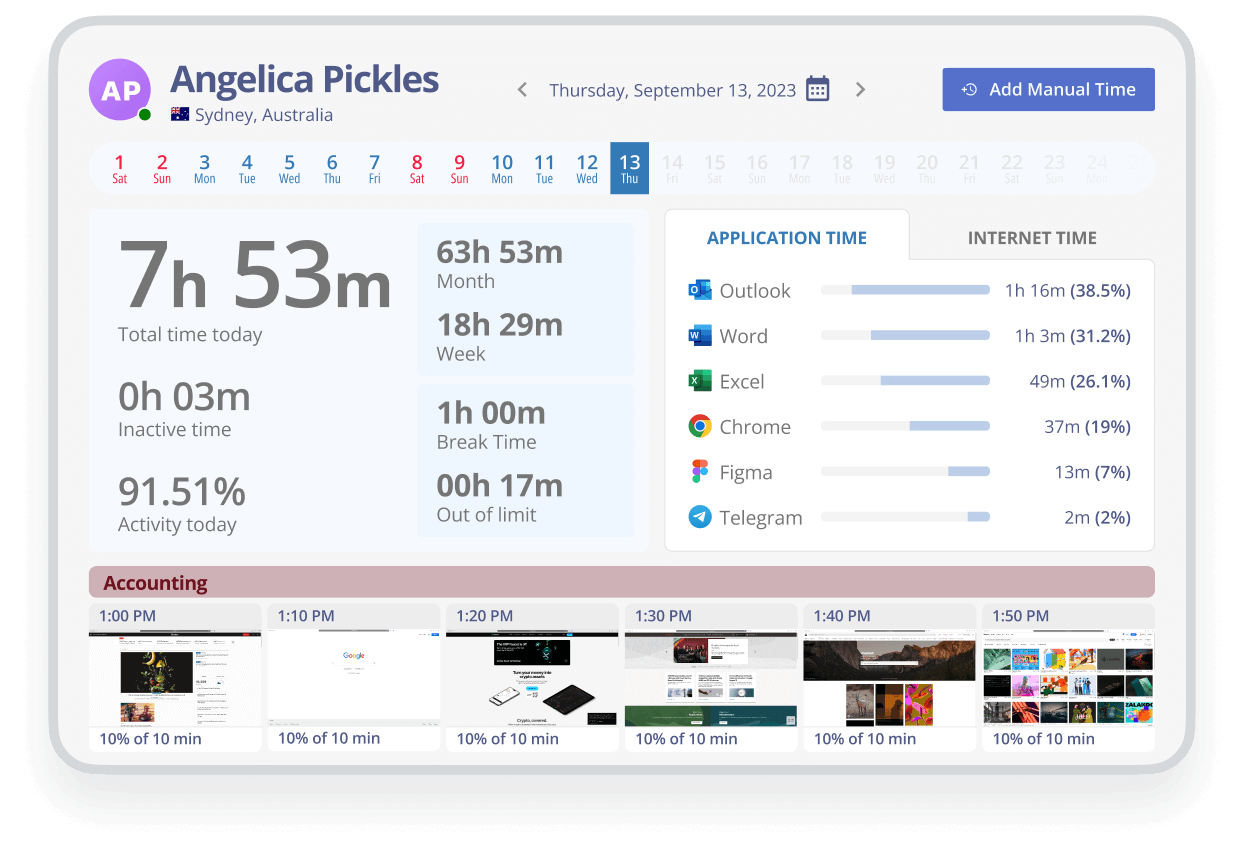
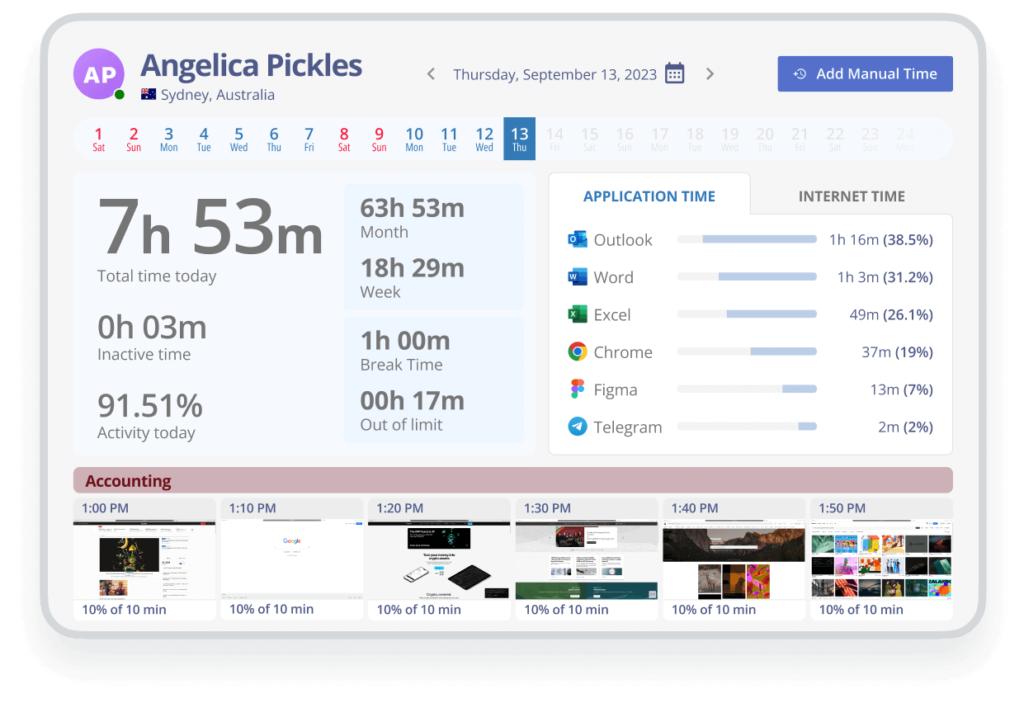
With Monitask time tracking software, unlimited users can monitor all work-related activities on their mobile devices or desktop app, including websites visited, applications used, and files accessed. This way, you can make sure that your team is not using their time entries for activities unrelated to work.
Plus, this feature in a time tracking app helps you to identify productivity blockers and enables unlimited users to make data-driven decisions to optimize workflow, especially when you are working with multiple clients or unlimited projects.
Reporting and Analytics
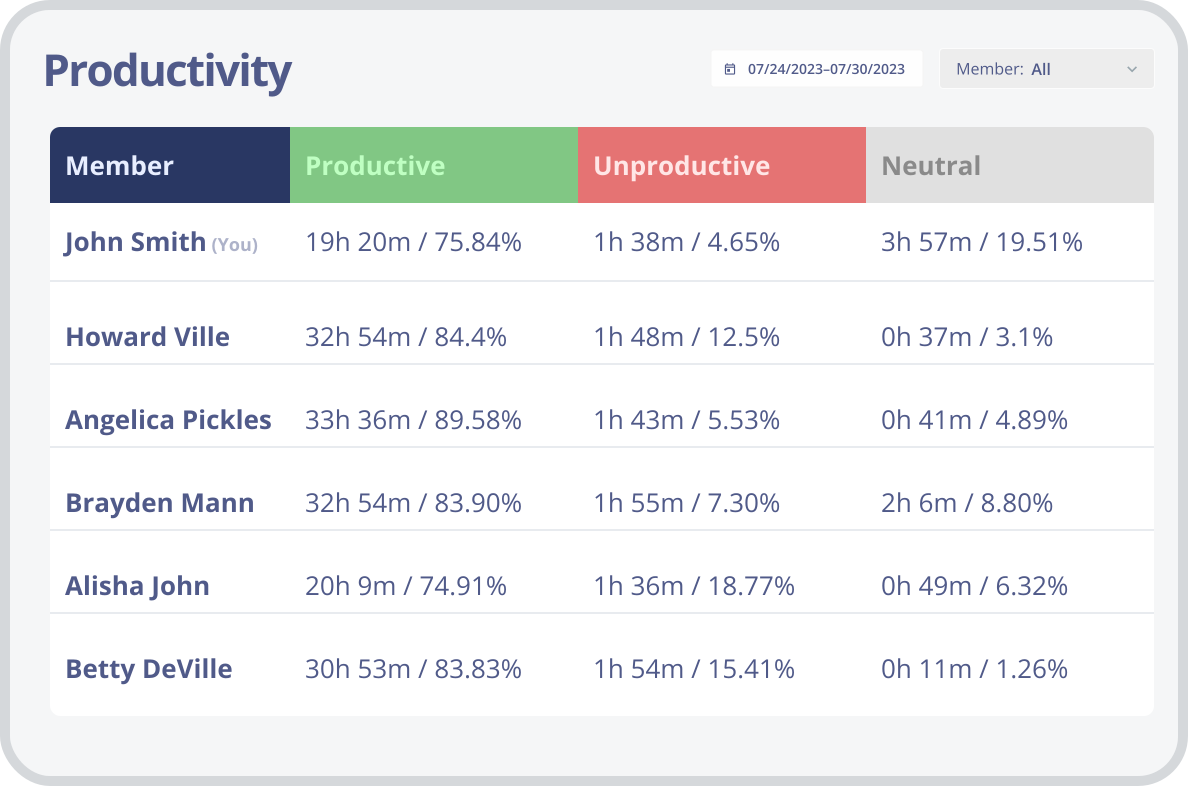
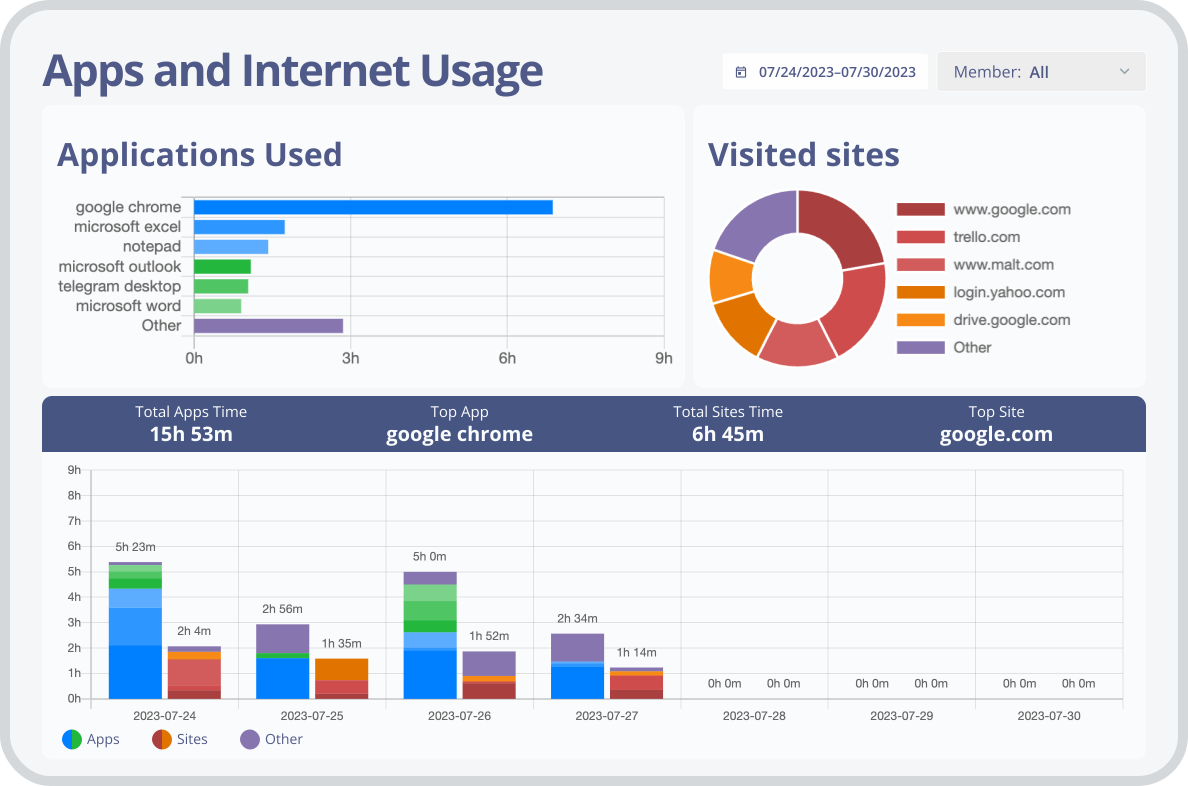
As time tracking software, Monitask generates detailed reports and productivity analysis on computer usage and employee performance, including time spent on tasks, websites visited, and applications used.
All the time tracker reporting features help managers with task management, as well as to track employee performance and identify top performers and areas for improvement. Managers can export data in different formats for further action with very little interaction with the staff.
Screenshots for Employee Monitoring
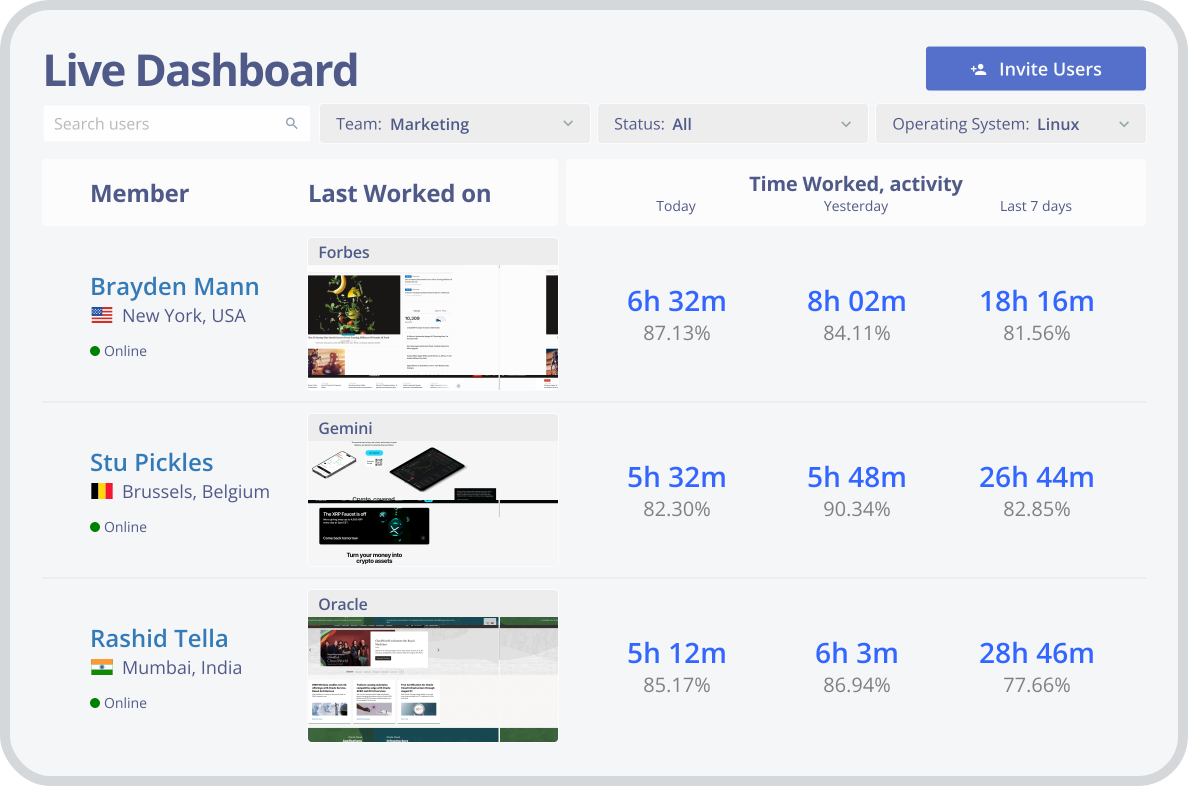
Our productivity monitoring software captures screenshots of users’ screens at pre-defined intervals since we offer automatic time tracking app. As an automatic time tracking software, Monitask time tracker stores the screenshot images in a database and allows you to view them via our online dashboard.
This time tracker feature provides insight into how many hours employees are investing in their tasks and allows managers to ensure that work is being done efficiently just by using a productivity tracker app.
Integrations for Time Tracking App
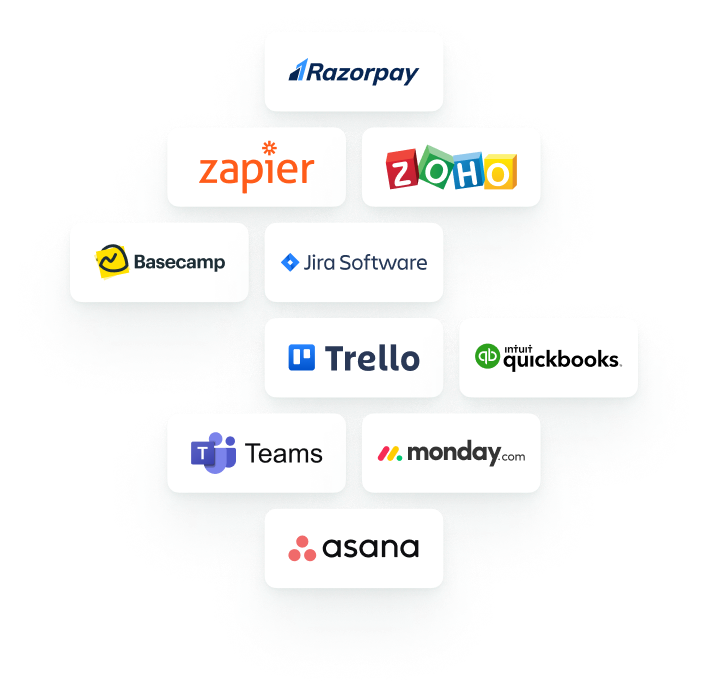
As one of the best time tracking tools, Monitask integrates with various project management, communication tools, and other apps, including Trello, Asana, and Slack. This feature helps managers keep track of team performance on just about every platform, allowing them to focus on the work that needs to be done.
This feature streamlines workflow and enhances collaboration, enabling teams to work smarter and achieve better results.