10 Everyday Office Interruptions That Hurt Productivity And How to Handle Them

Ever wonder why your workday feels busy but rarely productive? Between constant pings, spontaneous conversations, and back-to-back meetings, uninterrupted focus has become almost impossible.
Studies reveal it can take anywhere from 8 to 25 minutes to regain concentration after a single distraction, a hidden time drain that quietly erodes efficiency. By the end of the day, many professionals have worked hard but achieved little that truly matters.
The key isn’t working longer, but smarter. With clear boundaries and the right tools, like Monitask, you can protect your attention and regain control. Let’s look at 10 everyday office interruptions that sabotage productivity, and how to overcome them.
Why Office Interruptions Drain Productivity?
Interruptions might seem harmless, just a quick chat or a phone buzz, but they have a measurable cognitive cost. Each time your attention shifts, your brain must “reload” the previous context before resuming the task. This process, known as context switching, slows performance and reduces overall accuracy.
Frequent disruptions also increase mental fatigue. The brain isn’t designed for constant multitasking; it performs best in focused bursts. When you’re interrupted repeatedly, your stress levels rise, your motivation drops, and your quality of work suffers.
On a larger scale, interruptions also hurt team dynamics. They lead to communication overload, encourage micromanagement, and make employees feel they must always be available, a recipe for burnout. Recognizing these patterns is the first step toward change.
10 Everyday Office Interruptions and How to Handle Them
Noisy offices, constant messages, and spontaneous chats, distractions are everywhere. Some interruptions seem harmless, but together, they quietly steal hours of focus every week.
Here are the most common office distractions, and smart ways to keep them from derailing your productivity.
1. Unplanned Conversations
Unplanned conversations are among the most common, and socially tricky, office distractions. A coworker stops by to “quickly ask something,” and 20 minutes later, you’re discussing weekend plans instead of finishing that report.
How to handle it:
✅ Politely set boundaries. Try saying, “I’d love to chat after lunch, I’m in the middle of something right now.”
✅ Use visual cues like headphones or a “focus zone” sign to signal deep work.
✅ Schedule dedicated “social breaks” to catch up with colleagues without derailing your focus.
Friendly communication is essential for morale, but unstructured conversations should never hijack productive time.
2. Constant Notifications (Emails, Slack, Teams)
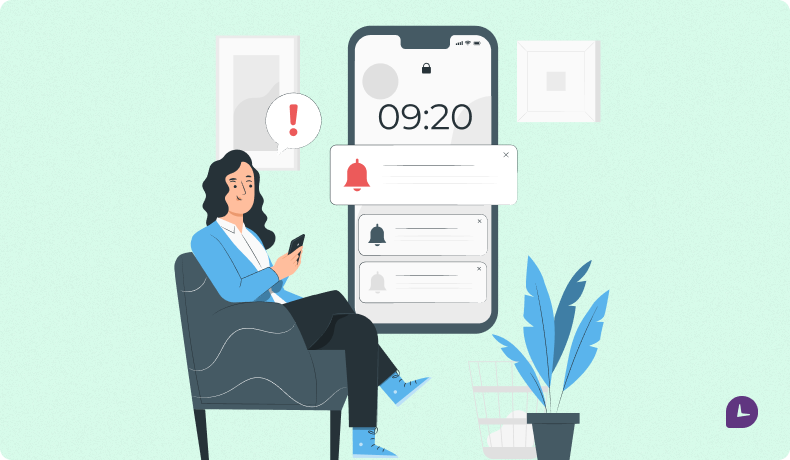
Email and chat tools keep teams connected, but they also create an always-on culture. Each ping demands instant attention, even when it’s non-urgent. These micro-interruptions scatter your focus across multiple threads and make it nearly impossible to concentrate deeply.
How to handle it:
✅ Turn off non-critical notifications during deep work sessions.
✅ Check emails and messages in batches (e.g., three times a day).
✅ Use “Do Not Disturb” or status indicators to show when you’re unavailable.
✅ Encourage your team to respect focus time by setting shared communication norms.
Productivity skyrockets when communication is intentional, not reactive.
3. Unnecessary Meetings
The modern professional spends up to 31 hours per month in unproductive meetings, according to Atlassian. Many could easily be replaced by a short email or a project update.
How to handle it:
✅ Challenge the necessity of each meeting before scheduling it.
✅ Create a clear agenda with defined objectives and time limits.
✅ Replace recurring status meetings with asynchronous tools, shared dashboards, time tracking reports, or project management software.
✅ End meetings early when objectives are met.
Fewer, shorter, and more focused meetings allow employees to spend more time doing meaningful work.
4. Background Noise and Open Office Layouts
Open-plan offices were meant to increase collaboration but often result in constant background chatter, phone calls, and movement, all of which fragment attention.
How to handle it:
✅ Invest in noise-canceling headphones or white noise apps.
✅ Encourage designated “quiet zones” or private spaces for concentrated tasks.
✅ Use soft partitions or plants to create visual and sound barriers.
✅ If working remotely, choose a quiet workspace or use productivity playlists to stay focused.
Reducing ambient noise can boost concentration by as much as 40%, according to recent studies.
5. Office Gossip and Non-Work Chats
A quick break to chat about the latest office rumor can easily spiral into 30 minutes of lost productivity. Gossip also erodes trust and contributes to workplace tension.
How to handle it:
✅ Stay neutral and avoid engaging in negative or speculative talk.
✅ Keep conversations positive, short, and work-adjacent.
✅ If gossip becomes toxic, address it through HR or promote a culture of transparency.
Healthy workplaces thrive on open communication, but gossip drains morale and focus.

6. Cluttered Workspaces
Your environment directly influences your mindset. A cluttered desk or disorganized digital workspace leads to mental clutter, making it harder to prioritize tasks and think clearly.
How to handle it:
✅ Adopt a minimalist approach, keep only what you use daily.
✅ Spend 10 minutes each morning tidying your space.
✅ Digitize paperwork and organize files with clear folder systems.
✅ Use productivity tools like Trello or Notion to keep digital projects clean and accessible.
A tidy workspace encourages a tidy mind, the foundation for consistent productivity.
7. Personal Phone Use and Social Media
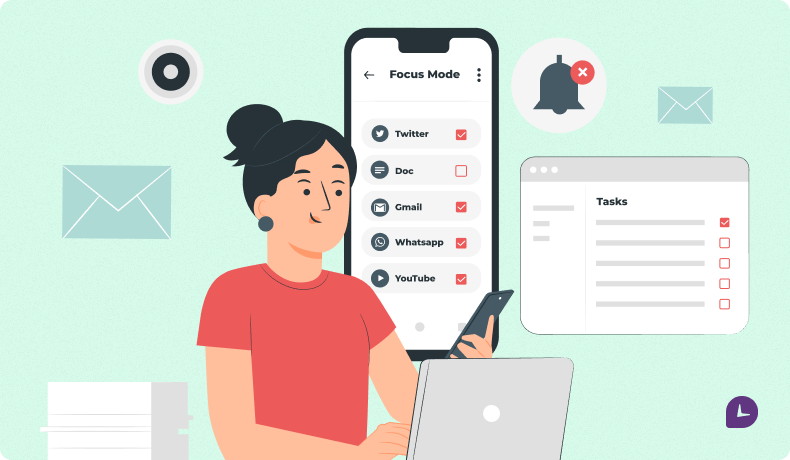
Most employees check their smartphones over 150 times per day, often unconsciously. Social media, texts, and news updates provide instant gratification but destroy sustained focus.
How to handle it:
✅ Silence personal devices during work hours or keep them out of reach.
✅ Use “Focus Mode” on iOS or Android to block distracting apps.
✅ Allocate specific times (like lunch breaks) for personal browsing.
✅ Track your screen time and set limits if needed.
Attention is your most valuable resource, treat it like currency.
8. Frequent Interruptions from Managers or Colleagues
Micromanagement and constant check-ins from supervisors are some of the most damaging distractions. They break workflow and signal a lack of trust, reducing autonomy and engagement.
How to handle it:
✅ Establish regular update intervals (e.g., once per day).
✅ Use transparent systems like project dashboards or time tracking reports to show progress.
✅ Encourage managers to shift from micromanagement to results-based leadership.
When leaders trust employees to manage their own time, productivity, and morale, soar.
9. Physical Discomfort: Lighting, Temperature, and Ergonomics
Environmental factors such as harsh lighting, uncomfortable chairs, or poor temperature control silently reduce performance. If you’re constantly adjusting your chair or feeling too cold, it’s impossible to stay fully engaged.
How to handle it:
✅ Invest in ergonomic furniture and proper lighting.
✅ Maintain room temperature between 20–22°C (68–72°F) for optimal focus.
✅ Take short stretch breaks every hour to avoid stiffness.
✅ Encourage management to provide wellness budgets for ergonomic upgrades.
A comfortable workspace isn’t a luxury, it’s a productivity multiplier.
10. Commuting and the Traditional Office Environment
Commuting drains time, energy, and focus before the workday even begins. Long drives, packed trains, and the stress of navigating traffic leave employees mentally spent before they open their laptops. Add in the noise and interruptions of a busy office, and it’s no surprise productivity takes a hit.
Remote work is one of the most effective solutions, especially when paired with smart tools like Monitask.
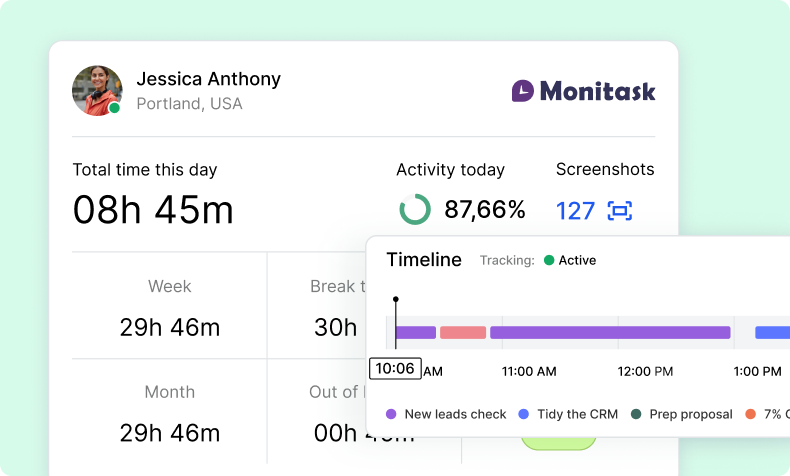
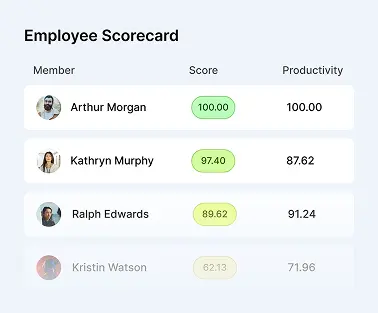
Monitask helps teams stay accountable without micromanagement. It tracks time, measures activity, and generates clear productivity reports, making it easy for managers to stay informed without hovering.
For employees, this means:
✅ Freedom to work in quieter, personalized spaces
✅ Less stress and more energy for meaningful work
✅ More control over their time and focus
For employers, Monitask offers:
✅ Transparent insights into project progress
✅ Accurate time logs for easier payroll and planning
✅ A way to foster autonomy without losing visibility
The result? No commute. Fewer distractions. Better work.
Remote work backed by tools like Monitask isn’t just more convenient, it’s a smarter way to work.
The Role of Technology in Minimizing Distractions
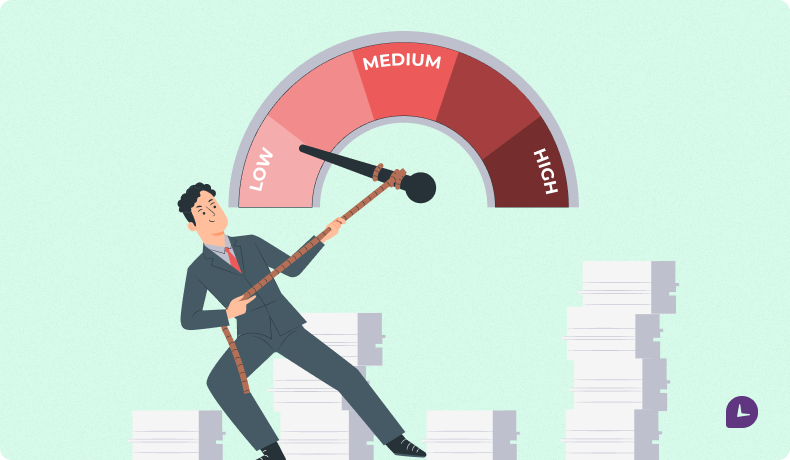
Technology can be both the cause and the cure for workplace interruptions. While constant notifications from emails, chats, and social media often derail focus, the right digital tools can help employees regain control of their attention.
Time-tracking platforms like Monitask increase awareness of how the day is spent, revealing hidden productivity gaps. Project management systems such as Asana streamline collaboration, keeping communication organized and purposeful instead of scattered across endless messages. Even focus timers and website blockers play a powerful role, helping professionals resist distractions and maintain longer periods of deep work.
When used intentionally, technology becomes more than a productivity enhancer; it shapes a culture of mindfulness, accountability, and respect for uninterrupted time.
Building a Focus-First Workplace Culture
Sustainable productivity doesn’t come from time management alone, it comes from a cultural shift. A truly focus-first workplace values deep work, thoughtful communication, and trust over constant activity.
One effective approach is introducing “focus hours,” designated blocks of uninterrupted time where meetings and messages are paused so employees can concentrate fully. Redefining productivity also plays a key role, shifting the focus from how quickly people respond to how meaningfully they deliver results.
Encouraging asynchronous communication allows team members to think before replying, reducing pressure and improving clarity. Finally, promoting autonomy builds trust. When employees are empowered to manage their own schedules, supported by accountability tools like Monitask, they naturally take ownership of their performance.
A culture that protects focus isn’t just quieter; it’s smarter, more creative, and far more productive.
Boost your business productivity
Track performance and streamline teamwork
Conclusion: Reclaim Hours of Lost Time
Office interruptions may be a part of modern work life, but they don’t have to control it. By recognizing the common culprits, from chatty coworkers to constant notifications, and applying smart strategies to manage them, you can reclaim hours of lost time each week.
When mindful work habits meet intelligent tools like Monitask, employees gain not just focus, but the freedom to perform at their best, anywhere. It’s not about eliminating collaboration or connection, it’s about creating a balance that respects focus.
In the end, protecting your focus isn’t just about getting more done. It’s about working smarter, reducing stress, and finding satisfaction in meaningful, uninterrupted work.
FAQ: Office Interruptions and Productivity
How much productivity is lost due to interruptions?
Studies show that it takes an average of 23 minutes to regain focus after being interrupted. For many employees, that means hours of lost time every day.
Can technology really help reduce distractions?
Yes, when used intentionally. Tools like Monitask help track time, organize work, and reduce the need for constant supervision, allowing employees to focus on actual results.
What’s the best way to communicate boundaries at work?
Be polite but clear. Use tools like status indicators (“Do Not Disturb”) and communicate your focus hours to your team to minimize unplanned interruptions.
Why is remote work better for productivity?
Remote work eliminates commuting stress and many in-office distractions. When paired with time tracking software like Monitask, it provides the best of both worlds, autonomy and accountability.